
Which old iMac can be a second screen?
Every year, 2007 to 2020.
Every Intel iMac from Late 2009 to 2020 can be a second screen for a Mac on macOS 14 or later, over Wi‑Fi or a cable, with Encore. iMacs from 2007 to Early 2009 work too, with Encore Receiver Legacy. Apple's Target Display Mode covers far fewer: only iMacs from 2009 to Mid 2014, only with a cable, and only when the other Mac is from 2019 or earlier on macOS Catalina or older.
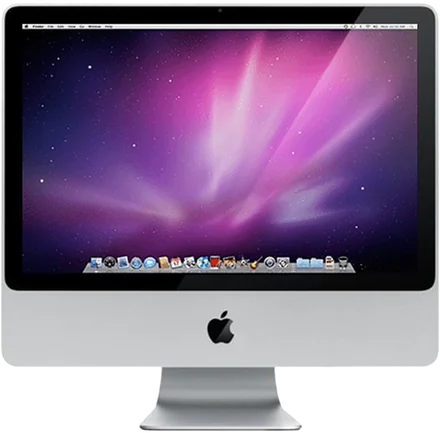
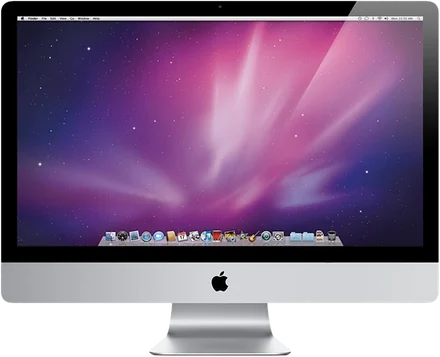
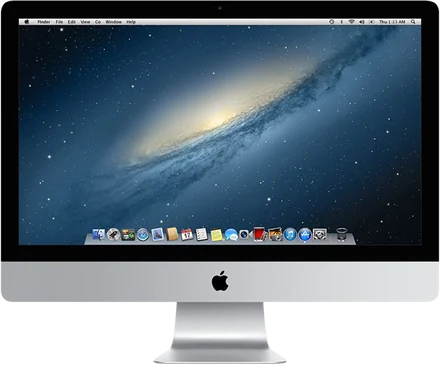
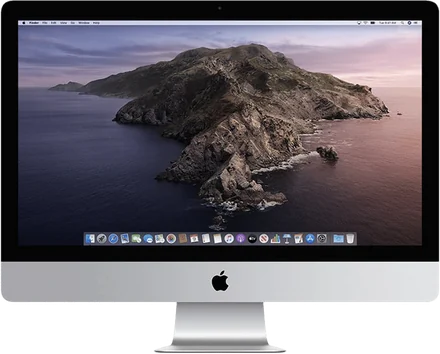
Year by year
"Encore" means the iMac runs Encore Receiver and your Mac runs Encore on macOS 14 or later. "Target Display Mode" is Apple's rule from its support page. "AirPlay to Mac" is Apple's rule for receiving AirPlay on the iMac.
| iMac | Newest macOS | Encore | Target Display Mode | AirPlay to Mac | Cable for Encore |
|---|---|---|---|---|---|
| 2007 to Early 2009 | OS X 10.11 | Yes, with Encore Receiver Legacy | Only 24-inch models from 2009 | No | Gigabit Ethernet |
| Late 2009 | macOS 10.13 | Yes | 27-inch only | No | Gigabit Ethernet |
| 2010 | macOS 10.13 | Yes | 27-inch only | No | Gigabit Ethernet |
| 2011 | macOS 10.13 | Yes | Yes, Thunderbolt | No | Gigabit Ethernet or Thunderbolt |
| 2012 | macOS 10.15 | Yes | Yes, Thunderbolt | No | Gigabit Ethernet or Thunderbolt |
| 2013 | macOS 10.15 | Yes | Yes, Thunderbolt | No | Gigabit Ethernet or Thunderbolt |
| 2014 | macOS 11 | Yes | 21.5-inch Mid 2014 only | No | Gigabit Ethernet or Thunderbolt 2 |
| 2015 | macOS 12 | Yes | No | No | Gigabit Ethernet or Thunderbolt 2 |
| 2017 | macOS 13 | Yes | No | No | Gigabit Ethernet or Thunderbolt 3 |
| 2019 | macOS 15 | Yes | No | Yes, macOS 12 or later | Gigabit Ethernet or Thunderbolt 3 |
| 2020 | macOS 26 | Yes | No | Yes, macOS 12 or later | Gigabit or 10 Gigabit Ethernet, or Thunderbolt 3 |
Apple released no new iMac in 2016 or 2018. One bought in those years is most likely the 2015 or 2017 model.
Two rules from Apple's page decide most cases. For Target Display Mode the iMac must still run macOS High Sierra 10.13.6 or earlier, so a 2012 iMac updated to Catalina has lost it. And the Mac that connects must be "introduced in 2019 or earlier using macOS Catalina 10.15.8 or earlier". No Mac sold from 2020 on, and no Mac with Apple silicon, meets that rule. The details are in Target Display Mode explained.
How to find your model
On the iMac, open the Apple menu and choose About This Mac. The window shows the size and year, for example "iMac (27-inch, Mid 2011)". That line is all you need for the table above, or for the compatibility check.
2007 to Early 2009
The white polycarbonate iMac from 2007 and the first aluminium iMacs stop at OS X 10.11 El Capitan, too old for the regular Encore Receiver. Encore Receiver Legacy is made for them: it runs on OS X 10.10 Yosemite and 10.11 El Capitan, and you get it from the download page.
What to expect: the Legacy receiver decodes the picture in software, so the picture is sent smaller, about 1440 × 900, and scaled up to the panel. Fine for a chat window, a calendar or reference documents, less so for fine detail.
Apple's Target Display Mode page names "any 24-inch or 27-inch iMac model introduced in 2009 or 2010", which includes the 24-inch iMac from early 2009. The 20-inch models and everything from 2007 and 2008 are not on the list.
Late 2009 and 2010
The 21.5-inch and 27-inch iMacs from Late 2009 and 2010 run up to macOS 10.13 High Sierra, so the regular Encore Receiver works on them. They have Gigabit Ethernet and no Thunderbolt, so the cable is Ethernet: a Gigabit adapter for your Mac and a Cat6 cable. Wi‑Fi works without anything.
Target Display Mode exists on the 27-inch models of these years, through Mini DisplayPort. The 21.5-inch models never had it. And it still needs a Mac from 2019 or earlier on the other side.
2011
The 2011 iMacs are the first with a Thunderbolt port, and they also stop at High Sierra. With Encore you can use Gigabit Ethernet or Thunderbolt: Apple's Thunderbolt 3 (USB‑C) to Thunderbolt 2 Adapter on your Mac and a Thunderbolt cable to the iMac.
Target Display Mode works on every 2011 iMac over Thunderbolt, with the same limit on the connecting Mac.
2012 and 2013
The thin iMacs from 2012 and 2013 run up to macOS 10.15 Catalina. Encore works the same way: Wi‑Fi, Gigabit Ethernet or Thunderbolt.
Target Display Mode is listed for these years, but only while the iMac itself runs High Sierra 10.13.6 or earlier. Many of these iMacs were updated to Mojave or Catalina, and then it is gone.
2014 and 2015
Here the Retina iMacs start. The 21.5-inch Mid 2014 iMac is the last model on Apple's Target Display Mode list. The 27-inch Retina 5K from Late 2014 never had it, and neither did any later iMac.
With Encore, a 4K or 5K iMac shows sharp Retina text, encoded at up to 2560 × 1440 and scaled to the panel. That is an honest limit: some paid tools claim native 5K. Our comparison of every method lists them.
2017 to 2020
The 2017, 2019 and 2020 iMacs have Thunderbolt 3 (USB‑C) ports like your Mac, so one Thunderbolt cable connects them. The 2020 model can also have 10 Gigabit Ethernet.
From 2019, the iMac can also receive AirPlay from another Mac on macOS 12 Monterey or later. That works for mirroring and a quick extended desktop; MacMost calls it "slower and less responsive" for everyday second-screen use.
iMacs with Apple silicon
The 24-inch iMacs from 2021 on are not covered here. Encore Receiver is for Intel iMacs, so an Apple silicon iMac cannot be the second screen. It can be the main Mac that uses an older iMac as its second screen.
Which cable
You need nothing for Wi‑Fi. A cable is optional and helps most with full-screen video. The rule for any cable: the whole connection must handle at least 400 Mbit/s, so Gigabit Ethernet (10/100/1000) or Thunderbolt, never a 10/100 adapter. The cable guide has a shopping list per model.
Which to use for your model, side by side: every alternative compared, the guide for MacBooks, the 5K iMac guide and the 2009 to 2011 guide.
Questions
Can a 2011 iMac be a monitor for an M2 or M4 Mac?
Yes, with Encore. Target Display Mode cannot do it, because Apple requires a Mac from 2019 or earlier on macOS Catalina or older. Encore works with any Mac on macOS 14 or later, over Wi-Fi, Ethernet or Thunderbolt.
Does a Retina 5K iMac support Target Display Mode?
No. Apple's list stops at the 21.5-inch Mid 2014 iMac. The 27-inch Retina 5K from Late 2014 and every iMac after it never had Target Display Mode.
Can I use a 2009 iMac as a second screen?
Yes. A Late 2009 iMac runs macOS 10.13 High Sierra, so it runs the regular Encore Receiver. An Early 2009 iMac uses Encore Receiver Legacy on OS X 10.10 or 10.11.
Do I need a cable?
Wi-Fi works with nothing to buy, but the picture is always lower quality than on a cable, and the iMac's keyboard and mouse only work over a cable. For monitor use, a cable is what we recommend.
What does Encore cost?
It is free during the public beta and keep it for life. There is no subscription, no account and no ads. See pricing.
Keep reading
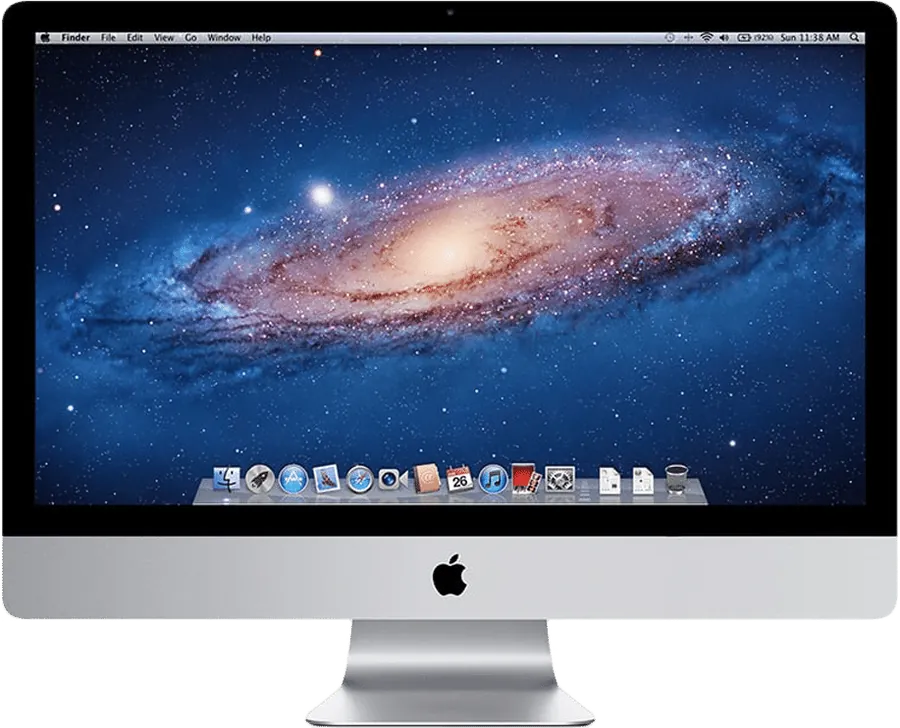
Target Display Mode explained, and why it died
Who can still use Command-F2, in Apple's own words, and what to do with a Mac from 2020 or later.
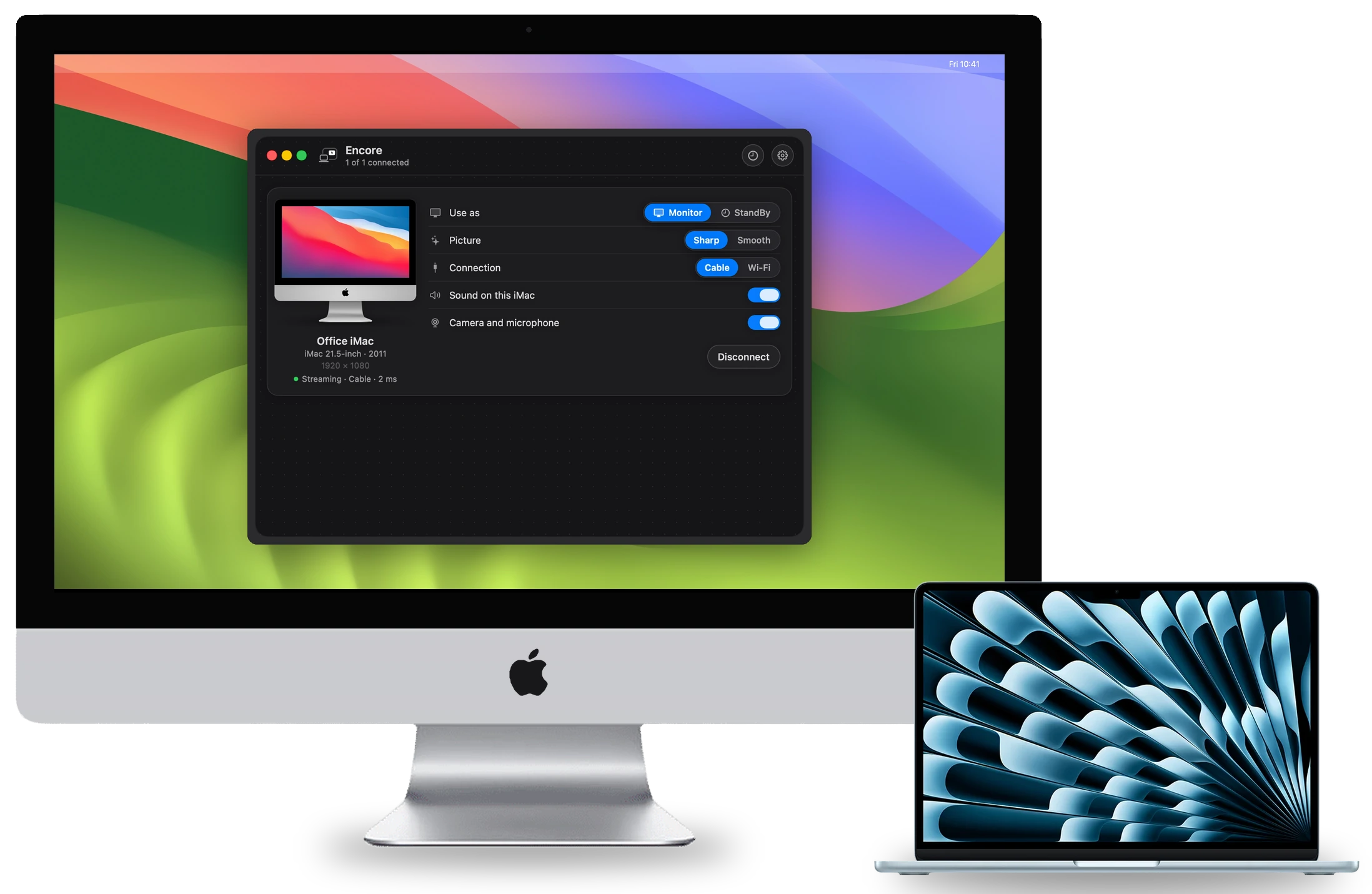
Every way to use an old iMac as a monitor, compared
Apple's options, five apps and two hardware routes, with prices and sources. Written by us, so our own limits come first.


The 27 dB problem: why second-screen text looks soft
Coloured text on a streamed screen goes soft, and more bitrate never fixes it. We measured why, and what does.
Give your old iMac a new life.
Free during the public beta, if you report what goes wrong.