
Every way to use an old iMac as a monitor.
Compared, with sources.
If your Mac is from 2020 or later, Target Display Mode is out. What is left: an app (Encore, RetinaRelay, MacDisplay, Luna Display or Duet), AirPlay to Mac if the iMac is from 2019 or later, or hardware (a capture card or a display driver board). The right one depends on the iMac's year, whether you need native 5K, and what you want to pay.
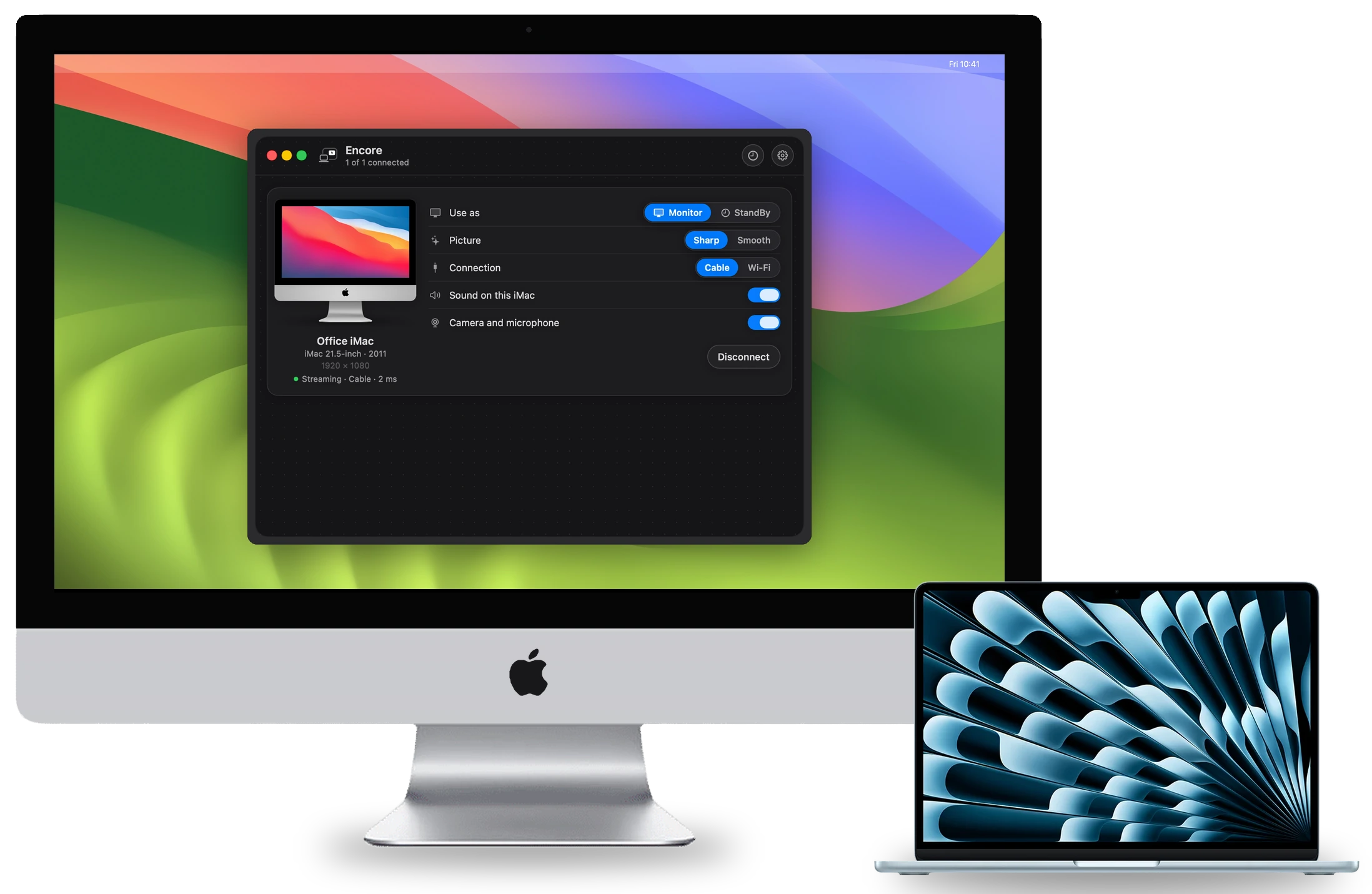
The quick decision
- iMac from 2009 to 2012: Encore (Late 2009 and up, 2007 to Early 2009 with the Legacy receiver) or Luna Display (from 2011, with a dongle). The newer paid apps start later.
- 27-inch 5K iMac, and you want native 5K: RetinaRelay or Luna Display claim it. Encore sends Retina iMacs at up to 2560 × 1440.
- You want a published latency figure: Luna Display and MacDisplay publish numbers from their own tests. Encore has not published one yet.
- Your main computer is a PC, or you also want an iPad: Luna Display or Duet.
- You want the iMac's keyboard and mouse working for your Mac over a cable, and its speakers too, for one small price: Encore is free during the public beta.
- iMac from 2019 or 2020, used now and then: AirPlay to Mac is built in.
- You never need the iMac as a computer again: a driver board turns a 27-inch 2014–2020 panel into a plain monitor.
The table
Prices and requirements as each maker listed them on 1 November 2026. "Oldest iMac" is the oldest model the maker's own requirements allow.
| Option | Price | Your Mac needs | Oldest iMac | Connection | Picture | iMac keyboard and mouse |
|---|---|---|---|---|---|---|
| Encore | Free during the public beta | macOS 14 or later | Late 2009 (2007 with Legacy) | Wi‑Fi, Gigabit Ethernet, Thunderbolt | Retina iMacs at up to 2560 × 1440; latency not yet published | Yes, over a cable |
| Target Display Mode | Free | A Mac from 2019 or earlier, macOS 10.15.8 or earlier | 2009 | Mini DisplayPort or Thunderbolt only | Native panel | No |
| AirPlay to Mac | Free | macOS 12 or later | 2019 | Network | "Slower and less responsive" (MacMost) | No |
| Luna Display | $89.99 USB-C dongle | macOS 10.13 or later, USB-C port | 2011 | USB, Ethernet, Wi‑Fi, Thunderbolt | Native 5K with the USB-C unit; maker states 1 to 4 ms wired, 7 to 25 ms on Wi-Fi | No |
| Duet Air or Pro | $49.99 or $79.99 a year | macOS 10.13 or later | Not stated | Wi‑Fi; Thunderbolt on macOS 12.3 or later | "60 frames per second with zero lag" (maker's claim) | No |
| RetinaRelay | $49 once | macOS 13 or later | Late 2012 | Thunderbolt, USB, Gigabit Ethernet; Wi‑Fi fallback | Native 5K at 60 fps (maker's claim) | Not stated |
| MacDisplay | €29.99 + VAT once; limited free tier | macOS 12.3 or later | 2014 | Thunderbolt 3 or later, Gigabit Ethernet, Wi‑Fi | About 70–80 ms in the maker's own photographed tests | Keyboard and mouse sharing |
| Capture card + app | About $20 card | Any HDMI output | 2019 | HDMI | Capture-card quality | No |
| Driver board | From about $170 for a board; $449 for one full kit we checked, plus the work | Any DisplayPort or HDMI output | 27-inch, 2014 | Cable | Native 5K | No, the computer is removed |
Apple's built-in options
Target Display Mode
The cleanest picture of all: a real monitor over a cable. But it only works with a Mac introduced in 2019 or earlier on macOS Catalina or older, per Apple's support page. The rules are in Target Display Mode explained.
AirPlay to Mac
Needs an iMac from 2019 or later on macOS 12 Monterey or later (TidBITS). It is built in and free. MacMost calls it "slower and less responsive" than a cable for everyday second-screen work. In practice that means the 2019 and 2020 iMacs.
Sidecar, Universal Control, Screen Sharing
Sidecar is for an iPad, not a Mac. Universal Control shares a keyboard and mouse between Macs but not a screen; Apple lists iMacs from 2017 and the 5K Late 2015 (Apple). Screen Sharing mirrors the other Mac instead of extending your desktop.
Apps
Encore
Encore is ours. It is free during the public beta: no account, no dongle, no subscription. It reaches the oldest iMacs: every Intel iMac from Late 2009 to 2020 on macOS 10.13 or later, and 2007 to Early 2009 with Encore Receiver Legacy. It works over Wi‑Fi, Gigabit Ethernet or Thunderbolt.
It is built from scratch: its own encrypted protocol, lossless tiles for still text, frames timed to the iMac's refresh, and Ultra with ProRes 4444 over a cable. Over a cable, the iMac's own keyboard and mouse can control your Mac, your Mac's sound can play on one or more iMacs at once, and when the iMac isn't a screen it shows StandBy: a clock with weather and your calendar.
Where Encore is weaker, plainly:
- No published latency yet. Our figures are design targets until we publish measurements per iMac model.
- Retina iMacs are encoded at up to 2560 × 1440, not native 5K.
- It needs macOS 14 or later on your Mac. RetinaRelay accepts 13, MacDisplay 12.3, Luna and Duet 10.13.
- macOS asks once before it opens the app. The install guide shows the clicks.
- It is young. The picture is still being checked model by model.
Luna Display
A small hardware dongle by Astropad that plugs into your main Mac. Astropad lists the USB-C unit at $89.99, supports iMacs from 2011, and needs macOS 10.13 on both Macs and a USB-C port on the main one (requirements). It does native 5K with the USB-C unit and works with PC hosts too. Astropad's support page states 1 to 4 ms wired and 7 to 25 ms on Wi-Fi; its 2018 test measured 11.3 ms over USB and 22.4 ms over Wi-Fi, on an iPad. Pick it for native 5K on a 2011-or-later iMac if you don't mind the dongle.
Duet
Subscriptions: on the US App Store, Starter $39.99 a year, Air $49.99 and Pro $79.99, or monthly. It has a page for exactly this job and also covers iPads, Android and PCs. Thunderbolt needs macOS 12.3 or later on both Macs.
RetinaRelay
Launched in October 2026: $49 once, one host Mac and unlimited iMacs, a 7-day trial. The host needs macOS 13 or later; the iMac must be Late 2012 or later on macOS 10.15 or later. It is built for cables and claims native 5K at 60 fps. MacGeneration covered it. Pick it for a 5K iMac on a cable at native resolution.
MacDisplay
€29.99 plus VAT, once, for three Macs, with a free tier limited to 10-minute sessions and 60 minutes a day. The receiving iMac needs macOS 11 or later, so 2014 or later. It is notarized, and its own photographed Ethernet tests show about 70–80 ms. It also shares one keyboard and mouse between the two Macs.
Two more
Yam Air Desk ($7.99 after a trial, receiving Mac on macOS 10.15 or later), and Spantop, which needs macOS 14 on Apple silicon and so doesn't run on an Intel iMac.
Hardware
A capture card (about $20) with an HDMI viewer app turns the iMac into a window onto any HDMI source. The iMac needs macOS 14 or later, so in practice a 2019 or 2020 model (9to5Mac).
A display driver board replaces the computer inside a 27-inch 2014–2020 iMac, so the panel becomes a plain 5K monitor. One kit we checked is listed at $449 on Macfixit's Australian store, and bare boards start around $170. The iMac stops being a computer: no macOS, no camera, no speakers. The full comparison.
Keeping the iMac's own system alive
OpenCore Legacy Patcher installs newer macOS versions on unsupported Macs, which can bring AirPlay to Mac to a 2012–2015 iMac. It works for many people, but it patches the operating system and has model-specific limits.
How we keep this fair
We list where others are better, link every number to its source and date the prices. If something here is wrong or out of date, tell us and we will fix it. Encore against each app, with where each one wins: Encore vs the alternatives, including a page per option such as Luna Display, Duet, RetinaRelay and Target Display Mode. To check your own model first, see the year-by-year guide, the compatibility page or the cable guide.
Questions
Is there a free way to use an old iMac as a second screen?
If the iMac is from 2019 or later, AirPlay to Mac is free and built in. Target Display Mode is free but needs a Mac from 2019 or earlier on Catalina or older. Encore costs Free during the public beta.
Which option gives native 5K on a 5K iMac?
RetinaRelay and Luna Display (with its USB-C unit) claim native 5K. Encore sends Retina iMacs at up to 2560 × 1440. A display driver board gives native 5K too, but removes the computer.
Which option works with the oldest iMacs?
Encore covers Late 2009 to 2020 with its regular receiver and 2007 to Early 2009 with Encore Receiver Legacy. Luna Display starts at 2011, RetinaRelay at Late 2012 and MacDisplay at 2014.
Do I need a dongle?
Only for Luna Display. Encore, RetinaRelay, MacDisplay and Duet are software only.
Which is fastest?
Only some makers publish their own figures: Astropad states 1 to 4 ms wired and 7 to 25 ms on Wi-Fi for Luna Display, Second Display about 9 ms over Thunderbolt and MacDisplay about 70 to 80 ms in its own Ethernet tests. Encore has not published a measurement yet. None of these were measured independently.
Keep reading
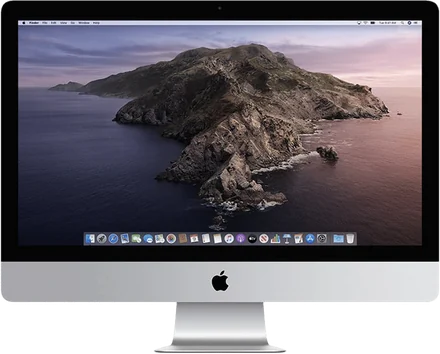
Which old iMac can be a second screen?
One table for every Intel iMac, from the white 2007 model to the last 27-inch 5K, with what works with a Mac you buy today.
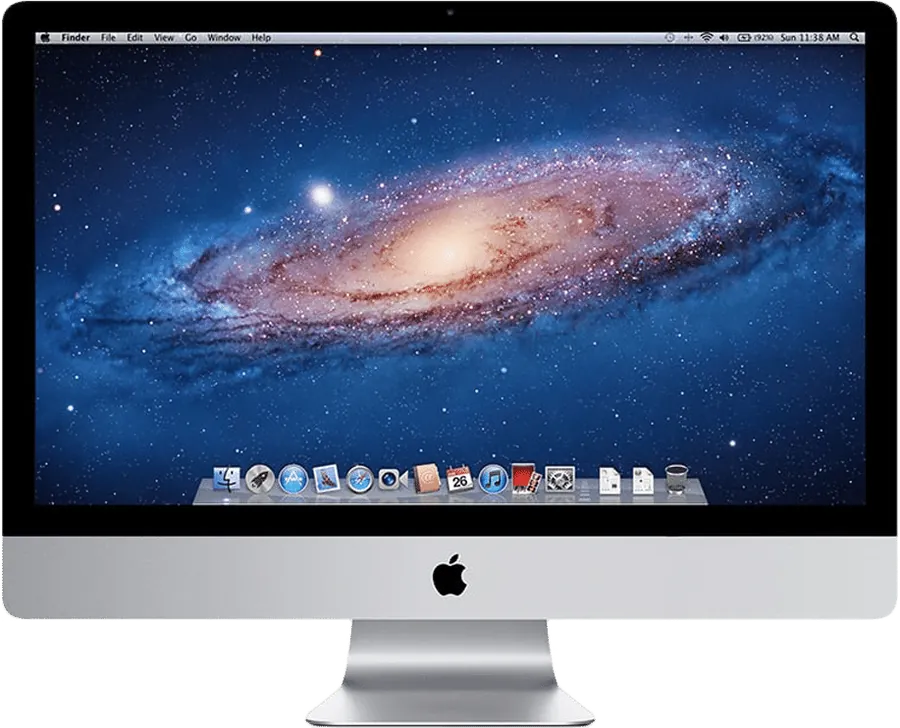
Target Display Mode explained, and why it died
Who can still use Command-F2, in Apple's own words, and what to do with a Mac from 2020 or later.
The 27 dB problem: why second-screen text looks soft
Coloured text on a streamed screen goes soft, and more bitrate never fixes it. We measured why, and what does.
Give your old iMac a new life.
Free during the public beta, if you report what goes wrong.