
The right cable
for your old iMac.
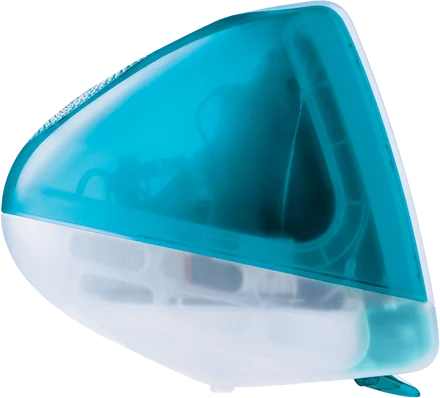
We strongly recommend a cable for the best performance. Encore needs at least 400 Mbps between your Mac and the iMac. Here is exactly what to buy.
That is what the sharp, lossless picture needs: every pixel exactly as on your Mac.
Wi-Fi works, but it is compressed. Text gets a little softer while things move and is exact again once the screen is still. A cable that carries 400 Mbps or more removes that.
The slowest part counts. One slow adapter, hub or cable in the path, and the whole connection is slow.
Why a cable wins.
Where each kind of link lands against the 400 Mbps line.
Wi-Fi
Nothing to buy. Both Macs on the same network, on 5 GHz.
A good picture, compressed while things move and exact again when still.
Gigabit Ethernet
Roughly €15 to €30 for a USB-C adapter and €5 to €15 for the cable. Nothing if your Mac has an Ethernet port.
The sharp, lossless picture on every iMac, and Ultra on a 1080p iMac.
Thunderbolt
Roughly €55 for Apple's adapter and €30 to €45 for a Thunderbolt 2 cable. A Thunderbolt 3 or 4 cable is €20 to €80, depending on length.
The sharp, lossless picture at any size, and Ultra up to 1440p.
Encore uses the cable first. As soon as it finds one, every new connection starts on it. Why Wi-Fi text gets soft while it moves
Your shopping list.
Pick your iMac. Every iMac from Late 2009 has Gigabit Ethernet; from 2011 there is a Thunderbolt port too.
Not sure? On the iMac, open the Apple menu → About This Mac. It shows the model and year.
Your iMac has a Gigabit Ethernet port and no Thunderbolt, so Ethernet is the way.
Gigabit Ethernet
- A USB-C to Gigabit Ethernet adapter for your Mac. It must say Gigabit or 10/100/1000. Skip it if your Mac has an Ethernet port.
- A Cat6 Ethernet cable (Cat5e also works), long enough to reach the iMac.
- Plug the cable into the Ethernet port on the back of the iMac.
Up to 1000 Mbps: well above the 400 Mbps minimum.
Your iMac has Gigabit Ethernet and a Thunderbolt port. Either works.
Gigabit Ethernet
- A USB-C to Gigabit Ethernet adapter for your Mac. It must say Gigabit or 10/100/1000. Skip it if your Mac has an Ethernet port.
- A Cat6 Ethernet cable (Cat5e also works).
- Plug it into the Ethernet port on the back of the iMac.
Up to 1000 Mbps: well above the 400 Mbps minimum.
Thunderbolt or
- Apple's Thunderbolt 3 (USB-C) to Thunderbolt 2 Adapter for your Mac.
- A Thunderbolt cable. Thunderbolt 2 cables fit the iMac's Thunderbolt port.
Several Gbps: far above 400 Mbps. The extra helps full-screen video.
Your iMac has Gigabit Ethernet and Thunderbolt 2 ports. Either works.
Gigabit Ethernet
- A USB-C to Gigabit Ethernet adapter for your Mac. It must say Gigabit or 10/100/1000. Skip it if your Mac has an Ethernet port.
- A Cat6 Ethernet cable (Cat5e also works).
- Plug it into the Ethernet port on the back of the iMac.
Up to 1000 Mbps: well above the 400 Mbps minimum.
Thunderbolt 2 or
- Apple's Thunderbolt 3 (USB-C) to Thunderbolt 2 Adapter for your Mac.
- A Thunderbolt 2 cable.
Several Gbps: far above 400 Mbps. The extra helps full-screen video.
Your iMac has Thunderbolt 3 (USB-C) ports, just like your Mac. One cable is enough.
One Thunderbolt cable
- A Thunderbolt 3 or Thunderbolt 4 cable, USB-C on both ends. Look for the lightning-bolt logo: a plain USB-C charging cable won't do.
- Plug it into a Thunderbolt port on the back of the iMac and into your Mac.
Many Gbps: far above the 400 Mbps minimum.
Gigabit Ethernet or
- A USB-C to Gigabit Ethernet adapter for your Mac. It must say Gigabit or 10/100/1000.
- A Cat6 Ethernet cable (Cat5e also works).
Up to 1000 Mbps: also above the 400 Mbps minimum.
Every iMac, side by side.
The ports on the back, what to buy and what you get.
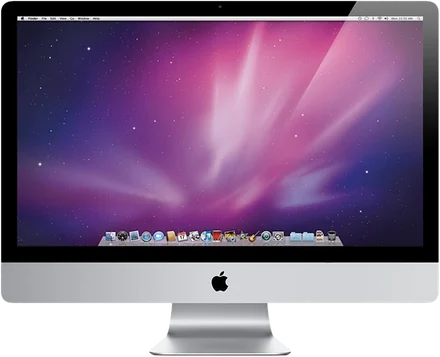 Late 2009 to 201021.5- and 27-inch |
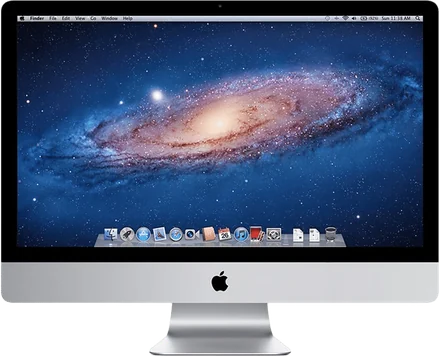 2011 to 201321.5- and 27-inch |
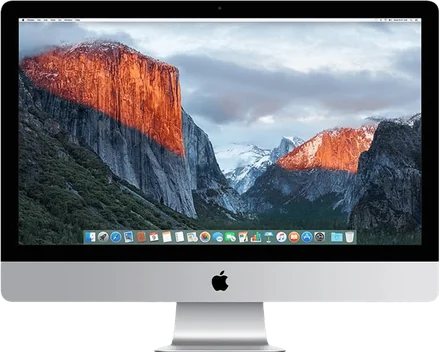 2014 to 2015Including the first Retina 4K and 5K |
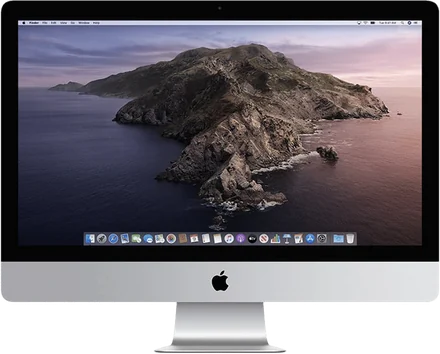 2017 to 2020Retina 4K and 5K |
|---|---|---|---|
| Ports on the iMac | |||
| Gigabit Ethernet | Gigabit Ethernetand Thunderbolt | Gigabit Ethernetand Thunderbolt 2 | Thunderbolt 3 (USB-C)and Gigabit Ethernet10 Gigabit Ethernet as an option on 2020 |
| Buy this | |||
| EthernetA USB-C to Gigabit Ethernet adapter that says Gigabit or 10/100/1000, and a Cat6 cableNo adapter if your Mac has an Ethernet port | ThunderboltApple's Thunderbolt 3 (USB-C) to Thunderbolt 2 Adapter and a Thunderbolt 2 cable | Thunderbolt 2Apple's Thunderbolt 3 (USB-C) to Thunderbolt 2 Adapter and a Thunderbolt 2 cable | One Thunderbolt cableThunderbolt 3 or 4, USB-C on both ends, with the lightning-bolt logo |
| Or | |||
| Wi-Fi on 5 GHz | Gigabit Ethernet: adapter and Cat6 cable | Gigabit Ethernet: adapter and Cat6 cable | Gigabit Ethernet: adapter and Cat6 cable |
| Roughly costs | |||
| €15 to €30 adapter €5 to €15 cable | €55 adapter €30 to €45 cable | €55 adapter €30 to €45 cable | €20 to €80 cable depending on length |
| You get | |||
| Up to 1000 MbpsThe sharp, lossless picture, and Ultra on a 1080p iMac | Several GbpsThe sharp, lossless picture at any size, and Ultra up to 1440p | Several GbpsThe sharp, lossless picture at any size, and Ultra up to 1440p | Many GbpsThe sharp, lossless picture at any size, and Ultra up to 1440p |
Late 2009 to 201021.5- and 27-inch- Ports
- Gigabit Ethernet
- Buy this
- A USB-C to Gigabit Ethernet adapter that says Gigabit or 10/100/1000, and a Cat6 cable. No adapter if your Mac has an Ethernet port.
- Or
- Wi-Fi on 5 GHz
- Roughly costs
- €15 to €30 adapter, €5 to €15 cable
- You get
- Up to 1000 Mbps: the sharp, lossless picture, and Ultra on a 1080p iMac
2011 to 201321.5- and 27-inch- Ports
- Gigabit Ethernet and Thunderbolt
- Buy this
- Apple's Thunderbolt 3 (USB-C) to Thunderbolt 2 Adapter and a Thunderbolt 2 cable
- Or
- Gigabit Ethernet: adapter and Cat6 cable
- Roughly costs
- €55 adapter, €30 to €45 cable
- You get
- Several Gbps: the sharp, lossless picture at any size, and Ultra up to 1440p
2014 to 2015Including the first Retina 4K and 5K- Ports
- Gigabit Ethernet and Thunderbolt 2
- Buy this
- Apple's Thunderbolt 3 (USB-C) to Thunderbolt 2 Adapter and a Thunderbolt 2 cable
- Or
- Gigabit Ethernet: adapter and Cat6 cable
- Roughly costs
- €55 adapter, €30 to €45 cable
- You get
- Several Gbps: the sharp, lossless picture at any size, and Ultra up to 1440p
2017 to 2020Retina 4K and 5K- Ports
- Thunderbolt 3 (USB-C) and Gigabit Ethernet; 10 Gigabit Ethernet as an option on 2020
- Buy this
- One Thunderbolt 3 or 4 cable, USB-C on both ends, with the lightning-bolt logo
- Or
- Gigabit Ethernet: adapter and Cat6 cable
- Roughly costs
- €20 to €80 for the cable, depending on length
- You get
- Many Gbps: the sharp, lossless picture at any size, and Ultra up to 1440p
Straight from the Mac to the iMac, or both through a Gigabit router or switch. Not sure about your model? Check your iMac.
Six things that slow it down.
Each of these caps the whole connection below 400 Mbps.
A 10/100 adapter
A cheap USB adapter that says 10/100 does 100 Mbps. It must say Gigabit or 10/100/1000.
A USB 2.0 hub
Between the Mac and the adapter, it slows everything. Plug the adapter straight into the Mac.
An old Cat5 cable
Cat5 from before 2001, without the e, was made for 100 Mbps. Use Cat5e or Cat6.
Powerline adapters
The box says 1000. The wall gives far less, and it varies by the hour.
A router with 100 Mbps ports
Many older or cheap routers have a 10/100 switch inside. Check the port label, or run the cable straight from the Mac to the iMac.
One side on Wi-Fi
If the Mac is on Wi-Fi and the iMac on a cable, the Wi-Fi hop sets the speed.
How you know
it worked.
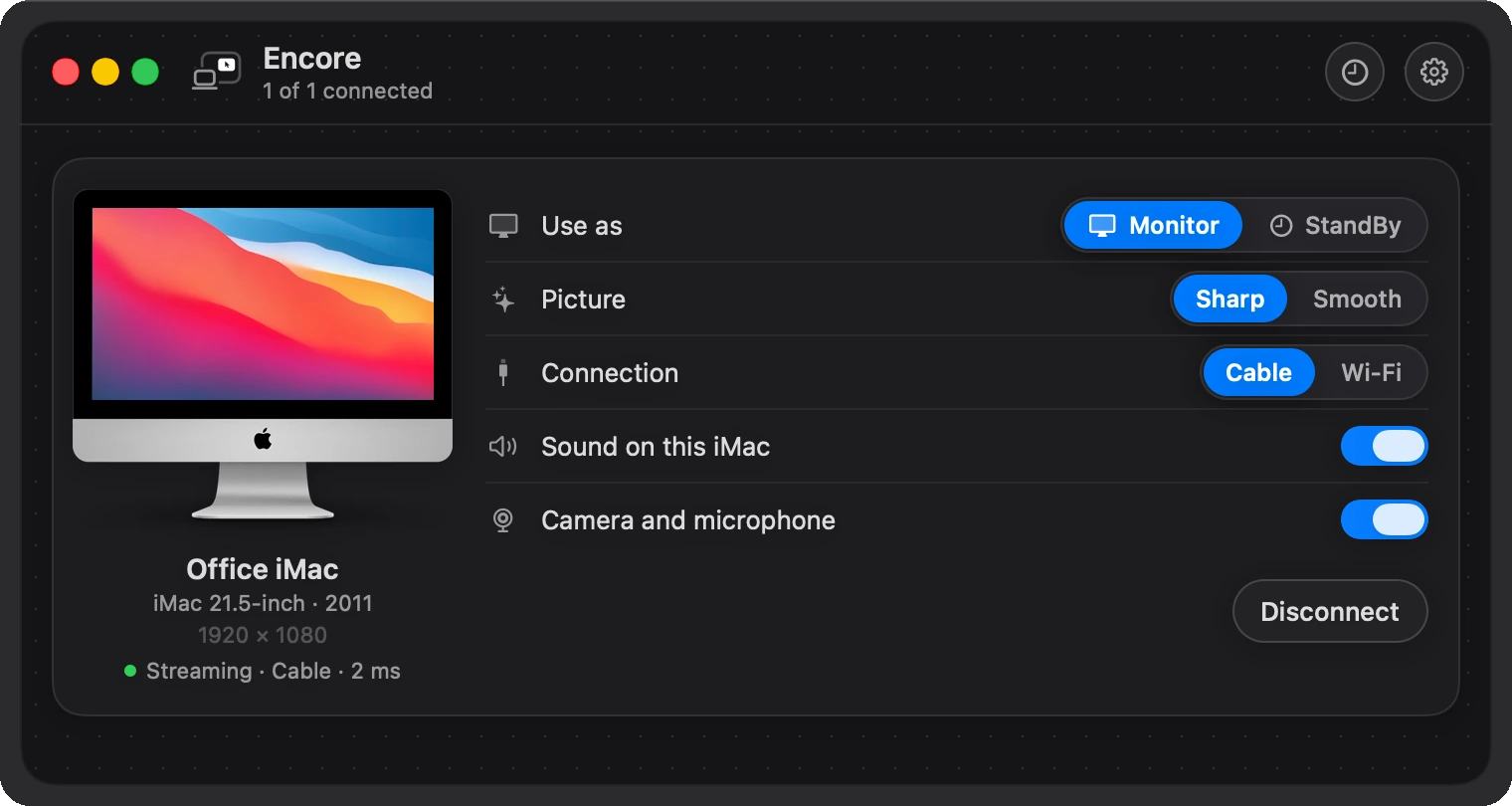
- On the Mac, the iMac's card offers Cable and marks it Recommended as soon as it finds the cable.
- While the picture goes over the cable, the meter shows the delay, the frame rate and the data rate.
- Too slow? The card says so: “This adapter only does 100 Mbit/s.” If the cable keeps dropping out, it asks you to plug the adapter straight into the Mac.
- Over Wi-Fi, one line tells you when your Mac or the iMac is on 2.4 GHz, when the signal is weak, or when the link is slow.
Questions
Do I need a cable for Encore?
Wi-Fi works with nothing to buy, but we strongly recommend a cable for the best performance. Over Wi-Fi the picture is compressed while things move. A cable that carries at least 400 Mbps gives the sharp, lossless picture, and Ultra only runs over a cable.
How fast must the connection be?
At least 400 Mbps between your Mac and the iMac, end to end. The slowest part counts: one slow adapter, hub, cable or router port in the path and the whole connection is slow.
Which cable do I need for a 2011 to 2015 iMac?
Gigabit Ethernet: a USB-C to Gigabit Ethernet adapter for your Mac and a Cat6 cable. Or Thunderbolt: Apple's Thunderbolt 3 (USB-C) to Thunderbolt 2 Adapter and a Thunderbolt 2 cable, which fits the iMac's Thunderbolt port.
Which cable do I need for a 2017 to 2020 iMac?
One Thunderbolt 3 or Thunderbolt 4 cable with USB-C on both ends and the lightning-bolt logo. A plain USB-C charging cable won't do. Gigabit Ethernet works too.
Does a USB-C charging cable work?
No. Use a Thunderbolt 3 or 4 cable with the lightning-bolt logo, or Gigabit Ethernet.
Can the cable go through my router?
Yes, if the router has Gigabit ports. Many older or cheap routers have 100 Mbps ports, which is not enough. Check the port label, or run the cable straight from the Mac to the iMac.
Cable in? Pair once.
Open both apps and type the iMac's 4-digit code on your Mac. From then on the iMac connects by itself.