
Encore USB.
For the iMac that won't start.
Make a USB stick, plug it in, hold the Option key, and the old iMac comes back as a screen for your Mac.
Coming soon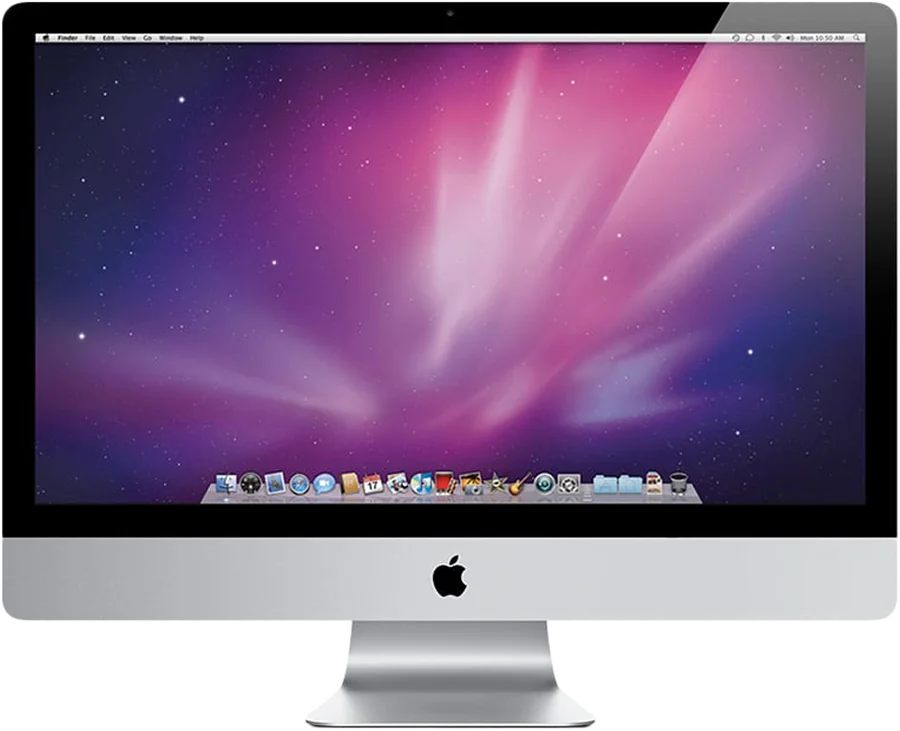
How it will work.
- Make the stickThe installer writes Encore to any USB stick of 8 GB or more, from your Mac, in a few minutes.
- Put it in the iMacThe iMac that no longer starts: a dead hard drive, a broken macOS, or a version that is simply too old.
- Hold the Option keySwitch the iMac on and hold Option (⌥) at the start-up chime. Pick Encore, and the iMac starts straight from the stick.
- Use it againNo macOS needed and nothing to set up. Your Mac finds the iMac, just like with the Encore Receiver app.
Not available yet.
An iMac that still starts can run Encore today with the Encore Receiver app.