
Press kit.
Facts and logos, free to use.
Everything you need to write about Encore, in one place.
The facts
- Product
- Encore turns an old Intel iMac into a second screen for a Mac, and into a smart display (clocks, AirPlay music, Hey Mac) when you stop.
- Apps
- Encore (for the Mac) and Encore Receiver (for the iMac)
- Slogan
- Give your old iMac a new life.
- Price
- Free during the public beta. No subscription, no account, no ads.
- Licence
- Proprietary, lifetime licence
- iMac
- Intel iMac, Late 2009 to 2020, macOS 10.13 or later. 2007 to Early 2009 with Encore Receiver Legacy.
- Mac
- macOS 14 Sonoma or later, Apple silicon or Intel
- Connections
- Wi‑Fi, Gigabit Ethernet, Thunderbolt
- Features
- Extended display, StandBy, AirPlay, Hey Mac, the iMac's keyboard, mouse and speakers, several iMacs, Ultra over a cable
- Technology
- Built from scratch: its own encrypted protocol, lossless tiles for still text, frames timed to the iMac's refresh, Ultra with ProRes 4444 over a cable
- Latency
- Design target: under 25 ms on a cable, around 60 ms on Wi‑Fi (not yet measured)
- Version
- 0.8.5, updates itself
- Made in
- Ghent, Belgium
Logo and icons
Keep the logo black or white on a calm background, and write the name as Encore.


Screens
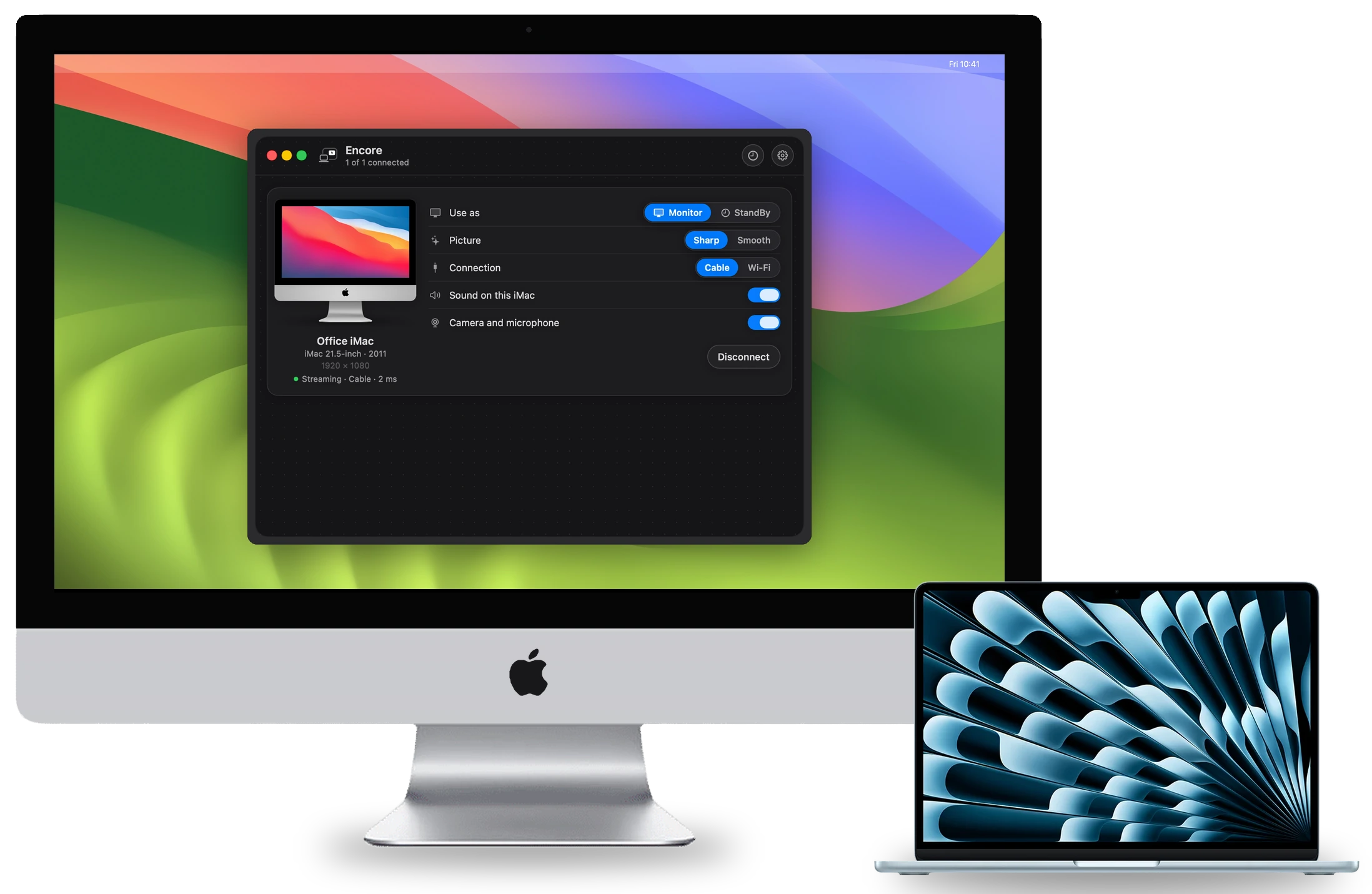
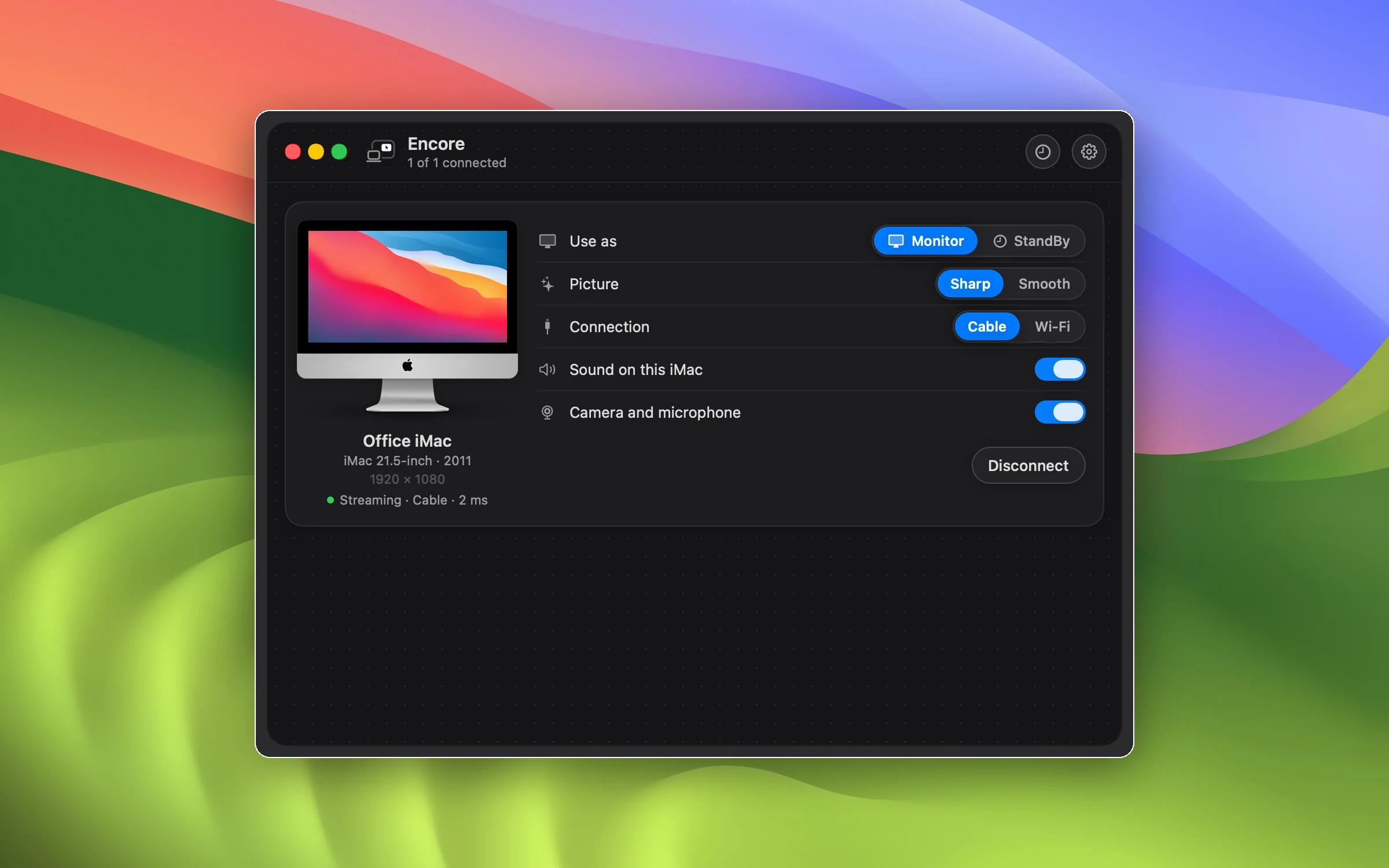
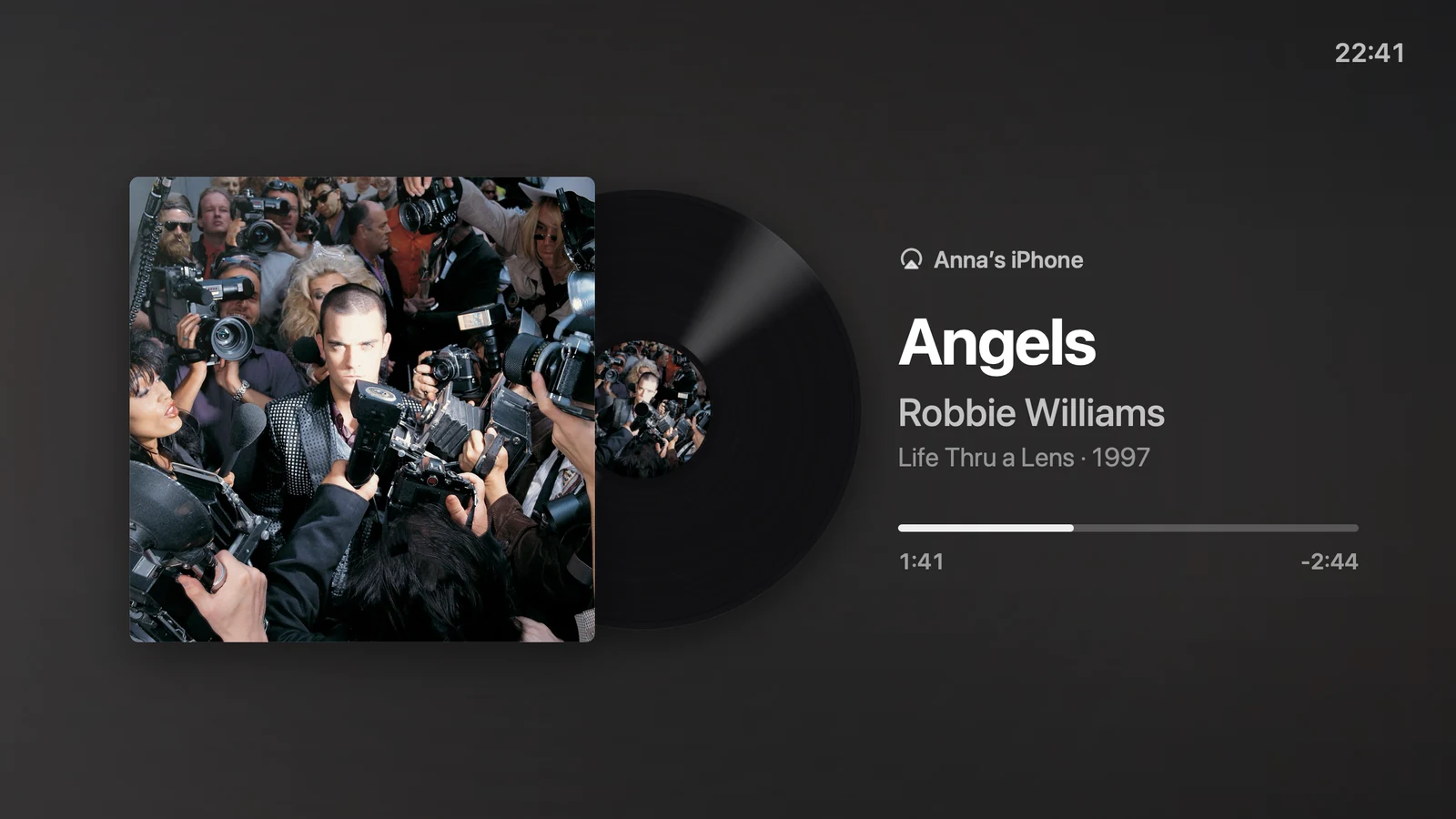
Real renders of both apps. The iMac and MacBook photos and the desktop pictures are © Apple Inc.
Contact
Interviews and questions go to Thibault, who builds Encore in Ghent, Belgium. Reach him through the Encore page on GitHub.