
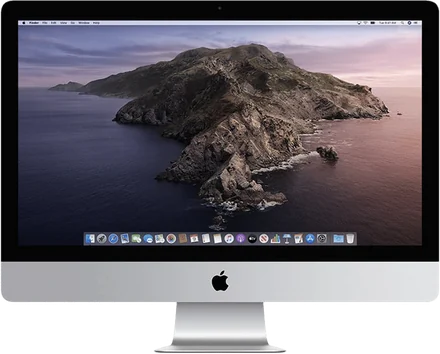
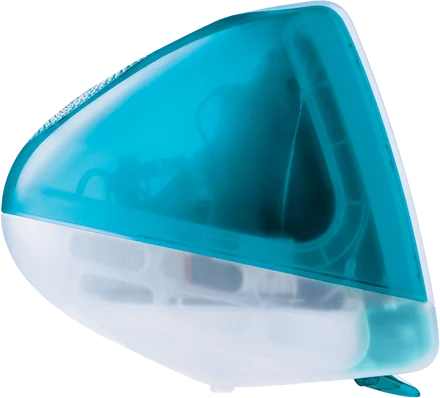
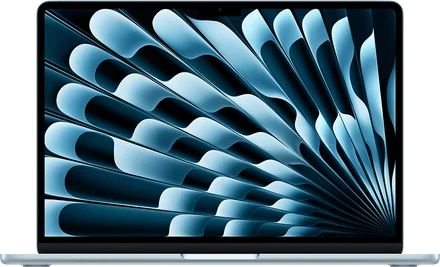
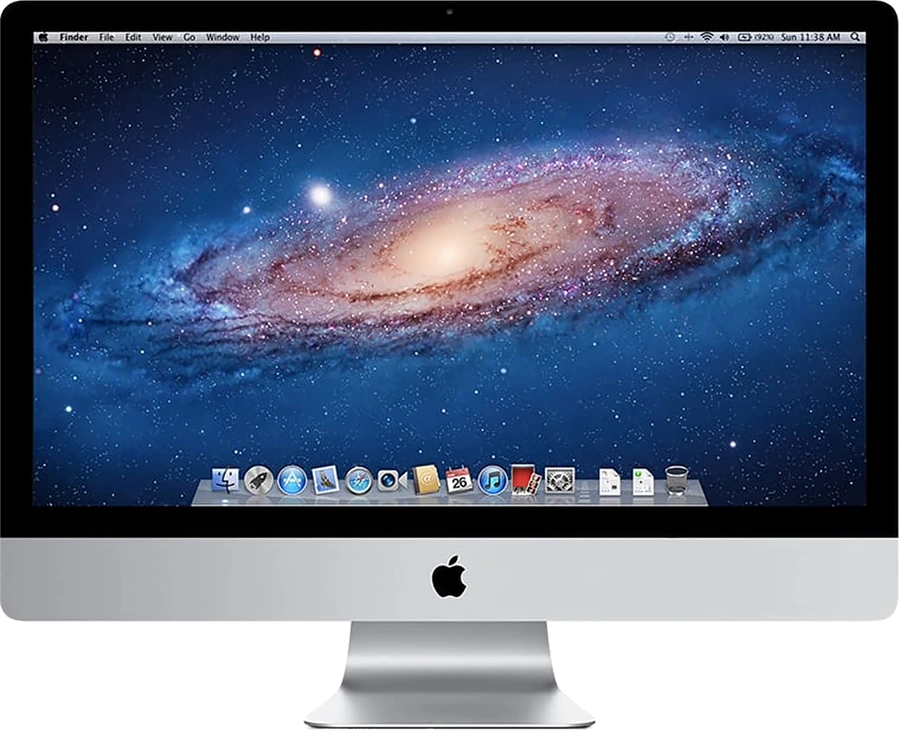
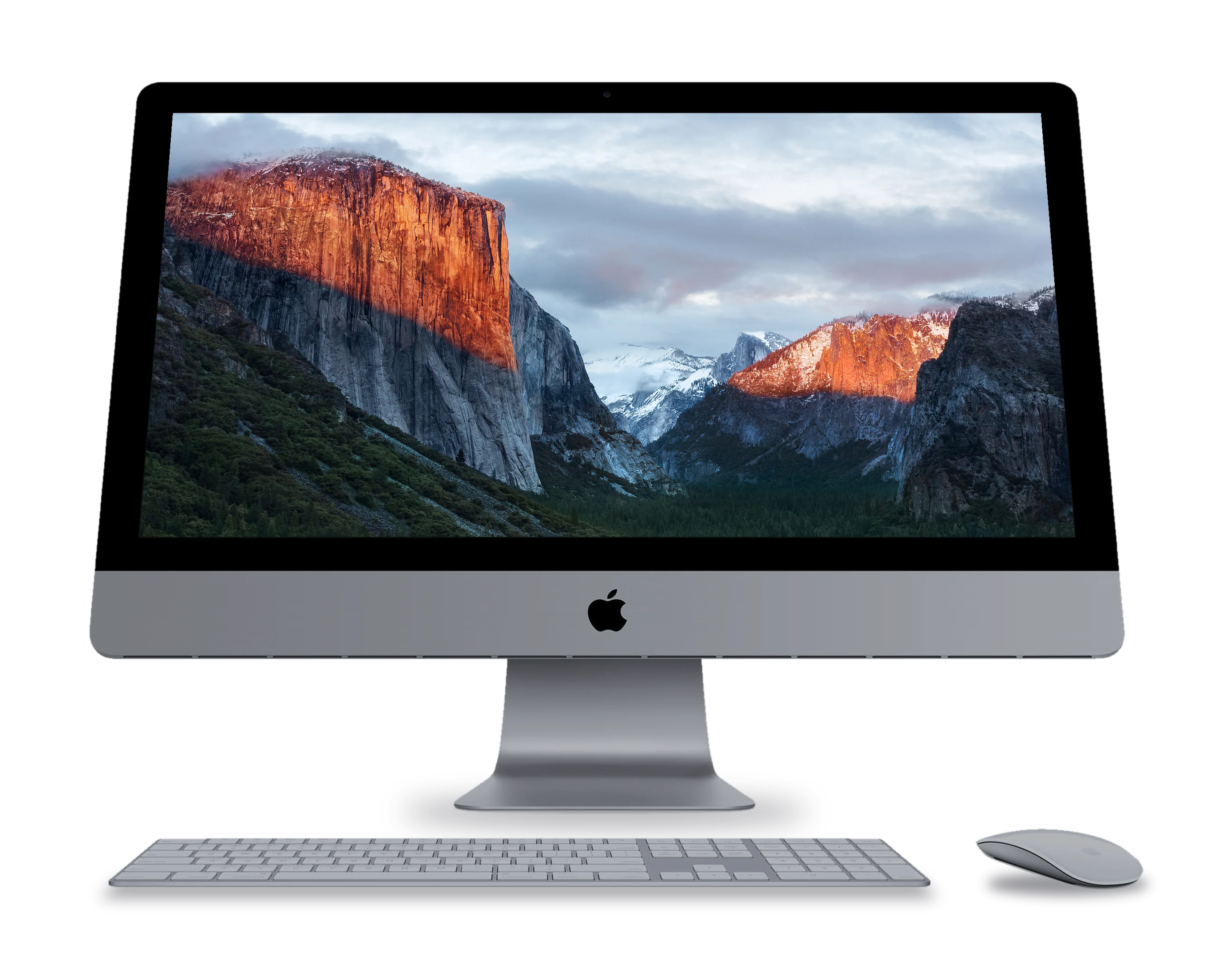
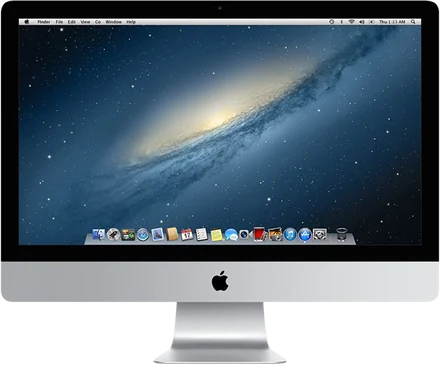
Your Mac sees the iMac as one more display. Drag windows onto it, arrange it in Displays.
Turn your old iMac into a second screen and a smart display
Encore for your Mac and your old iMac.
A second screen at work, a smart display after.
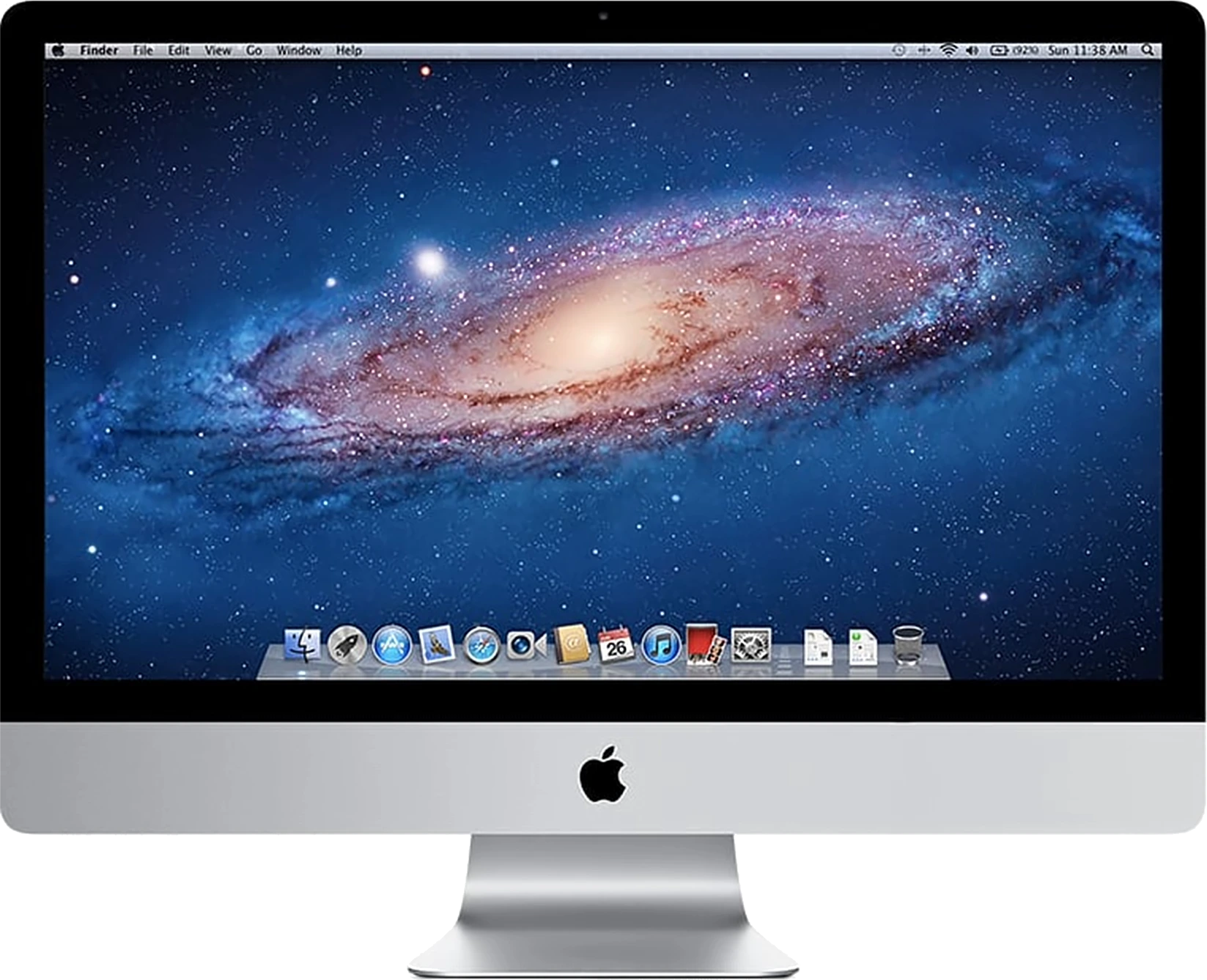
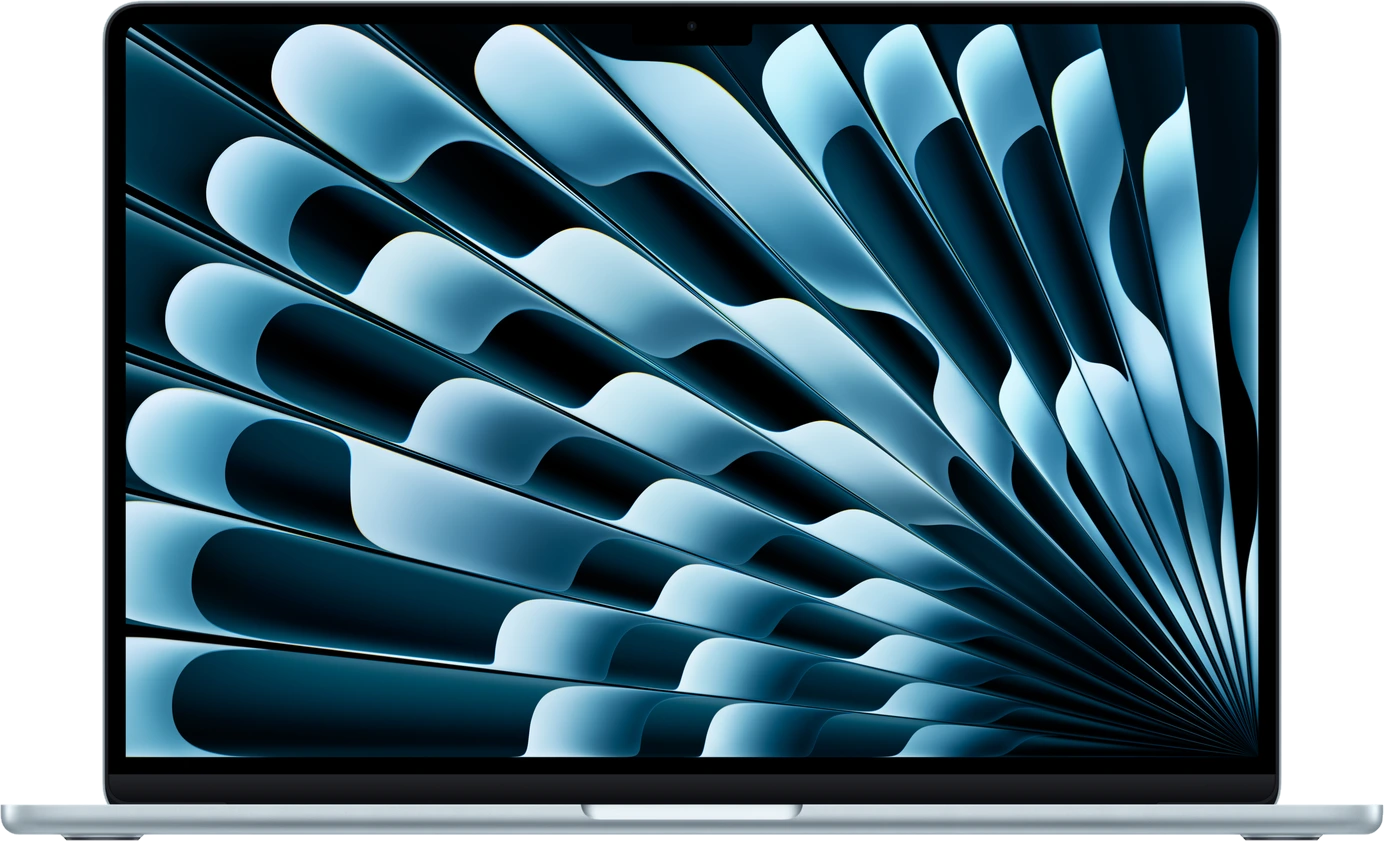
Works with every Intel iMac
from 2007 to 2020.
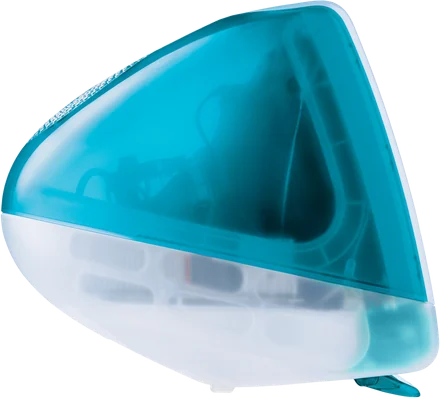
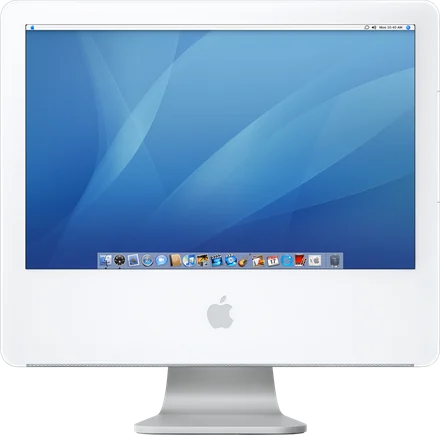
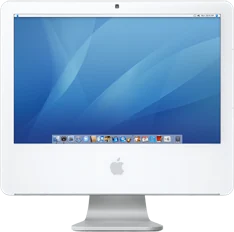
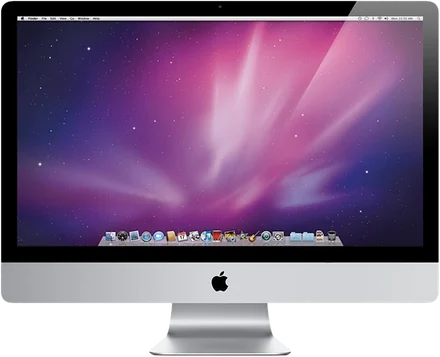
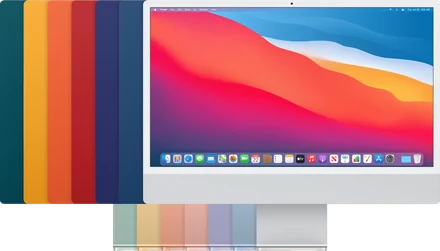
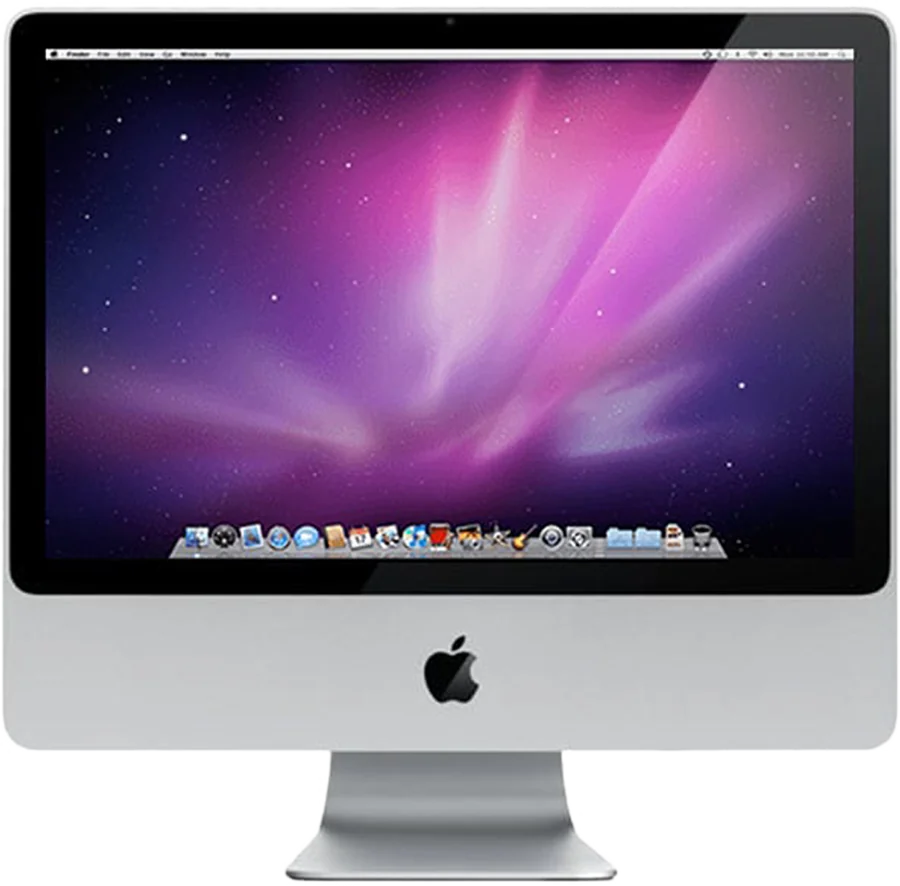 iMac, Aluminium2007 to Early 2009, with Encore Receiver Legacy.
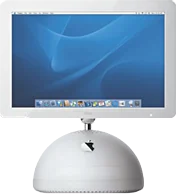
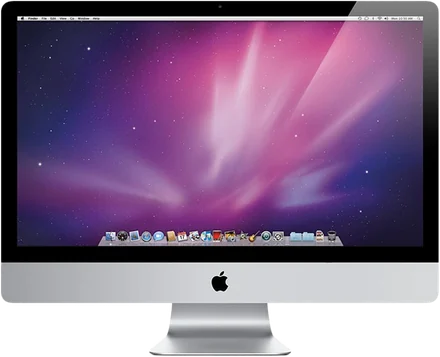
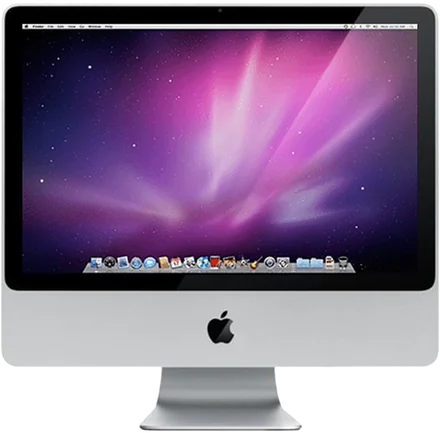
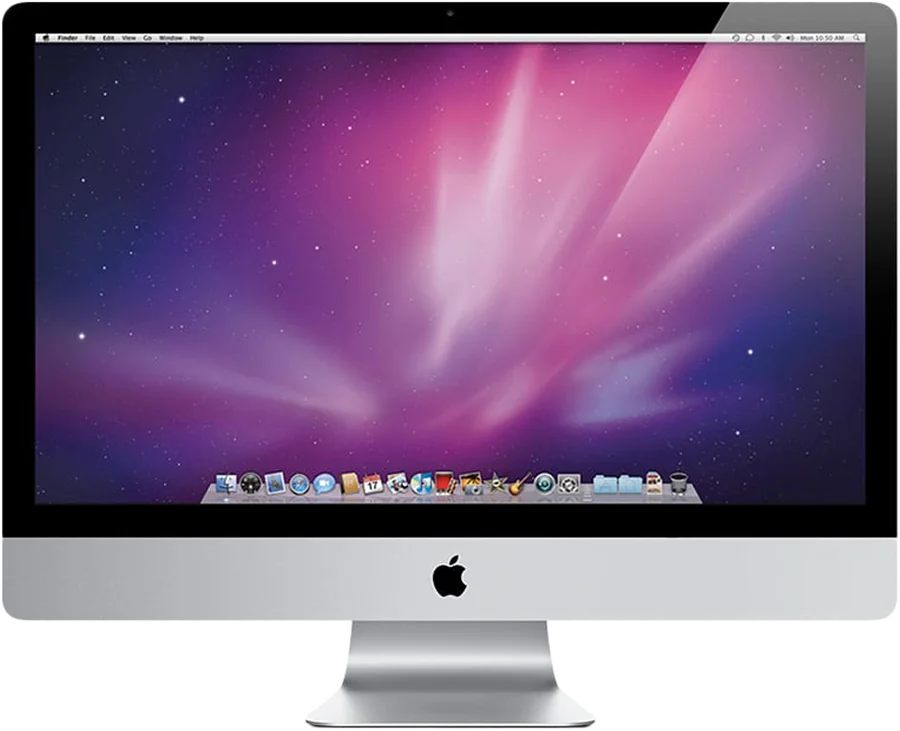 iMac 21.5″ and 27″The first 27-inch. Late 2009 and 2010.
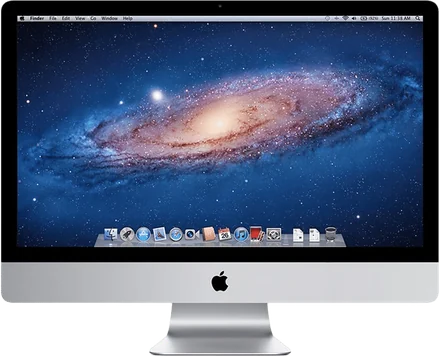
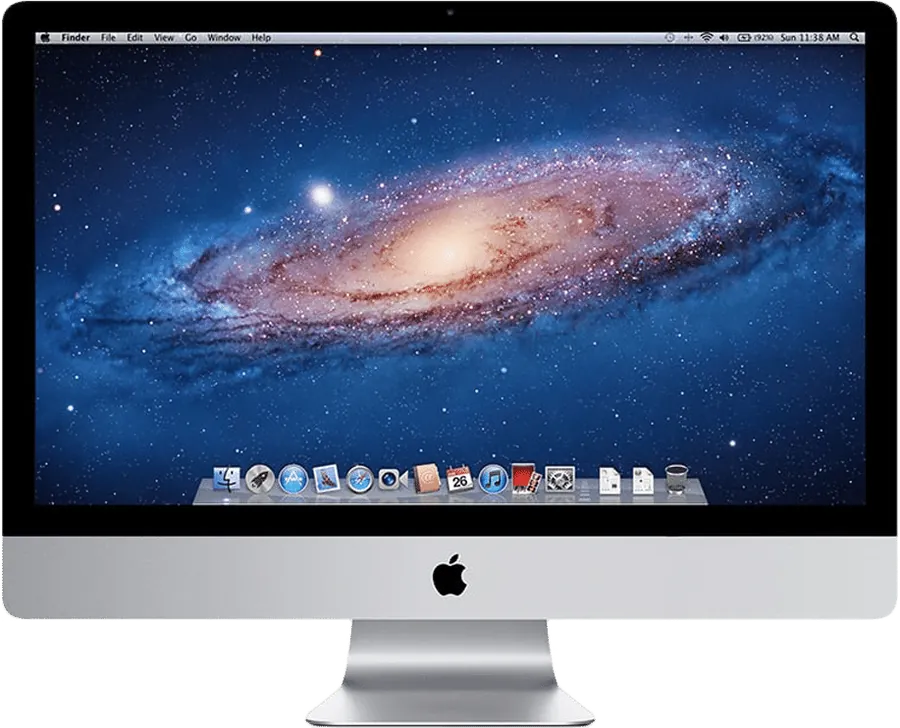 iMac, Mid 2011Thunderbolt arrives. Fast over a cable.
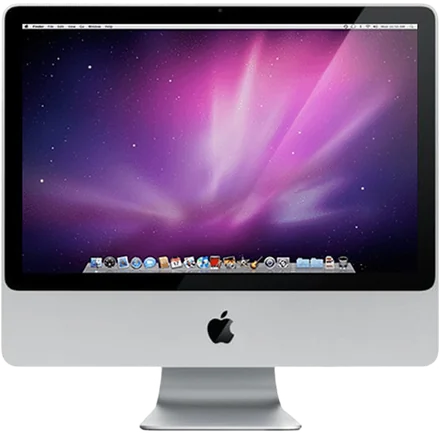
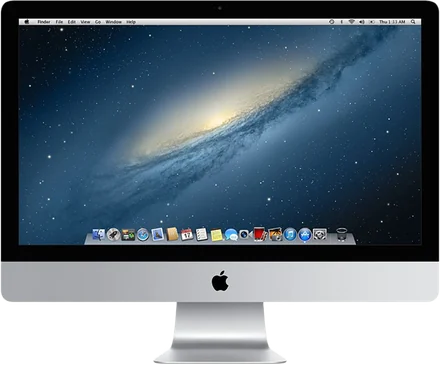
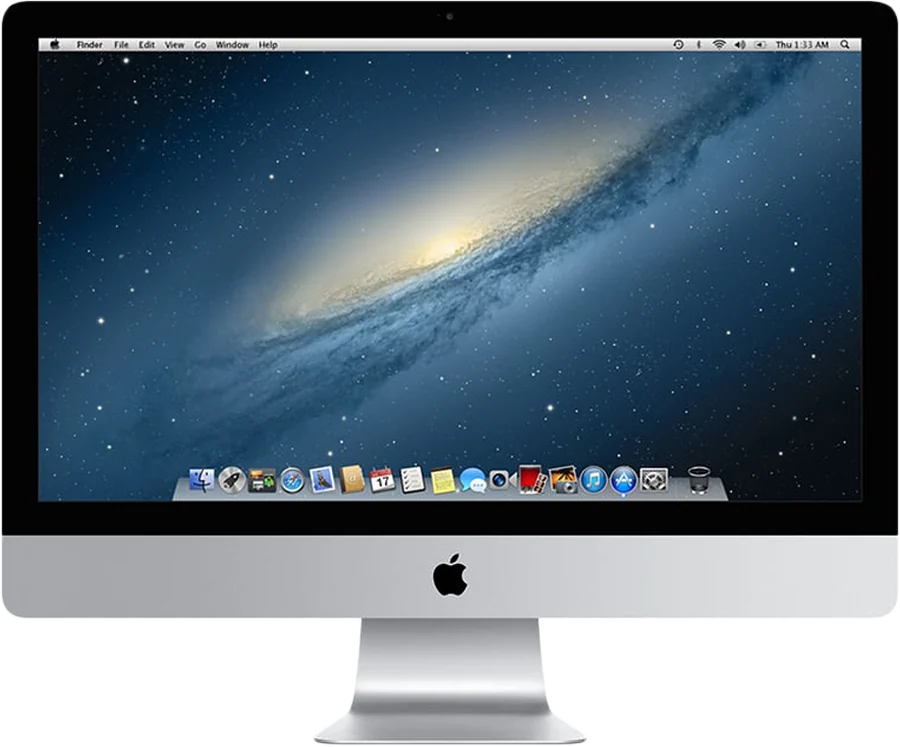 iMac, Late 2012The thin one. 2012 to 2014.
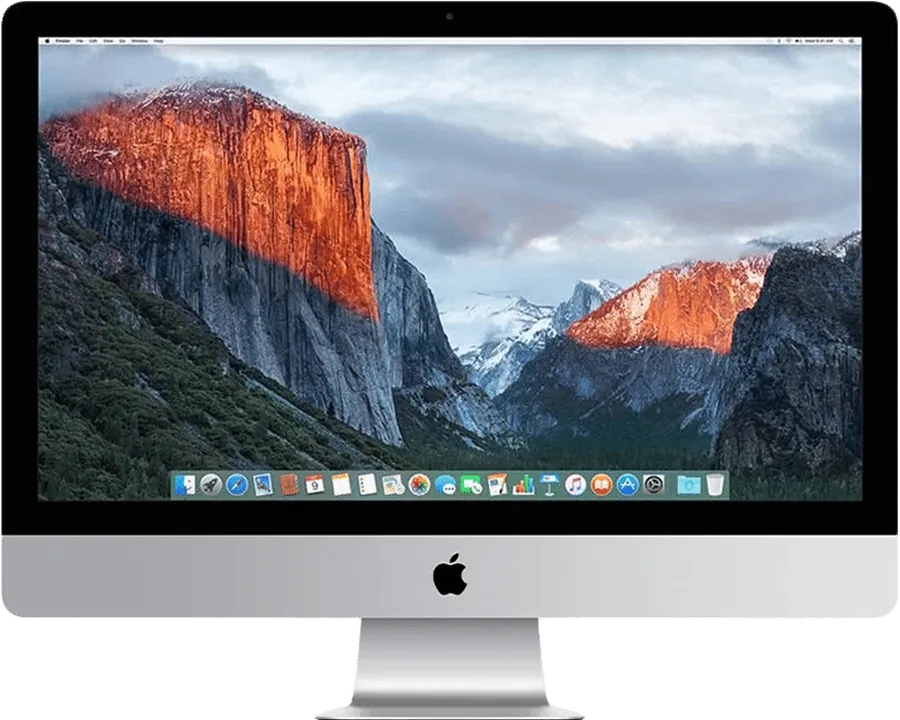 iMac with Retina 5K5K panels, Ultra looks its best here.
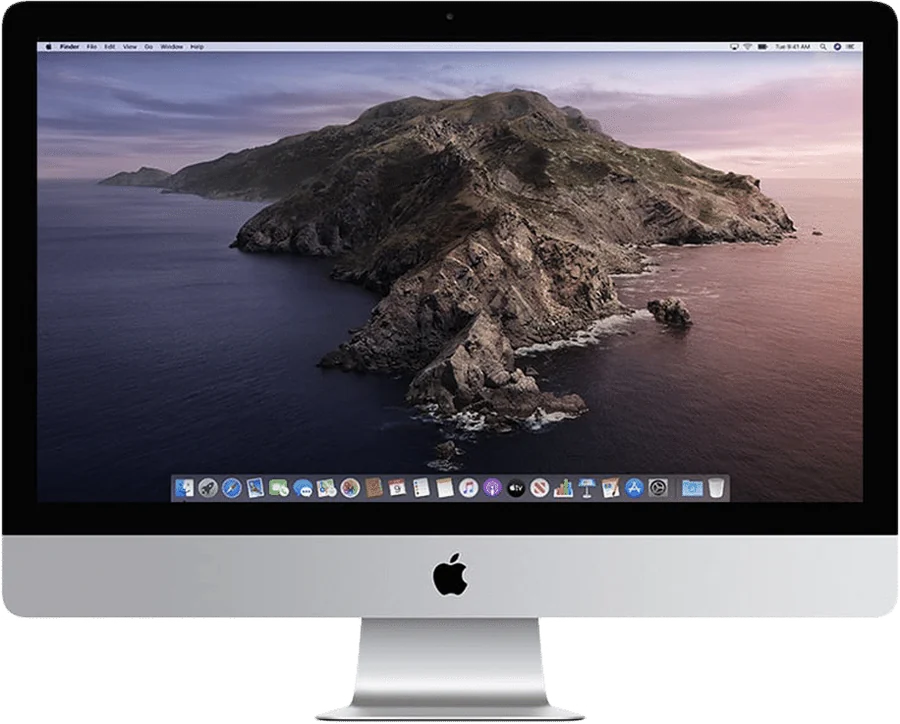 iMac 27″, 2020The last Intel iMac. 2015 to 2020.
Your old iMac still has one of the best screens you own. Encore gives it two jobs again.
Target Display Mode stops at Macs from 2019. So beautiful iMacs sit switched off, too slow for today and too good to throw away.
At work, it's your
second screen.
Sharp sends still text as lossless, pixel-exact tiles. Smooth is made for video. Pick per iMac.
Wi‑Fi just works, no dongle. Plug in Ethernet or Thunderbolt and Encore uses the cable first.
See which cable fits your iMacWhen you stop, it's
a smart display.
Your windows go back to the Mac. The iMac stays useful on your desk.
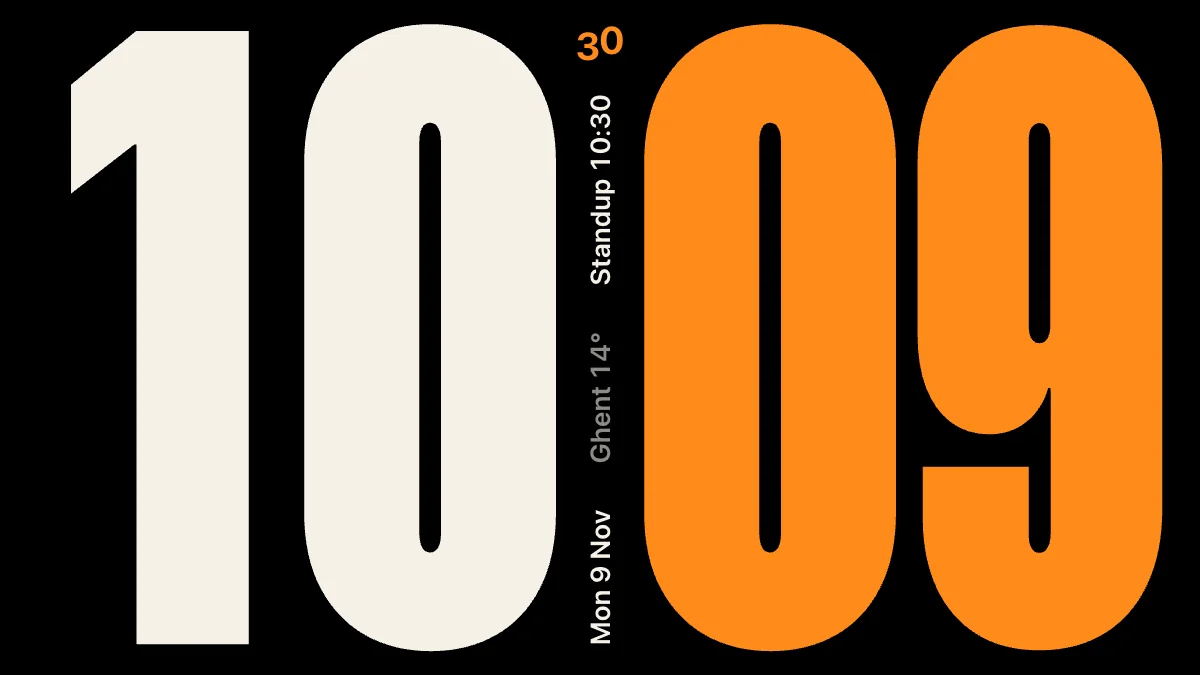
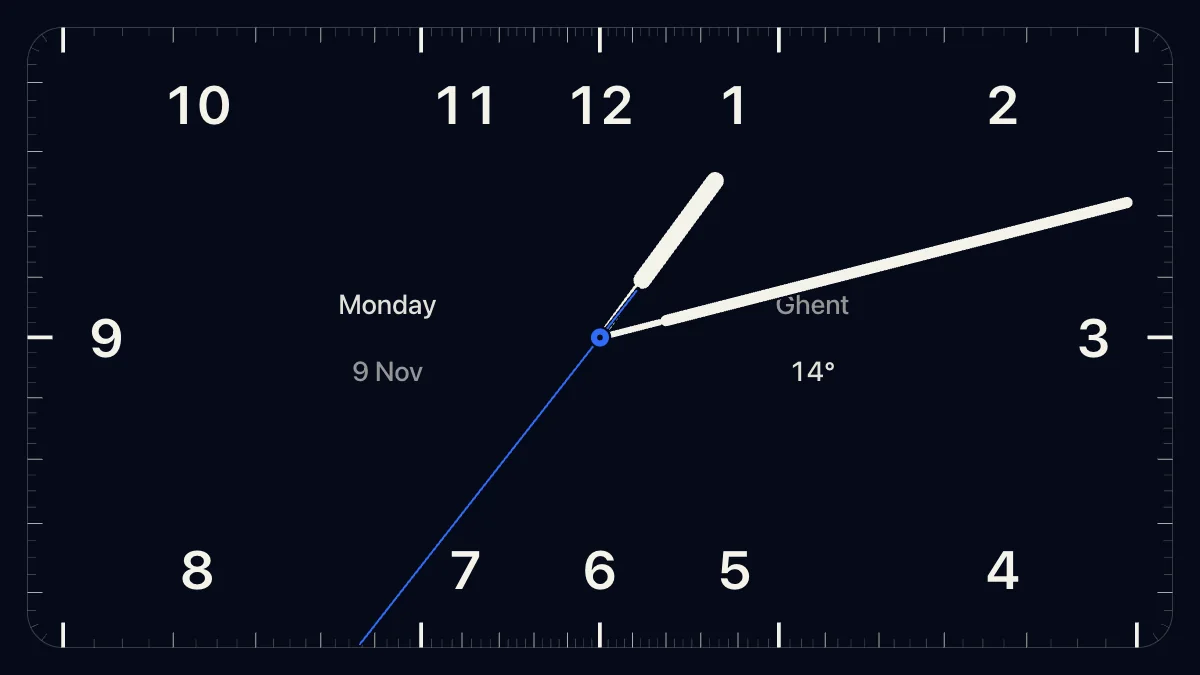
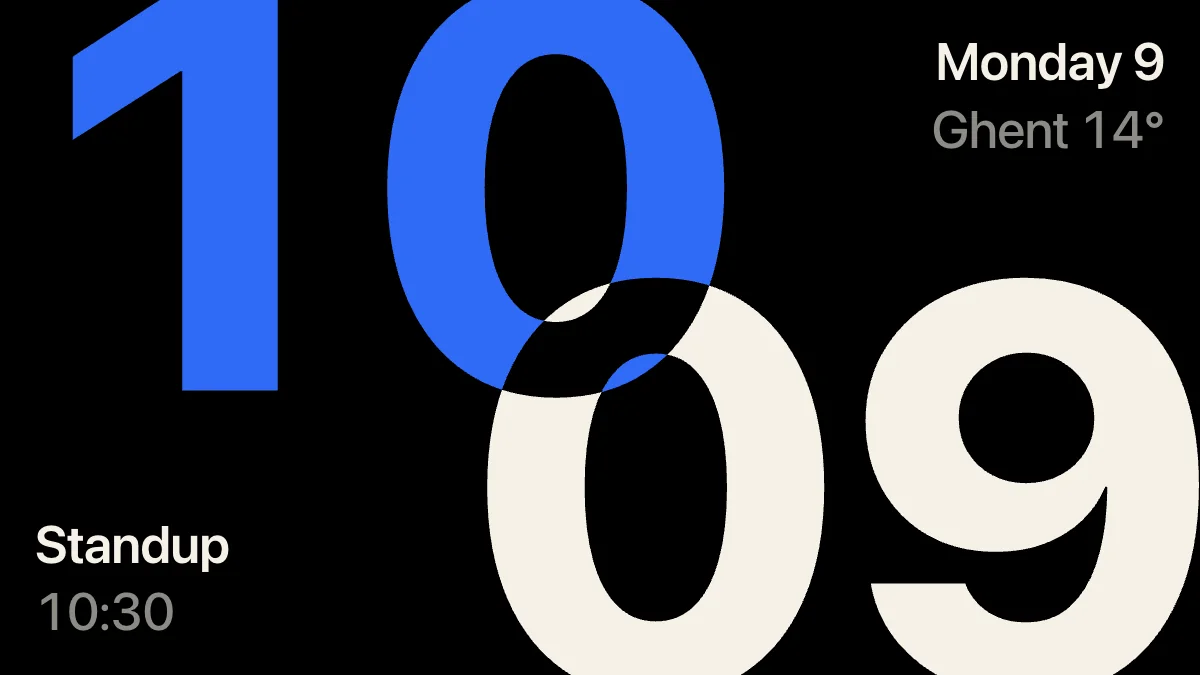
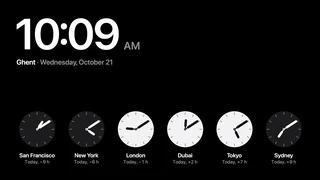
Clock faces
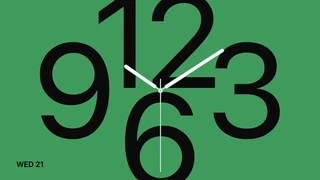
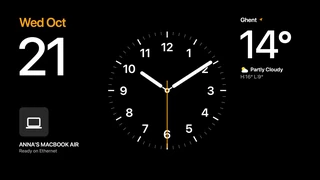
Twelve faces, from Bold to World Time. Pick one from your Mac.
AirPlay, on vinyl
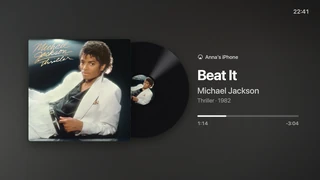
Send music from your iPhone with AirPlay. The album spins on a record next to the title.
Hey Mac Early beta
Ask out loud. Your voice is recognised on the iMac itself, and the answer appears in large type.
New clocks
in version 0.9.
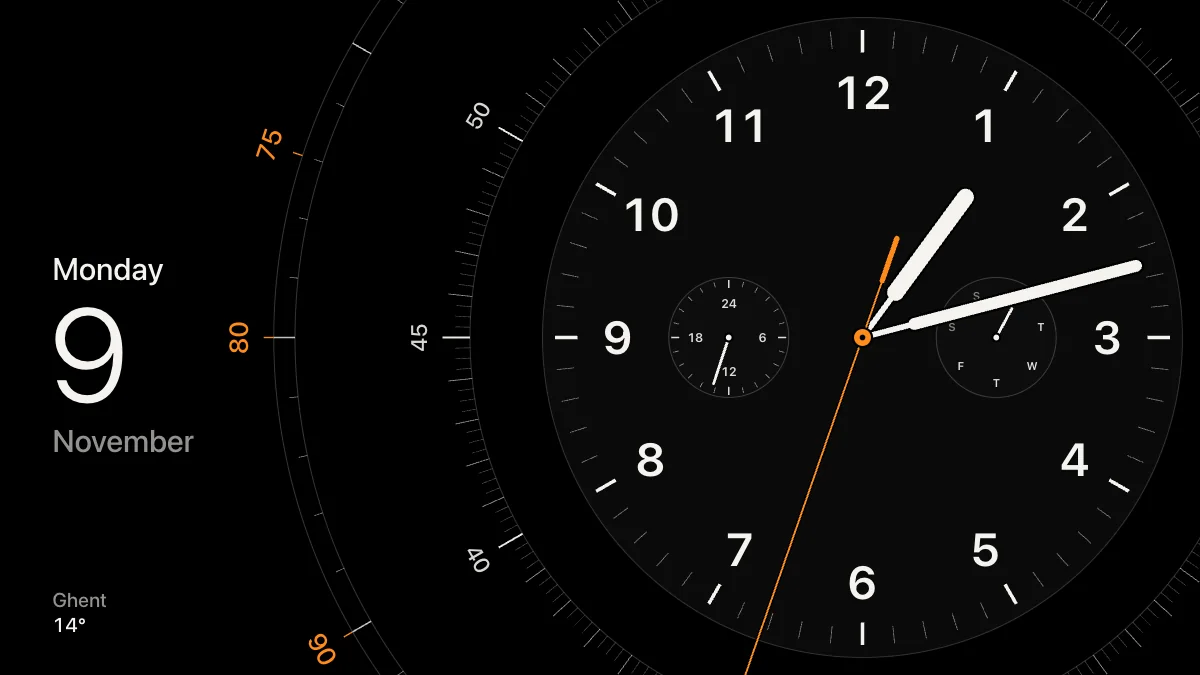

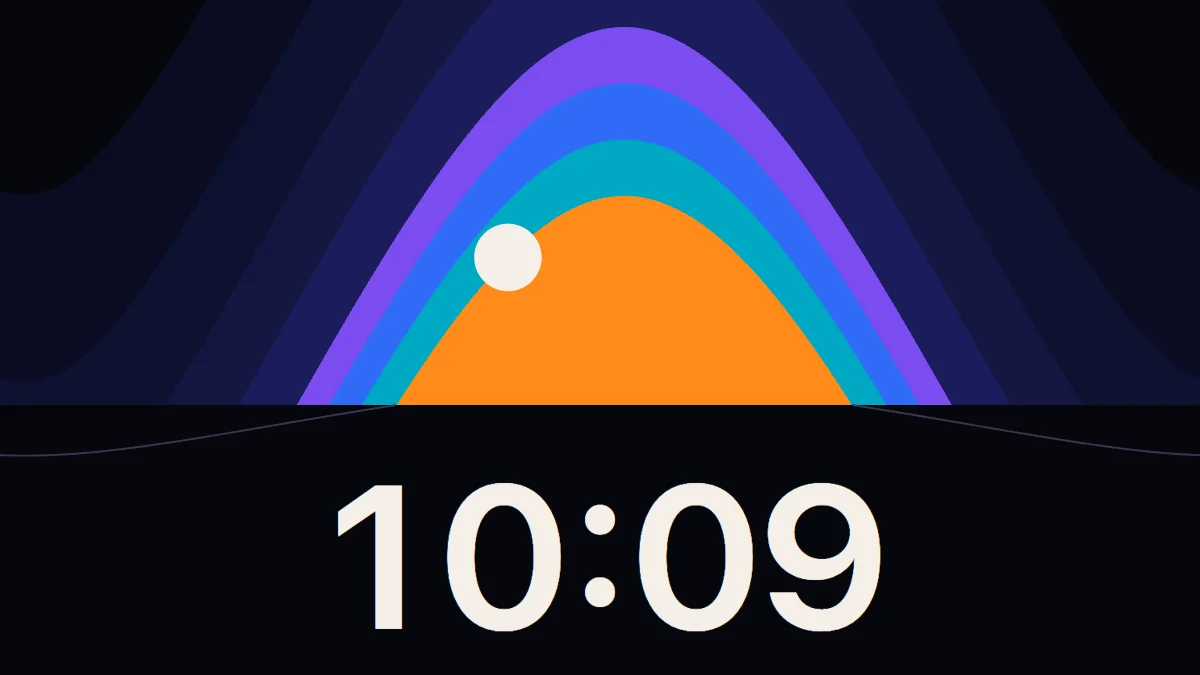
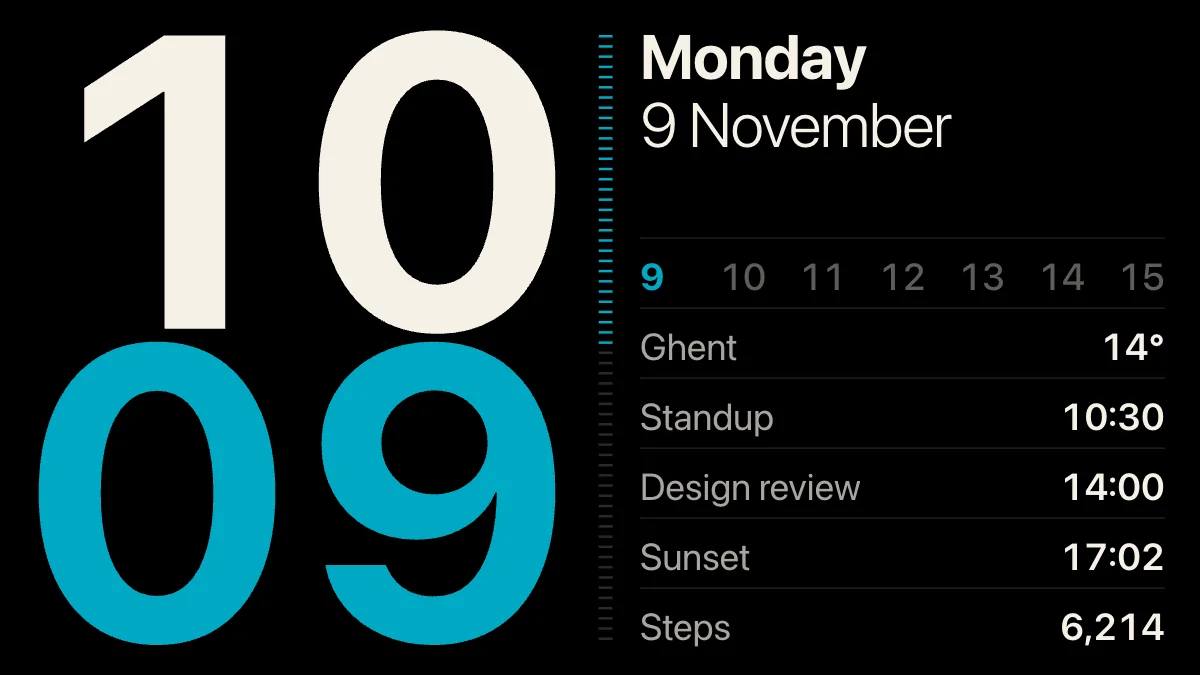
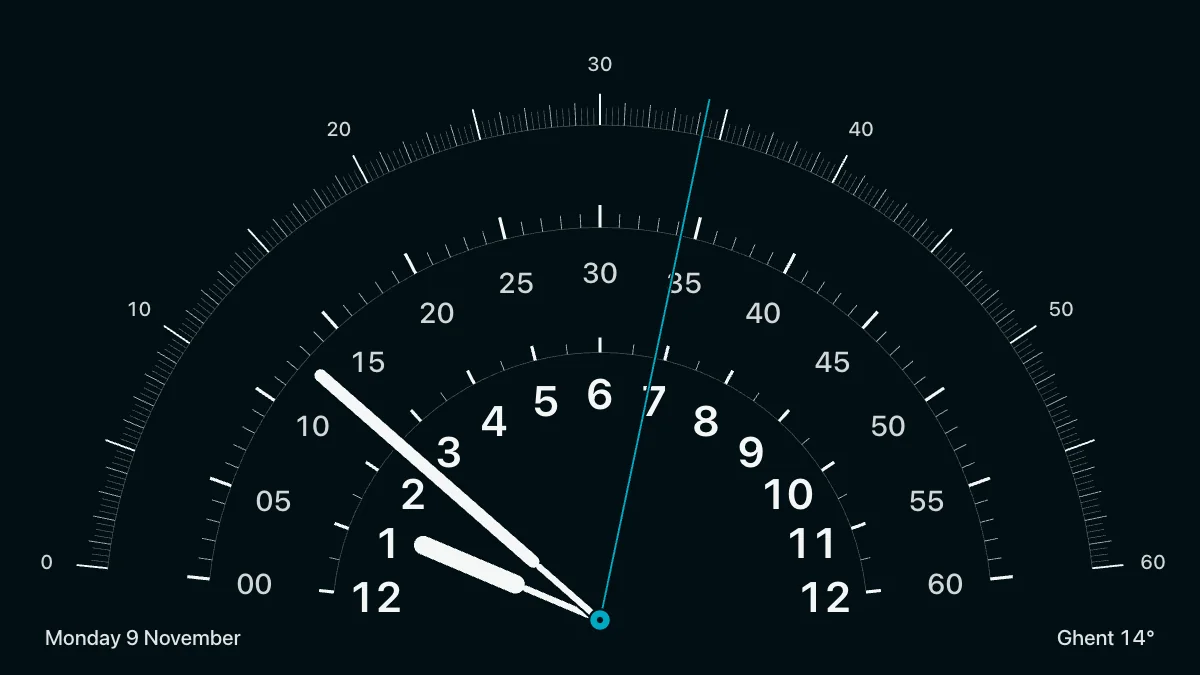
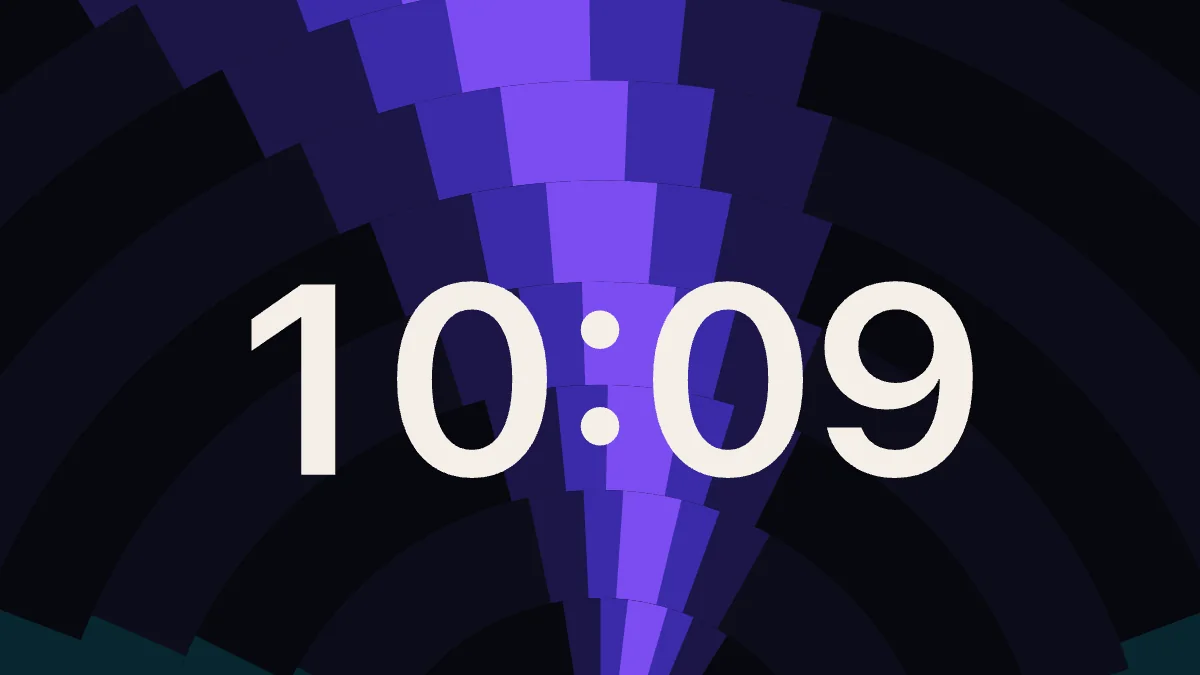
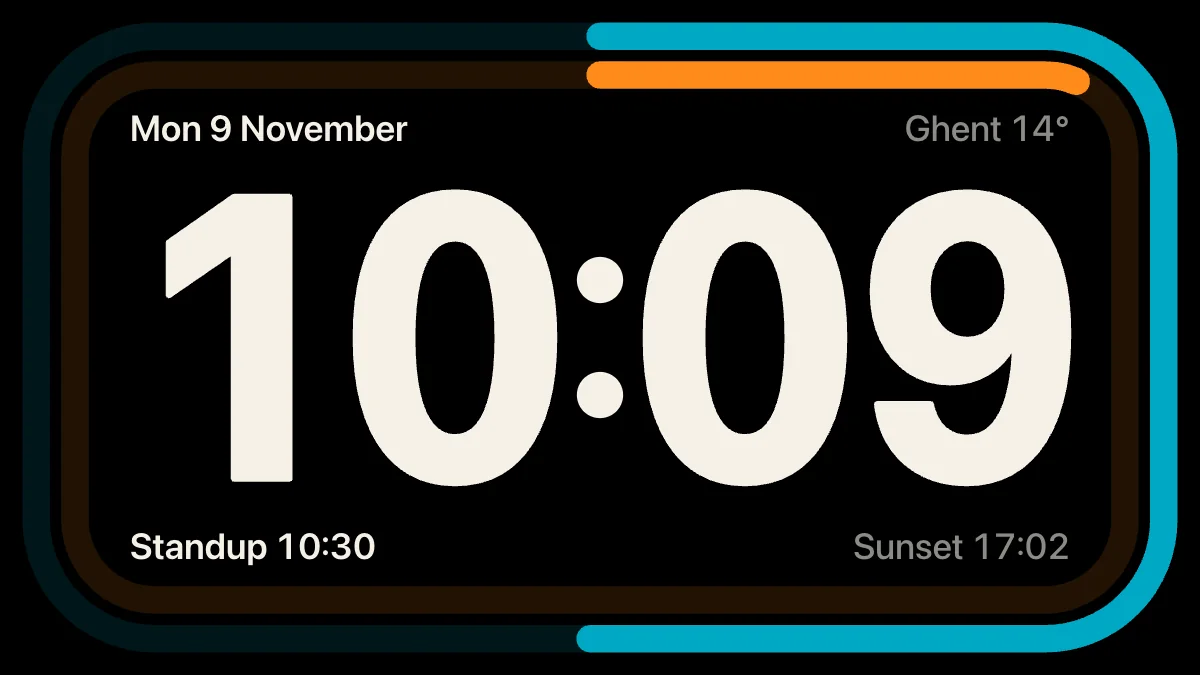
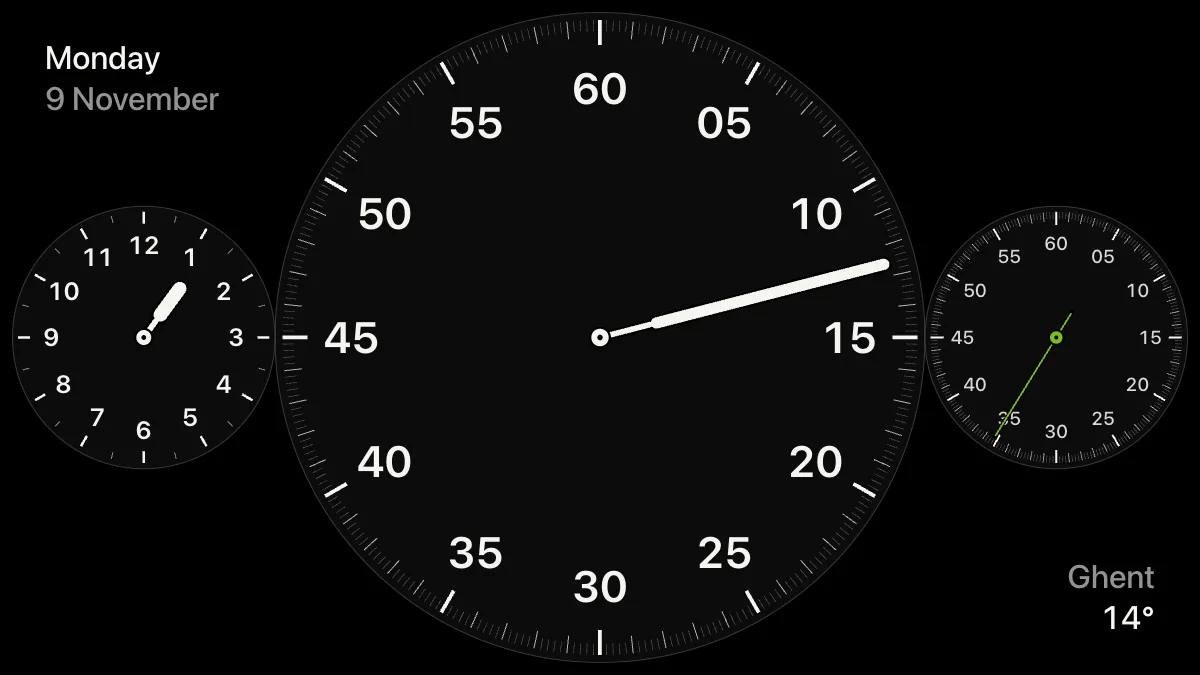
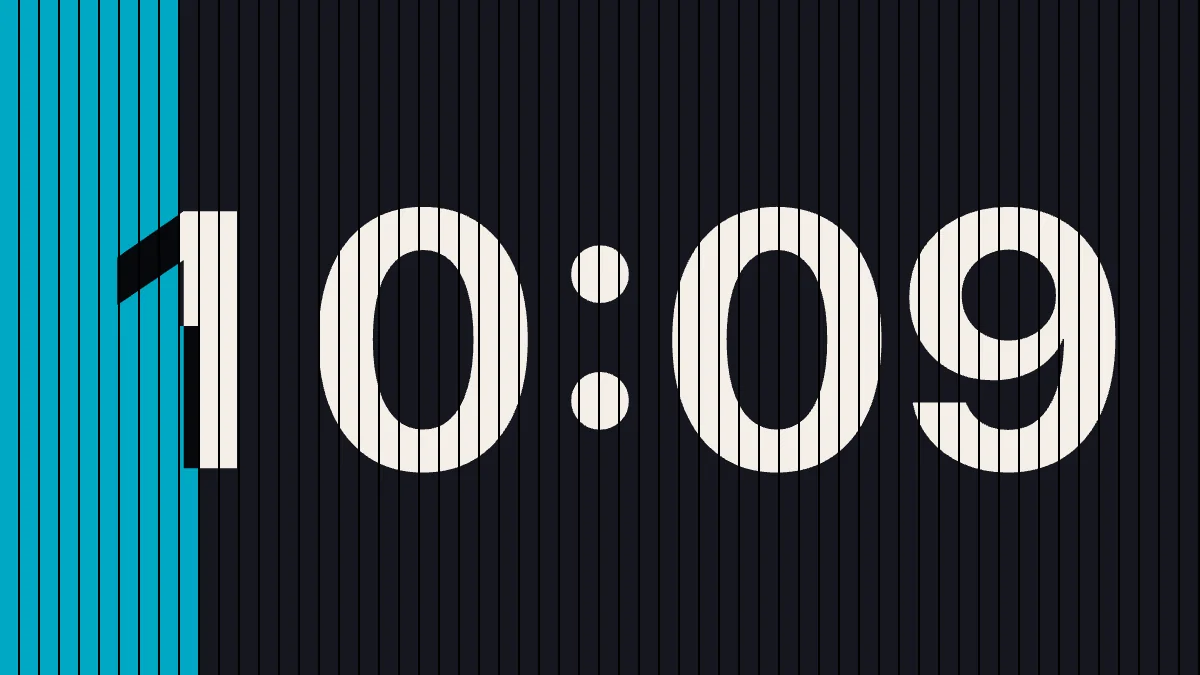


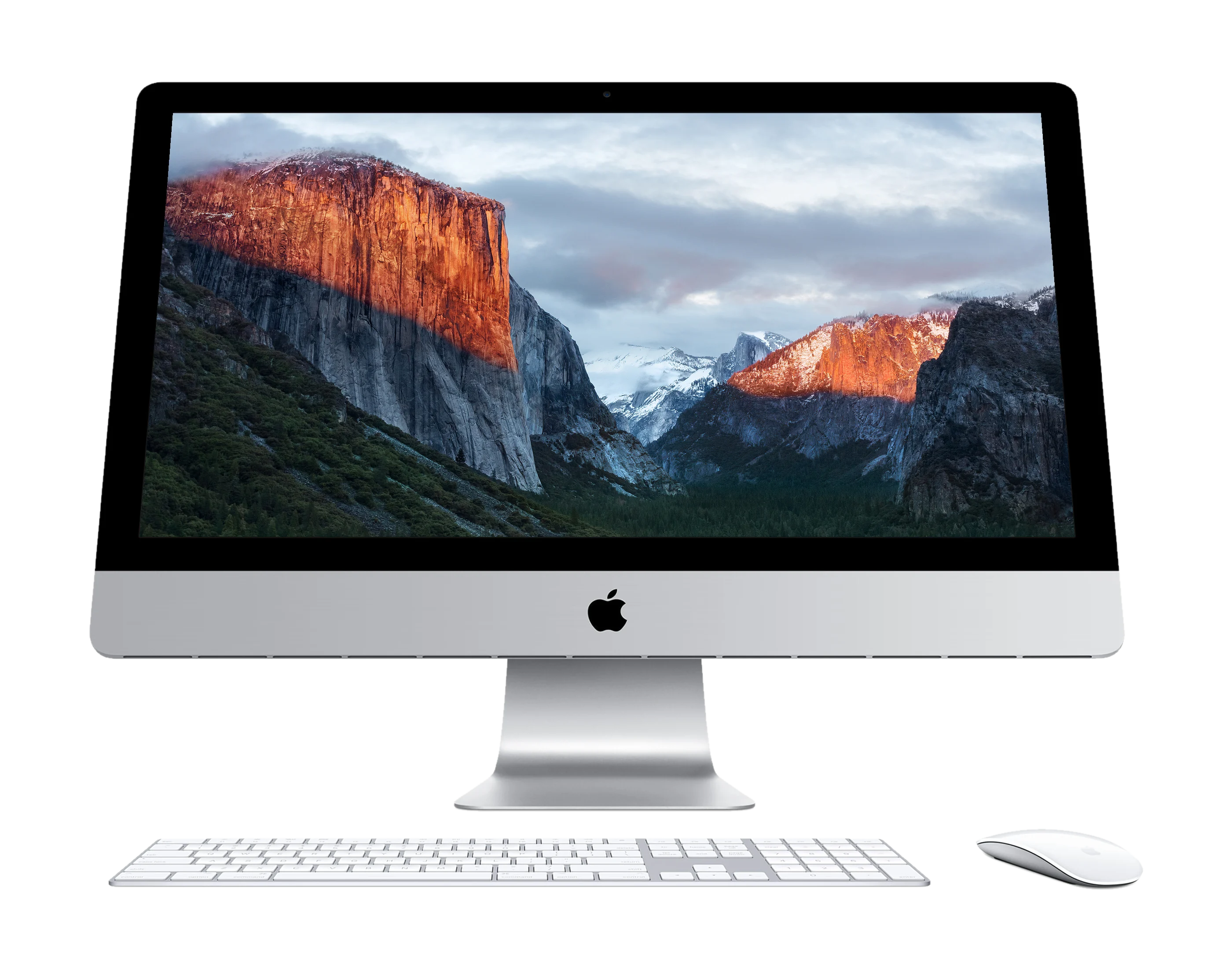
Your Mac borrows the whole iMac.
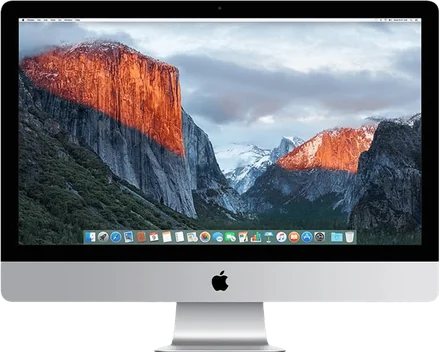

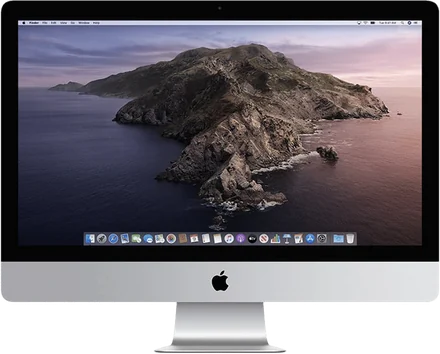
- Its screen becomes your second display.
- Its speakers play your Mac’s sound.
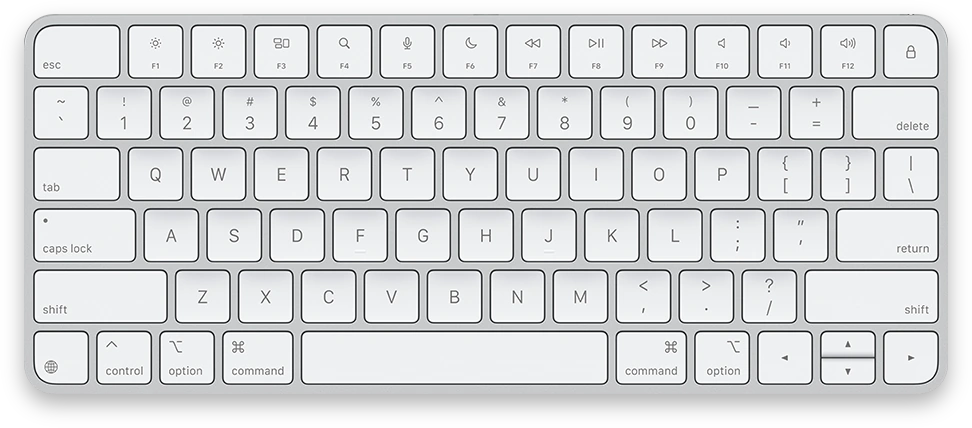
- Its keyboard and mouse control your Mac.
- Its camera and microphone coming soon.
- One Mac, several iMacs each with its own switch.
- Encrypted No account, nothing in the cloud.
- And when you don’t use your iMac, it goes into StandBy mode.
- Or AirPlay mode.
Built from scratch
for a picture you can read.
Not screen sharing. Its own encrypted protocol, your Mac's hardware encoders,
and every frame timed to the iMac's refresh.
Lossless text
Still text arrives as the exact pixels your Mac drew.
Ultra, 51 dB
ProRes 4444 over a cable. Read why
In sync
Every frame lands on the iMac's refresh.
120 Hz
On Apple silicon the pointer feels close.
Hey Mac, on the iMac Early beta
Your voice never leaves it.
Encrypted
Always, with no fallback. Pairing needs the iMac's code.
Connect once.
After that, it just connects.
- 1
Open both apps
Encore on your Mac, Encore Receiver on the iMac. The Mac finds the iMac by itself.
- 2
Type the iMac's code
The iMac shows four digits. Type them on your Mac. Nothing to click on the iMac.
- 3
Remembered
Paired. From now on the iMac connects by itself.
Every switch,
under the notch.
Move the pointer under the notch and Encore drops down. One click for each switch.
- Point under the notch and the panel drops down: Monitor or StandBy.
- Hold StandBy to pick a clock face for the iMac.
- Sound, connection, picture. One click each.
How it worksOn a Mac without a notch: ⌃⌥E
Made for the iMacs
people kept.
 Compatibility
Which old iMac can be a second screen? Every year, 2007–2020
Guide · Read
 History
Target Display Mode explained, and why it died
Explainer · Read
27 dBPicture quality
The 27 dB problem: why second-screen text looks soft
Research · Read
A screen that still looks this good doesn't belong in a closet. Encore gives it a second act, next to the Mac you already use.
 The Encore teamWhy we built it
Got a cable?
Ultra goes further.
Over Ethernet or Thunderbolt, Ultra sends every frame as ProRes 4444:
full colour on text and photos, also while things move.
Questions, answered
What is the best app to use an old iMac as a second monitor?
It depends on the iMac's year and what you need. For a Late 2009 or 2010 iMac, Encore is the only app that states support (2007 to Early 2009 work with Encore Receiver Legacy); from 2011, Luna Display works too, with a $89.99 dongle. For native 5K on a 27-inch Retina iMac, RetinaRelay or Luna Display fit better. For a published latency figure, Second Display reports about 9 ms over Thunderbolt in its own test. Encore is free during the public beta, and it also lets the iMac's keyboard, mouse and speakers work for your Mac. See the comparison
Does Target Display Mode still work?
Only with a Mac from 2019 or earlier on macOS Catalina 10.15.8 or earlier, according to Apple, and only on iMacs from 2009 to Mid 2014, over Mini DisplayPort or Thunderbolt. It never works with a Mac with Apple silicon or with a Retina 5K iMac. Encore works with any Mac on macOS 14 or later. Target Display Mode explained
Can a 2011 iMac be a second screen for an M3 MacBook?
Yes, with Encore. Install Encore Receiver on the 2011 iMac (it runs up to macOS 10.13 High Sierra) and Encore on the MacBook (macOS 14 or later), then connect over Wi‑Fi, Gigabit Ethernet, or Thunderbolt with Apple's Thunderbolt 3 to Thunderbolt 2 adapter.
Is Encore secure?
Encore uses its own protocol and encrypts everything it sends, with ChaCha20-Poly1305 and keys agreed with X25519. There is no unencrypted fallback. A Mac pairs only with the code shown on the iMac. The picture, sound and input go straight between your Mac and the iMac: no account, no Encore server, nothing in the cloud.
How much does Encore cost?
Free during the public beta: every iMac you own and every update, no subscription, no account. Public beta
Can an old iMac be a clock or smart display?
Yes. When it isn't your second screen, Encore shows StandBy on the iMac: twelve clock faces with weather and your calendar, AirPlay music on a turning record, and Hey Mac, which recognises your voice on the iMac itself.
How fast is Encore?
Encore has not published latency figures yet; we will publish measurements per iMac model. Every frame is timed to the iMac's refresh, and still text is sent again losslessly so it ends up pixel-exact.
More in the help center and the comparison.
Keep what works.
Give it an encore.
Freeduring the public beta
In return, tell us what goes wrong. No account, no card.
macOS 14 or later on your Mac · macOS 10.13 or later on the iMac