
Install Encore.
Two minutes, once.
Two apps, one question from macOS, then a 4-digit code. After that, both apps update themselves.
Why macOS asks once. Encore is not registered with Apple, which costs a yearly fee, so macOS asks you to confirm the first time you open it. You only do this once.
Your Mac on macOS 15 or later.
- Drag Encore to ApplicationsOpen Encore.dmg and drag Encore onto the Applications folder.
- Open it and click DonemacOS says it can't check it. Click Done, not Move to Trash.
- Click Open AnywayIn System Settings → Privacy & Security, scroll to Security and click Open Anyway.
- Enter your passwordUse your password or Touch ID. Encore opens.
- Allow screen recordingSwitch on Encore under Screen & System Audio Recording, then Quit & Reopen. It only records its own extra screen.
Your Mac on macOS 14.
- Drag Encore to ApplicationsOpen Encore.dmg and drag Encore onto the Applications folder.
- Control-click, then OpenIn Applications, hold Control, click Encore and choose Open.
- Click Open againmacOS asks if you are sure. Click Open.
- Allow screen recordingSwitch on Encore when it asks, as on macOS 15.
The iMac.
Encore Receiver runs on macOS 10.13 High Sierra or later. For a 2007 to Early 2009 iMac, use Encore Receiver Legacy.
- Drag Encore Receiver to ApplicationsOn the iMac, open EncoreReceiver.dmg and drag the app onto Applications.
- Control-click, then OpenHold Control, click Encore Receiver, choose Open, then Open again. On macOS 15, use Open Anyway as on your Mac.
- Allow incoming connectionsIf the firewall asks, click Allow.
The site doesn't load in the iMac's browser? Old iMacs run an old Safari. Type encore-ivory-omega.vercel.app/imac into Safari on the iMac: one light page with the right download for Encore Receiver and Encore Receiver Legacy. Your iMac's version is under Apple menu → About This Mac.
Pair once.
With both apps open, the Mac finds the iMac by itself. Using a cable? Which cable says what to buy.
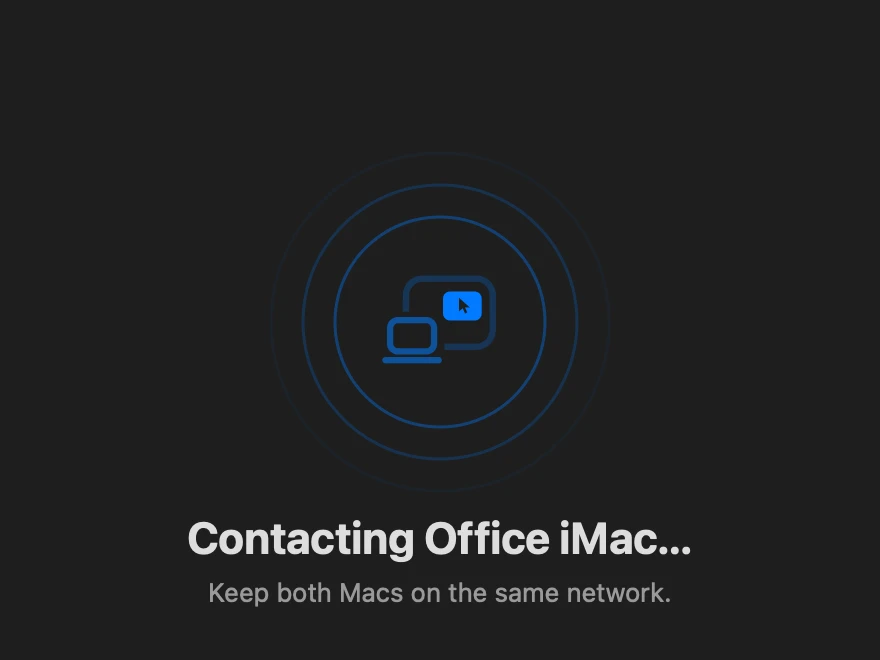 The Mac finds the iMacWith both apps open, Encore on the Mac finds the iMac by itself.
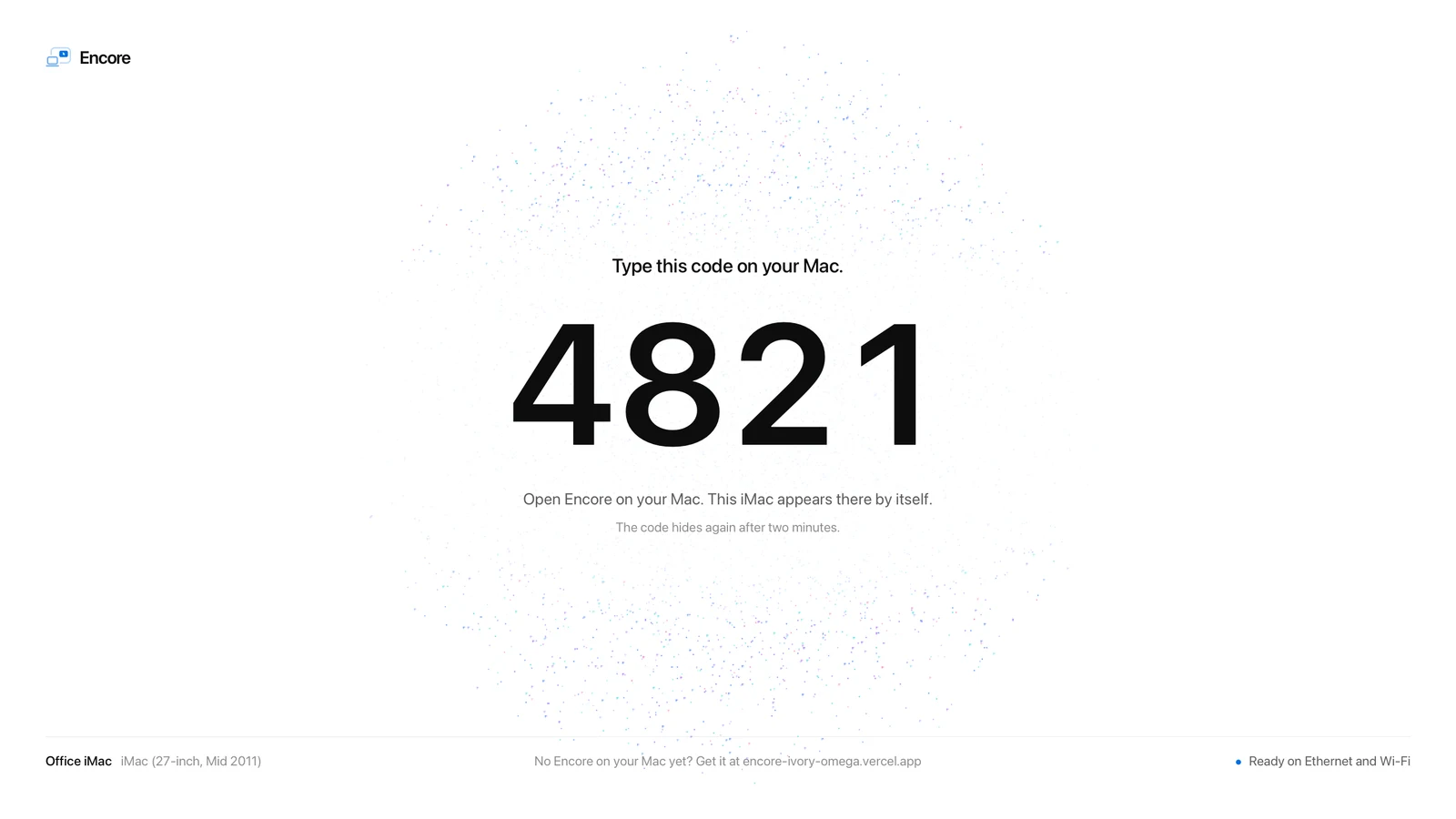 The iMac shows a codeFour digits, on the iMac's screen. Nothing to click there.
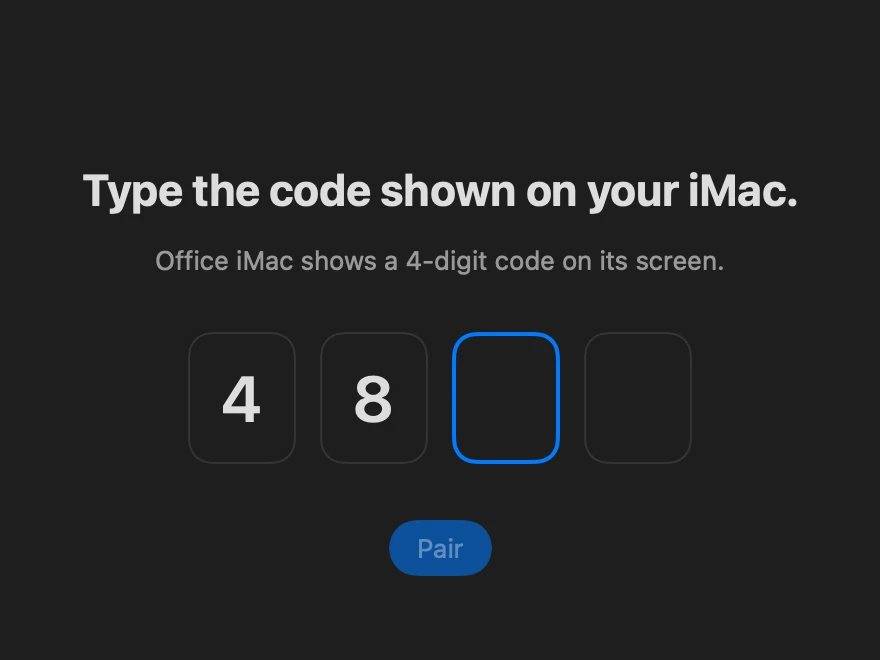 Type it on the MacPaired. From now on the iMac connects by itself.
Or use Terminal,
without the warning.
Paste this into Terminal (Applications → Utilities) on either Mac. It installs the right app for that Mac. Works back to High Sierra.
curl -fsSL https://encore-ivory-omega.vercel.app/install.sh | bash
Read the script first. It only downloads the right app from the Encore releases on GitHub into Applications.
After the iMac restarts.
Encore Receiver starts when someone logs in on the iMac. It can turn on automatic login for you during setup; you can say no.
Stuck somewhere?
The help center has the fix for what people run into most.