
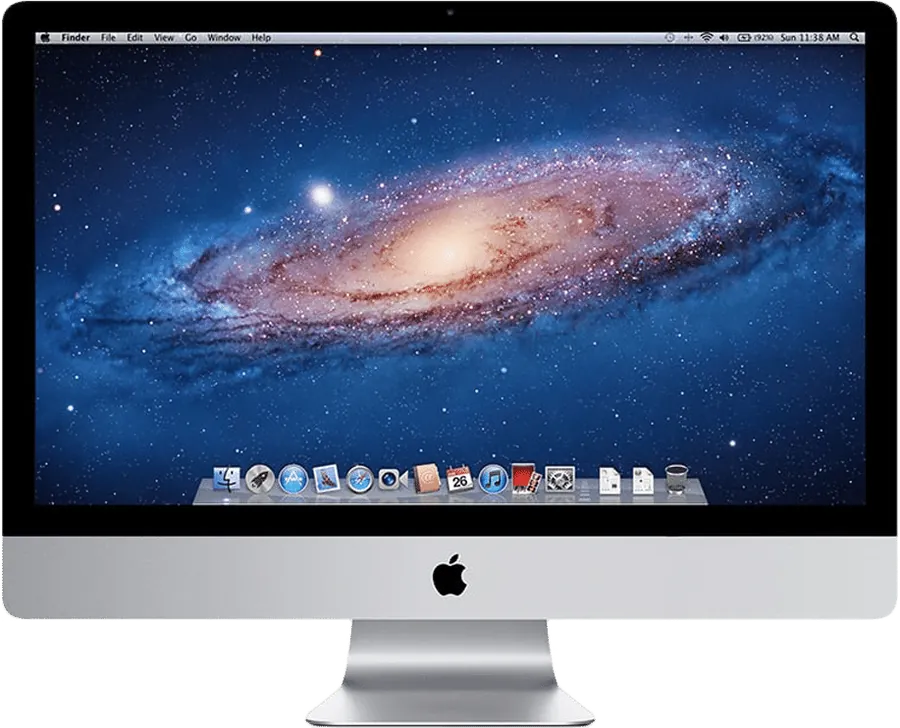
A 27-inch iMac from 2009 to 2011.
As a monitor today.
These iMacs have a 2560 x 1440 panel that still looks fine. Target Display Mode works only from a Mac from 2019 or earlier on Catalina or older. For anything newer, the realistic route is an app. Encore covers all three years, and Luna Display covers 2011 with a dongle. If your iMac no longer starts, a driver board can reuse the panel.
Why these iMacs are worth using
The 27-inch iMacs from Late 2009, Mid 2010 and Mid 2011 have a 2560 x 1440 panel, the same resolution as a 1440p monitor today. They stop at macOS 10.13 High Sierra, but that is enough to run Encore Receiver. On these models, Encore supports the whole range: Late 2009, Mid 2010 and Mid 2011.
Target Display Mode on these iMacs
Apple lists every 2011 iMac over Thunderbolt, and the 24-inch and 27-inch iMacs from 2009 and 2010 over Mini DisplayPort, all on High Sierra or earlier. The connecting Mac must be from 2019 or earlier on macOS Catalina or older. Apple's page also says the iMac's camera and ports can't be used by the other Mac.
The 21.5-inch iMacs from 2009 and 2010 are not on Apple's list at all. A 27-inch iMac on High Sierra with a 2019 or older Mac is still the simplest setup when it applies.
Mini DisplayPort and newer Macs
A Late 2009 or 2010 27-inch iMac takes Mini DisplayPort. Reports from 2020 of plugging a USB-C to Mini DisplayPort cable into a newer Mac are mixed: a MacRumors thread has one owner of a 2010 iMac using that adapter (the source Mac isn't named) and another whose cable did nothing on a Late 2009 model, and on Apple's forum an M1 MacBook Air made the screen go black for 3 seconds and then return. Apple doesn't list these Macs. Don't buy cables for it.
For a 2011 iMac, which takes Thunderbolt, one report with an M1 Mac mini and Apple's Thunderbolt 3 to Thunderbolt 2 adapter shows nothing happened. If your Mac is newer than 2019, plan for software.
Using Encore on these iMacs
| iMac | Encore | Cable | Picture |
|---|---|---|---|
| 27-inch, Late 2009 | Yes, macOS 10.13 | Gigabit Ethernet or Wi-Fi | Ultra up to 1080p over Gigabit Ethernet |
| 27-inch, Mid 2010 | Yes, macOS 10.13 | Gigabit Ethernet or Wi-Fi | Ultra up to 1080p over Gigabit Ethernet |
| 27-inch, Mid 2011 | Yes, macOS 10.13 | Thunderbolt or Gigabit Ethernet, or Wi-Fi | Ultra up to 1440p over Thunderbolt |
On a Late 2009 or 2010 model, the cable is Gigabit Ethernet: a USB-C to Gigabit adapter for your Mac and a Cat6 cable into the iMac. On a 2011 model, you can use Thunderbolt: Apple's Thunderbolt 3 (USB-C) to Thunderbolt 2 Adapter and a Thunderbolt cable. Encore needs at least 400 Mbps between the Macs for the sharp, lossless picture. See the cable guide.
Encore also uses the iMac's keyboard and mouse over a cable, and plays your Mac's sound on the iMac's speakers. When you stop, the iMac becomes a clock and smart display. Encore is free during the public beta.
Other apps on these iMacs
Luna Display says most iMacs from 2011 on work, with a dongle plugged into your main Mac. Astropad gives a 2020 iMac with a Mid 2011 iMac as an example, and it needs macOS 10.13 on the iMac. Deskreen runs in a browser, with a virtual display tool for an extended desktop. RetinaRelay, Second Display and Yam Air Desk all start at Late 2012, and MacDisplay at 2014.
If the iMac won't start
A board can still save the panel. A MacRumors thread on these iMacs reports driver kits at about $25 (HDMI and VGA) and about $75 (DisplayPort, HDMI and USB-C) in 2023, along with complaints of lower brightness (estimated 70 to 80%) and boards that fail after a few months. It is a real project: see Encore vs a driver board.
What to expect from a 2009 to 2011 iMac
These machines are old. They use a lot of power compared with a modern screen: Apple lists 145 W idle for a 27-inch Late 2009 iMac and 135 to 142 W for a Mid 2011 model. For regular daily use, consider whether a new monitor makes more sense. If the iMac is already there, using it costs far less than buying something new.
Questions
Can a 2011 iMac be a second screen for an M2 MacBook?
Yes, with Encore. Target Display Mode can't, because Apple requires the connecting Mac to be from 2019 or earlier on Catalina. Encore works over Wi-Fi, Gigabit Ethernet or Thunderbolt.
Does a 27-inch 2010 iMac work with Target Display Mode?
Yes, over Mini DisplayPort, on High Sierra or earlier, when connected from a Mac from 2019 or earlier on Catalina or older.
Will my M1 Mac work with a 2010 iMac over Mini DisplayPort?
Apple doesn't list that combination, and forum reports from 2020 are mixed, so plan on it not working. Encore works over Gigabit Ethernet or Wi-Fi instead.
Can I use a 2009 iMac as a monitor with a Thunderbolt cable?
No. Late 2009 and 2010 iMacs have no Thunderbolt port. They have Gigabit Ethernet, and take Mini DisplayPort for Target Display Mode.