
Which iMacs work as a display.
Every Intel iMac, Late 2009 to 2020.
If it runs macOS 10.13 High Sierra or later, it can be your second screen. Your Mac needs macOS 14 or later.
Not sure which one you have? On the iMac, that line shows the size and year.
| iMac | Newest macOS | iMac app | Monitor | StandBy | Best cable | Ultra |
|---|---|---|---|---|---|---|
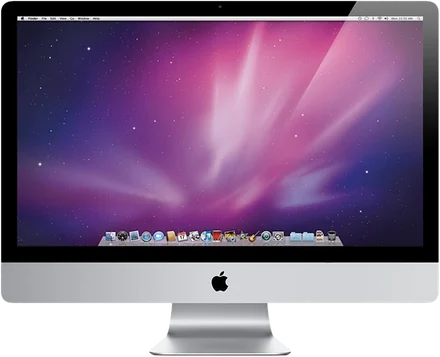 Late 200921.5-inch, Late 2009 · 27-inch, Late 2009 |
10.13 High Sierra | Encore ReceiverEarly 2009: Receiver Legacy | Yes | Yes | Gigabit Ethernetor Wi‑Fi | Up to 1080pover Gigabit Ethernet |
| 201021.5-inch, Mid 2010 · 27-inch, Mid 2010 |
10.13 High Sierra | Encore Receiver | Yes | Yes | Gigabit Ethernetor Wi‑Fi | Up to 1080pover Gigabit Ethernet |
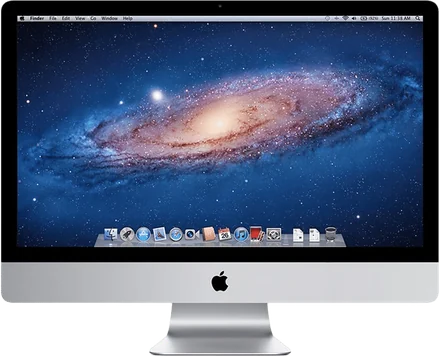 201121.5-inch, Mid 2011 · 27-inch, Mid 2011 · 21.5-inch, Late 2011 |
10.13 High Sierra | Encore Receiver | Yes | Yes | Thunderboltor Gigabit Ethernet | Up to 1440pover Thunderbolt |
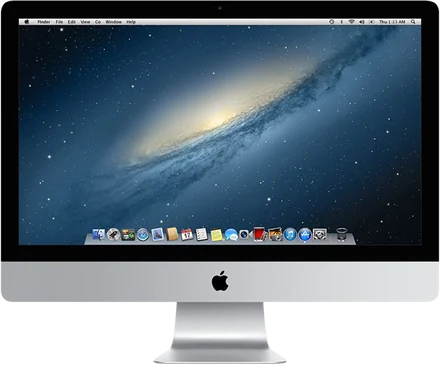 201221.5-inch, Late 2012 · 27-inch, Late 2012 |
10.15 Catalina | Encore Receiver | Yes | Yes | Thunderboltor Gigabit Ethernet | Up to 1440pover Thunderbolt |
| 201321.5-inch, Late 2013 · 27-inch, Late 2013 |
10.15 Catalina | Encore Receiver | Yes | Yes | Thunderboltor Gigabit Ethernet | Up to 1440pover Thunderbolt |
| 201421.5-inch, Mid 2014 · Retina 5K, 27-inch, Late 2014 |
11 Big Sur | Encore Receiver | Yes | Yes | Thunderbolt 2or Gigabit Ethernet | Up to 1440pover Thunderbolt |
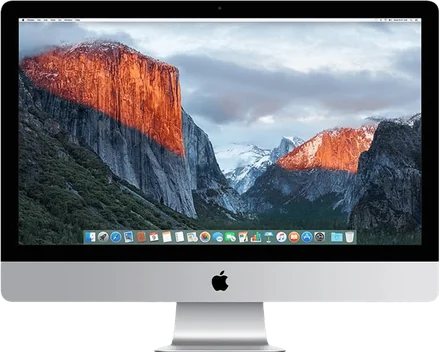 2015Retina 5K, 27-inch, Mid 2015 · 21.5-inch, Late 2015 · Retina 4K, 21.5-inch, Late 2015 · Retina 5K, 27-inch, Late 2015 |
12 MontereyRetina 5K, Mid 2015: macOS 11 Big Sur | Encore Receiver | Yes | Yes | Thunderbolt 2or Gigabit Ethernet | Up to 1440pover Thunderbolt |
| 201721.5-inch, 2017 · Retina 4K, 21.5-inch, 2017 · Retina 5K, 27-inch, 2017 |
13 Ventura | Encore Receiver | Yes | Yes | Thunderbolt 3or Gigabit Ethernet | Up to 1440pover Thunderbolt |
| 2019Retina 4K, 21.5-inch, 2019 · Retina 5K, 27-inch, 2019 |
15 Sequoia | Encore Receiver | Yes | Yes | Thunderbolt 3or Gigabit Ethernet | Up to 1440pover Thunderbolt |
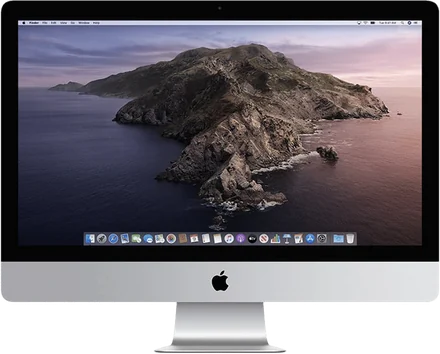 2020Retina 5K, 27-inch, 2020 |
26 Tahoe | Encore Receiver | Yes | Yes | Thunderbolt 3or Gigabit or 10 Gigabit Ethernet | Up to 1440pover Thunderbolt |
Apple released no new iMac in 2016 or 2018. Bought yours then? See 2016 and 2018.
Every iMac also works over Wi‑Fi, with nothing to buy. Ultra sends ProRes 4444 over a cable. It is sharper, not faster: the iMac decodes it on its own processor. Which cable you need.
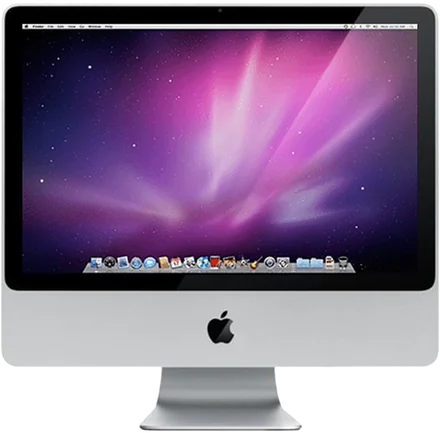
An iMac from 2007 to Early 2009?
It stops at OS X 10.10 or 10.11, so it uses Encore Receiver Legacy. It decodes in software, so the picture is sent smaller (about 1440 × 900) and scaled up.
Download Encore Receiver Legacy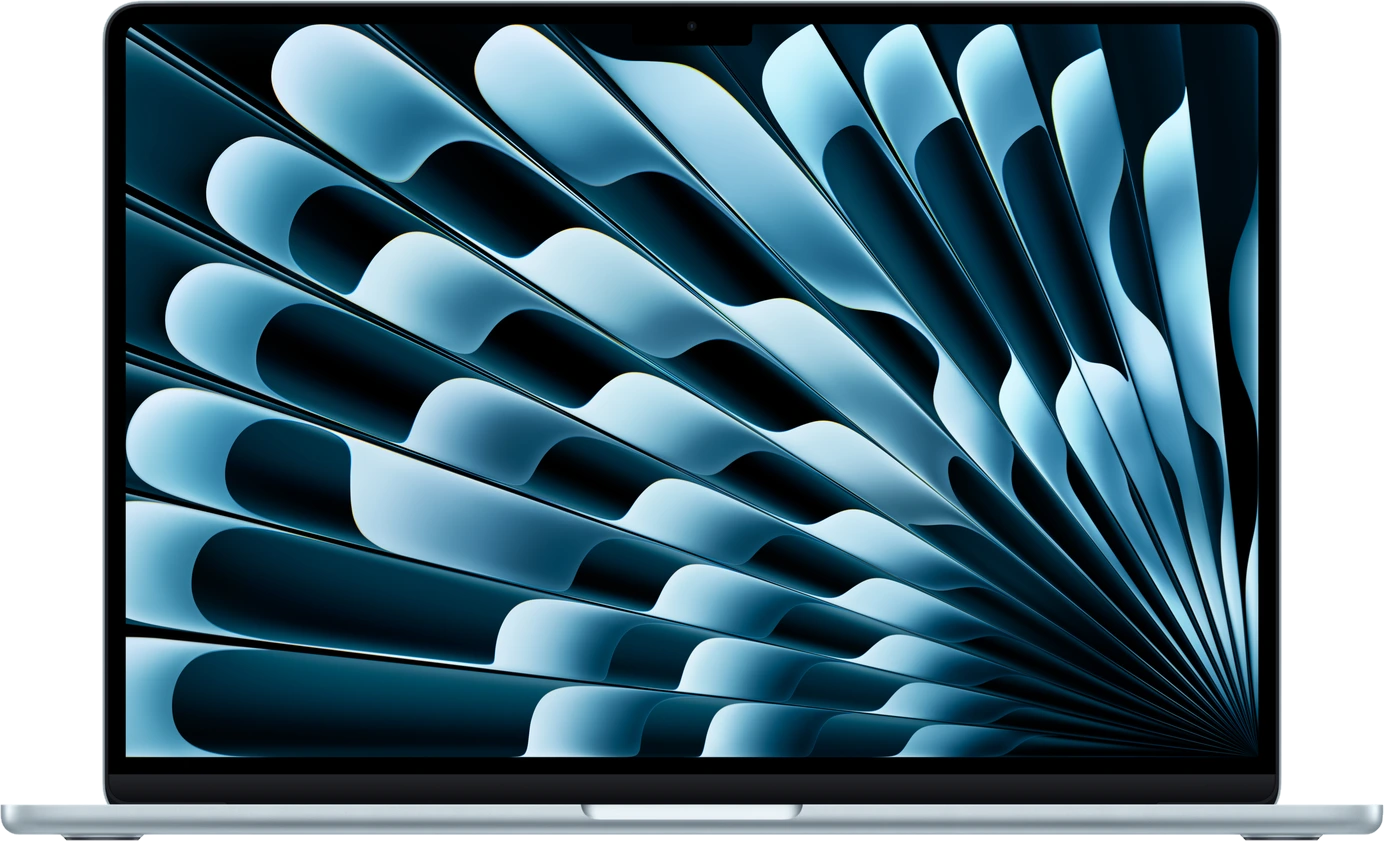
And your Mac?
Any Mac on macOS 14 Sonoma or later, Apple silicon or Intel. It sends the picture; the iMac shows it.
Download EncoreWhere Apple's options stop.
Target Display Mode and AirPlay each cover a few iMacs. Rules as written on Apple's support page.
| Encore | Target Display Mode | AirPlay to Mac | |
|---|---|---|---|
| iMacs | Late 2009 to 2020 | 2009 to Mid 2014: 24- and 27-inch from 2009–2010, all 2011–2013, 21.5-inch Mid 2014, on High Sierra or earlier | 2019 and later |
| With a new Mac | Yes, macOS 14 or later | No: only a Mac from 2019 or earlier on macOS Catalina 10.15.8 or earlier | Yes |
| Wi‑Fi | Yes | No | Yes |
| Cable | Ethernet or Thunderbolt | Mini DisplayPort or Thunderbolt | No |
The whole story: Target Display Mode explained and which old iMac can be a second screen.
Encore at a glance.
Encore turns an old Intel iMac into a second screen for any Mac on macOS 14 or later, over Wi‑Fi or a cable, and into a smart display when you stop. Two apps, no dongle, free during the public beta.
- iMacs
- Every Intel iMac from Late 2009 to 2020, on macOS 10.13 or later. iMacs from 2007 to Early 2009 work with Encore Receiver Legacy, at a smaller picture (about 1440 × 900).
- Your Mac
- Any Mac on macOS 14 Sonoma or later, Apple silicon or Intel.
- Connection
- Wi‑Fi, Gigabit Ethernet or Thunderbolt. With a cable plugged in, Encore uses the cable first.
- Picture
- Lossless 64 × 64 tiles make still text pixel-exact, on Wi‑Fi and on a cable. Every frame is timed to the iMac's refresh. Retina iMacs are sent at up to 2560 × 1440.
- Ultra
- Over a cable, ProRes 4444: 51 dB on coloured text against 27 dB for H.264, in our measurements. Sharper, not faster.
- The whole iMac
- Its speakers play your Mac's sound, and over a cable its keyboard and mouse work for your Mac. Several iMacs at once.
- Smart display
- StandBy with twelve clock faces, weather and your calendar; AirPlay music on a turning record; Hey Mac, with your voice recognised on the iMac itself.
- Security
- Its own protocol, encrypted with ChaCha20-Poly1305, keys agreed with X25519. No unencrypted fallback. A Mac pairs only with the code shown on the iMac. No account, no Encore server, nothing in the cloud.
- Speed
- Not yet published. We will publish measurements per iMac model.
- Price
- Free during the public beta. Every iMac you own, every update, no subscription.
Questions
Which iMac can be a second screen for my Mac?
Every Intel iMac from Late 2009 to 2020, if it runs macOS 10.13 High Sierra or later. iMacs from 2007 to Early 2009 work with Encore Receiver Legacy. Your Mac needs macOS 14 or later.
How do I find out which iMac I have?
On the iMac, open the Apple menu and choose About This Mac. The window shows the size and year, for example iMac (27-inch, Mid 2011).
I bought my iMac in 2016 or 2018. Does it work?
Yes. Apple released no new iMac in 2016 or 2018, so it is most likely the 2015 or the 2017 model. Both work.
Can an iMac from 2007 or 2008 be a second screen?
Yes, with Encore Receiver Legacy, for iMacs from 2007 to Early 2009 on OS X 10.10 Yosemite or later. It decodes in software, so the picture is sent smaller (about 1440 × 900) and scaled up.
Does Target Display Mode still work?
Only with a Mac from 2019 or earlier on macOS Catalina 10.15.8 or earlier, according to Apple, and only on iMacs from 2009 to Mid 2014 on High Sierra or earlier, over Mini DisplayPort or Thunderbolt. It never works with a Mac with Apple silicon or with a Retina 5K iMac. Encore works with any Mac on macOS 14 or later.
Can a 2011 iMac be a second screen for an M3 MacBook?
Yes, with Encore. Install Encore Receiver on the 2011 iMac (it runs up to macOS 10.13 High Sierra) and Encore on the MacBook (macOS 14 or later), then connect over Wi‑Fi, Gigabit Ethernet, or Thunderbolt with Apple's Thunderbolt 3 to Thunderbolt 2 adapter.
Encore against every other app, with prices and sources: Encore vs the alternatives.