
iMac stuck on High Sierra?
What you can still do with it.
An iMac stuck on macOS High Sierra 10.13 is almost always a Late 2009, 2010 or 2011 model. Apple offers no newer macOS for it. You can still use it offline, install Linux, try an unofficial patcher, or make it a second screen and clock for a newer Mac. Going online on High Sierra is the risky part, because it no longer gets security fixes.
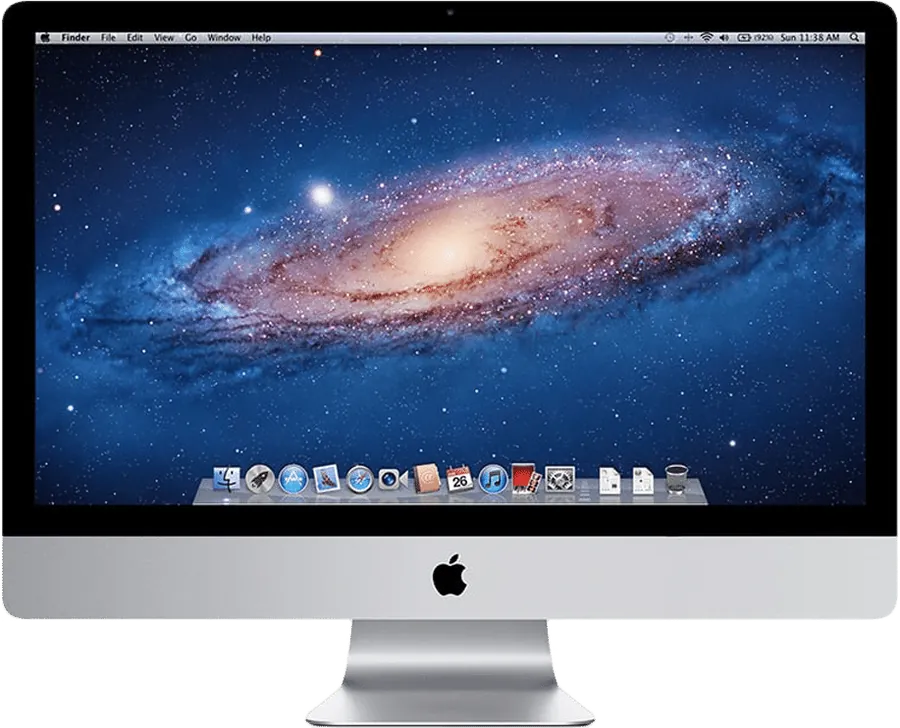
Why is my iMac stuck on High Sierra?
Every Mac has a last macOS that Apple supports. For the Late 2009, 2010 and 2011 iMacs, that last version is High Sierra 10.13. Newer iMacs stop later. Here is where each Intel iMac stops:
| iMac | Newest macOS |
|---|---|
| Late 2009, 2010, 2011 | 10.13 High Sierra |
| Late 2012, Late 2013 | 10.15 Catalina |
| Mid 2014, Late 2014 Retina 5K, Mid 2015 Retina 5K | 11 Big Sur |
| Late 2015 | 12 Monterey |
| 2017 | 13 Ventura |
| 2019 | 15 Sequoia |
| 2020 | 26 Tahoe |
From our compatibility page. To see your model, open the Apple menu and choose About This Mac.
When you look for a newer version, the App Store may dim the Get button. Or it says the macOS "is not compatible with this device", as Apple's download page puts it. That is the hardware limit, not a fault you can fix.
Is my iMac on High Sierra 10.13.6, or older?
Check first. An iMac that was never updated may still be on Sierra or El Capitan. If yours can run High Sierra, it is worth installing. Encore Receiver, for one, needs 10.13.
Apple's How to download and install macOS page has an App Store link for High Sierra. It also has disk images for Sierra 10.12 and El Capitan 10.11. If the High Sierra link doesn't work, Apple says to try again using Safari.
Is it safe to use an iMac on High Sierra?
For local tasks, mostly yes. Online, it is a real risk. Apple's security releases page lists the updates it still ships. The newest entries, dated 9 November 2026, are for macOS 27, 26 and 15. High Sierra is not on that list.
That means newly found holes in High Sierra stay open. A few habits keep the risk down:
- Keep it off sensitive sites. No banking, email or work logins on the old iMac.
- Use it for local jobs. Writing, photos, music and files you already have.
- Don't run apps from unknown sources. An unpatched system has fewer defences.
- Erase it before it leaves your home. If you sell or recycle it, wipe the disk first.
Can I install a newer macOS on an unsupported iMac?
Unofficially, yes. OpenCore Legacy Patcher is a community project that installs newer macOS versions on unsupported Macs. It has model-specific limits, and it can break with updates. It suits people who enjoy tinkering. We would not count on it for important work.
Can I install Linux on an old iMac instead?
Yes, and it is the route to current security updates on this hardware. A Linux distribution gives you a maintained system and browser. Driver support varies by model. Try a live USB first, before you erase macOS.
Can an iMac on High Sierra be a second screen?
Yes, if you also have a newer Mac. Encore Receiver runs on macOS 10.13 High Sierra or later. Encore runs on your other Mac with macOS 14 or later, Apple silicon or Intel. The iMac then shows up as an extra display in System Settings.
This is a good fit for an iMac that shouldn't browse the web anymore. You don't need to browse on the iMac to use it as a screen. Encore uses its own encrypted protocol, with no account and no Encore server. A Mac pairs only with the 4-digit code shown on the iMac.
Both apps update themselves. So the iMac keeps getting fixes to Encore Receiver, even though macOS itself no longer changes. That doesn't patch macOS, so the caveats above still apply.
A Late 2009 or 2010 iMac connects best over Gigabit Ethernet. A 2011 iMac can also use Thunderbolt, with Apple's Thunderbolt 3 to Thunderbolt 2 adapter. Wi-Fi works too, at a lower picture quality. Over a cable, the iMac's keyboard and mouse can control your Mac. Using its camera and microphone is coming soon. The cable guide lists the parts for each model.
These iMacs on 10.13.6 can also use Apple's Target Display Mode, with limits. Apple says the other Mac must be from 2019 or earlier, on Catalina 10.15.8 or earlier. The 21.5-inch 2009 and 2010 models never had it. See Encore vs Target Display Mode for both side by side.
Can I use it as a clock or smart display?
Yes. When no Mac is using it, Encore Receiver turns the iMac into a smart display. StandBy shows clock faces with the time, weather and your calendar. The iMac also shows up as an AirPlay speaker, so you can play music to it from Spotify, YouTube or Music. Now Playing shows the cover on a turning record, with lyrics when they exist.
Hey Mac is a voice assistant on the iMac itself. It uses your own AI key. Listening is off until you turn it on, and the wake word is recognised on the iMac.
What about an iMac stuck on Sierra or older?
iMacs from 2007 to Early 2009 stop at OS X 10.10 or 10.11. For those, there is Encore Receiver Legacy. It runs on OS X 10.10 Yosemite to 10.12 Sierra. It decodes in software, so the picture is sent smaller, about 1440 x 900, and scaled up. The same security caveat applies, and more so. Version 0.9.1 fixed Check for Updates on OS X 10.10 to 10.12 while streaming.
The old iMac's browser may be too old for our download page. The download page links a light page with one button that works in old Safari too.
Which option should you pick?
| If you... | Do this |
|---|---|
| Have a newer Mac on macOS 14 or later | Make the iMac a second screen and clock with Encore |
| Want a safe everyday computer | Try Linux from a live USB |
| Enjoy tinkering | OpenCore Legacy Patcher, with care |
| Only need it for offline jobs | Keep High Sierra, and stay off sensitive sites |
| Have no use for it | Erase it, then sell, donate or recycle it |
More ideas are in what to do with an old iMac. If you are weighing a trade-in, read recycle or reuse an old iMac.
Questions
Why can't my iMac update past High Sierra?
Apple's last macOS for the Late 2009, 2010 and 2011 iMacs is High Sierra 10.13. The App Store dims the Get button, or says a newer macOS is not compatible with the device.
Is it safe to use an iMac on High Sierra?
For local tasks, mostly yes. Going online is a risk, because High Sierra is not on Apple's current security releases list. Apple's latest entries, from 9 November 2026, are for macOS 27, 26 and 15.
Can an iMac on High Sierra be a second screen?
Yes. Encore Receiver runs on macOS 10.13 High Sierra or later. Your other Mac needs macOS 14 or later. It works over Wi-Fi or a cable, and a cable gives the best picture.
My iMac is on Sierra or El Capitan. Can I still get High Sierra?
If your iMac supports it, yes. Apple's How to download and install macOS page has an App Store link for High Sierra, and disk images for Sierra and El Capitan.
What about an iMac from 2007 or 2008?
Those stop at OS X 10.10 or 10.11. Encore Receiver Legacy runs on OS X 10.10 Yosemite to 10.12 Sierra on iMacs from 2007 to Early 2009, with a smaller picture of about 1440 x 900.