
What to do with an old iMac.
Eight options that still work.
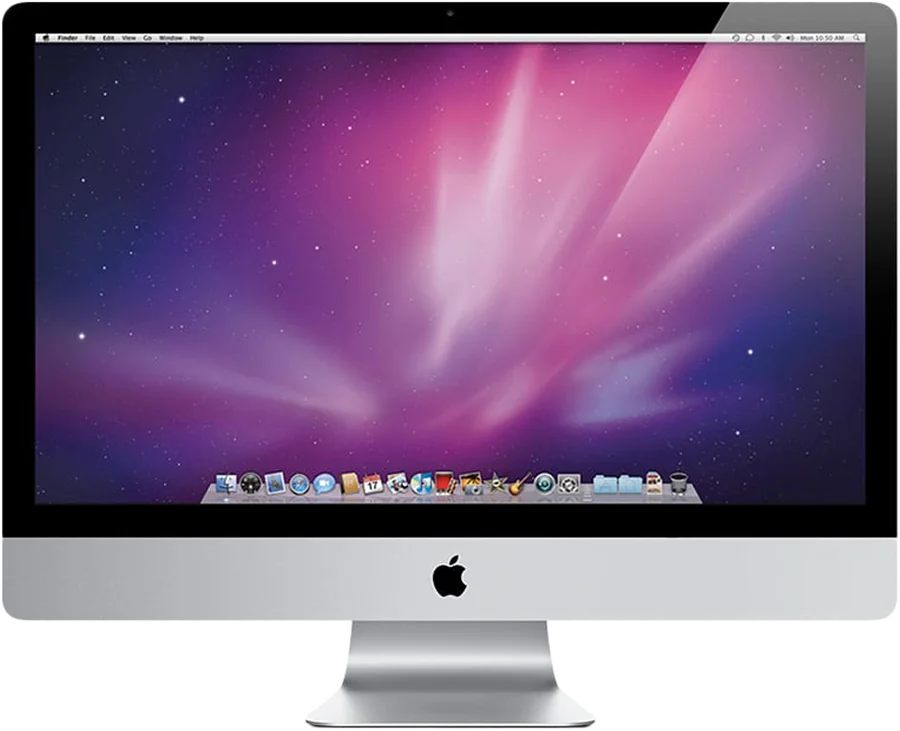
An Intel iMac from 2009 to 2020 is more useful than its age suggests. If you still use a Mac, the most practical option is to keep using the panel: as a second screen with an app such as Encore, or as a clock and smart display. If it can't do either, you can run Linux on it, sell it, recycle it, or convert it. We list eight, with the catches for each.
1. Use it as a second screen for your Mac
Most iMacs still have a good panel. A 27-inch from Late 2009 to 2013 has 2560 x 1440, and a Retina model has 5120 x 2880. Encore turns any Intel iMac from Late 2009 to 2020 into a second screen for any Mac on macOS 14 or later, and it needs a cable for the sharpest result. Paid and free alternatives exist for parts of that range: see the comparison pages and the MacBook guide.
2. Turn it into a clock or smart display
It suits a desk, a kitchen or a workshop. Encore's StandBy shows a clock, weather, your calendar and HomeView, and plays AirPlay music on a turning record with lyrics. Browser dashboards like DAKboard also work. How to do it, and what it costs in electricity.
3. Keep it as a Mac, on an older macOS
An old iMac still works for basic jobs. But be careful. Apple's security releases page shows macOS 27, 26 and 15 being patched in November 2026, with the last Monterey update from July 2024 and older versions behind that. Browsing the web on a machine that gets no security fixes is a risk. Keep it for local tasks, or use a current browser and keep it off anything sensitive.
4. Run a newer macOS, unofficially
OpenCore Legacy Patcher installs newer macOS versions on unsupported Macs. It is a community project with model-specific limits, and it can break with updates. It suits people who enjoy tinkering. Don't count on it for important work.
5. Install Linux
A suggestion on Apple's forums for an iMac stuck on Big Sur is exactly that: Linux Mint, "an up to date non-Apple OS". It gives you a current browser and security updates on old hardware. Driver support varies by model, so try a live USB first.
6. Use it as storage or a backup target
People have used old Macs as a NAS or a Time Machine target. It works, but a machine this old is not silent or low-power. For most people a small NAS box is the better tool, and the iMac's panel is the more valuable part.
7. Convert it into a real monitor
If the iMac's computer has died but the panel is fine, a driver board can turn a 27-inch into a plain monitor. It costs a few hundred and takes real work, and you lose the computer, camera and speakers.
8. Sell it, donate it, or recycle it
If you don't want it, sell it. If nobody wants it, recycle it properly. Apple says "If your device isn't eligible for Trade-In, we'll recycle it for free", and many schools and charities accept working computers. Erase your data first: on the iMac, start up in macOS Recovery and erase the disk, or use Disk Utility from a USB installer if it is too old for that.
Which to choose
| If you... | Do this |
|---|---|
| Still use a Mac every day | Keep the iMac as a second screen, and a clock when you stop |
| Want a family or kitchen screen | Smart display |
| Enjoy tinkering | OpenCore Legacy Patcher or Linux |
| Have a dead logic board but a good panel | A driver board conversion |
| Have no use for it at all | Sell it, or recycle it through Apple |
What it costs to keep running
Apple publishes idle power figures measured from the wall with Finder open: 145 W for a 27-inch Late 2009 iMac, 135 to 142 W for a Mid 2011, 78 to 80 W for a Late 2013, 63 W for a Late 2015 5K, 71 W for a 2019 5K and 33 W for a 21.5-inch 2017. Left on all day, a 135 W iMac uses about 1,180 kWh a year. At €0.30 per kWh, that is about €355. Turn it off or let it sleep when you're not using it. Check your rate and your model.
Whatever you choose, check your model on the compatibility page first.
Questions
Can I still use an old iMac safely?
For local tasks, yes. Going online on a macOS version that gets no security updates is a risk. Apple's security page shows macOS 27, 26 and 15 being patched in November 2026.
Is an old iMac worth keeping?
If you use a Mac and have a place for it, yes: it is a large, sharp screen and a clock when you stop. If it is an older model and you don't need another screen, selling it or recycling it may be better.
Can I turn my iMac into a monitor for a PC?
Not with Encore, which is Mac only. A capture card or a driver board can work; Luna Display also supports Windows hosts.
Does Apple take old iMacs for recycling?
Apple's trade-in page says that if a device isn't eligible for credit, Apple will recycle it for free.