
Use an iMac as a monitor for a PC.
Possible, but not the Apple way.
An iMac has no HDMI input, and Apple's Target Display Mode only works from a Mac, not from Windows. For a PC or laptop, you need a USB capture card, a driver board, or an app that runs on Windows. Encore, our app, is Mac only, so it is not one of them.
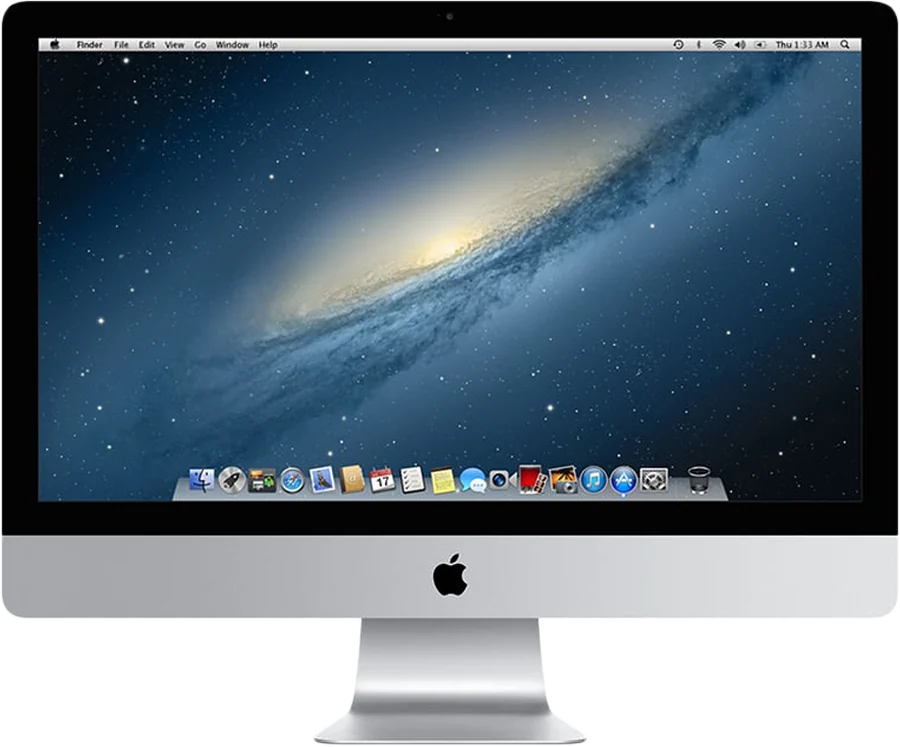
Can I use my iMac as a monitor for my PC?
Yes, but not by plugging an HDMI cable into it. An iMac is a computer with a built-in screen, not a monitor. Its ports send video out or carry data. None of them takes an HDMI signal from a PC.
That leaves four real routes. Each one has a catch, so it helps to see them side by side first.
| Route | What it needs | The catch |
|---|---|---|
| USB capture card | A card of about $20, an HDMI cable and a viewer app on the iMac | The app in 9to5Mac's guide needs macOS 14, so a 2019 or 2020 iMac. Picture limited by the card. |
| Driver board | A board kit, an opened iMac and some skill | The iMac stops being a computer. Camera and speakers usually stop working. |
| App with a Windows version | Software on the PC and on the iMac, sometimes a dongle | Each app supports a different range of iMacs |
| Target Display Mode | Not supported from Windows | Apple only lists Macs as the computer that connects |
Prices and requirements as checked on our comparison pages on 9 November 2026.
Does Target Display Mode work with a Windows PC?
Not according to Apple. Target Display Mode lets some iMacs from 2009 to Mid 2014 act as a display. But Apple's support page only lists Macs as the computer that connects. It names "any Mac introduced in 2019 or earlier using macOS Catalina 10.15.8 or earlier."
The same page says: "Target display mode does not support Boot Camp or Windows." So even a Mac running Windows in Boot Camp can't use it. A Windows PC isn't mentioned as an option at all.
The iMac side has rules too. It must be a 24-inch or 27-inch model from 2009 or 2010, or any iMac from 2011 to Mid 2014. It must run High Sierra 10.13.6 or earlier. We haven't tested a PC on Target Display Mode, and we wouldn't plan a setup around it.
How do I use an iMac as a PC monitor with a capture card?
This is the cheapest route, and the only one that needs no software on the PC. A USB HDMI capture card turns an HDMI signal into a video source the iMac can show in a window.
- Buy a USB HDMI capture card.9to5Mac's guide uses a card of about $20. Check the card's specification for resolution and refresh rate.
- Connect the PC's HDMI output to the card.Then plug the card into a USB port on the iMac.
- Open a viewer app on the iMac.The guide uses the free HDMI Monitor app. It needs macOS 14 Sonoma, which officially means a 2019 or 2020 iMac.
- Set the PC's display.Windows sees the card as an ordinary HDMI screen. Extend or mirror your desktop onto it, like any monitor.
The limits matter. Many affordable cards send compressed 1080p video over USB. A 27-inch iMac has more pixels than that, so the picture is scaled up. The guide doesn't cover latency. And the iMac's own keyboard and mouse don't control the PC. Other viewer apps may run on older iMacs, but we have not tested them. Our capture card comparison has the details and sources.
Can I convert an old iMac into a real monitor for a PC?
Yes, with a display driver board. The board replaces the iMac's computer and connects the panel straight to a video cable. The result is a plain monitor that any PC can use, with no apps at all.
It is real work, though. One complete kit we checked was listed at $449 on Macfixit's Australian store. A 2025 forum thread mentions bare boards from about $170, which need extra parts. On the TidBITS Talk forum, Adam Engst calls the job "major surgery". The seller of that kit says "Camera and speaker from the iMac will not be functional".
The kits we found are mostly for the 27-inch Retina 5K iMac, 2014 to 2020, at native 5120 x 2880. Boards also exist for older 27-inch panels, at lower resolutions. The iMac can no longer run macOS after the conversion. It suits an iMac whose logic board has died but whose screen is fine. Our driver board comparison lists the costs and what you give up.
Which apps let a Windows laptop use an iMac as a screen?
A few second-screen apps have a Windows side. You install software on the PC and on the iMac, and they talk over a cable or Wi-Fi. These are the ones we have checked, with each maker's own claims:
- Luna Display by Astropad is a hardware dongle. The USB-C unit is $89.99. It supports most iMacs from 2011 onward, and a Windows PC can be the main computer.
- Second Display costs $39 once. It accepts a Windows 11 computer as the host. It supports iMacs from Late 2015, and Late 2012 to Mid 2015 with its free Connect app.
- Duet Display is a subscription, from $39.99 a year on the US App Store. It covers Windows PCs, but its iMac page names no iMac years.
Prices and requirements change, so check each maker's page before you buy. None of these turns a Late 2009 or 2010 iMac into a PC screen, as far as their stated requirements go.
Does Encore work with a Windows PC?
No. Encore only works between two Macs. Encore runs on a Mac with macOS 14 Sonoma or later. Encore Receiver runs on the iMac. There is no Windows version.
If you also have a Mac, Encore may still be the better use of the iMac. It turns any Intel iMac from Late 2009 to 2020 into a second screen for that Mac, over Wi-Fi or a cable. Over a cable, the iMac's keyboard and mouse can control your Mac. When you stop working, the iMac becomes a smart display with StandBy clocks, AirPlay music and the Hey Mac assistant. Using its camera and microphone is coming soon.
Check your model on the compatibility page, then find the right cable in the cable guide. Encore is free to download during the public beta. After the beta it costs €16 once.
Which option should you pick for your PC?
| If you... | Pick |
|---|---|
| Want to show a PC, console or camera on a 2019 or 2020 iMac, cheaply | A USB capture card |
| Have an iMac with a dead computer but a good 27-inch panel | A driver board |
| Want a Windows laptop to extend onto a 2011 or newer iMac | An app with a Windows version, such as Luna Display or Second Display |
| Also own a Mac on macOS 14 or later | Encore, from that Mac |
An iMac that can't do any of these still has other uses. Our guide to every way to use an old iMac as a monitor covers the Mac routes in full.
Questions
Can I use my iMac as a monitor for my Windows PC?
Not with an HDMI cable, because iMacs have no HDMI input. The working routes are a USB capture card with a viewer app, a driver board that replaces the iMac's computer, or an app with a Windows version.
Does Target Display Mode work with a PC?
Apple only lists Macs as the computer that connects, and its support page says Target Display Mode does not support Boot Camp or Windows.
Does Encore work with Windows?
No. Encore only works from a Mac on macOS 14 or later to an Intel iMac from Late 2009 to 2020. For a PC, use a capture card, a driver board or an app with a Windows version.
What is the cheapest way to show a PC on an iMac?
A USB HDMI capture card, at about $20 in 9to5Mac's guide. The viewer app in that guide needs macOS 14 Sonoma, so a 2019 or 2020 iMac. Many affordable cards send 1080p.
Can I turn a dead iMac into a PC monitor?
Yes, with a driver board, if the panel still works. It removes the iMac's computer and connects the panel to a video cable. One kit we checked was $449, and the camera and speakers stop working.