
How a Mac second screen app works.
Inside Encore, with our numbers.
A Mac second screen app creates a virtual display, captures it, encodes it and streams it to the other screen. Encore does this over its own encrypted UDP protocol, to an old Intel iMac. It sends still text as lossless tiles, times each frame to the iMac's refresh, and can send ProRes 4444 over a fast cable.
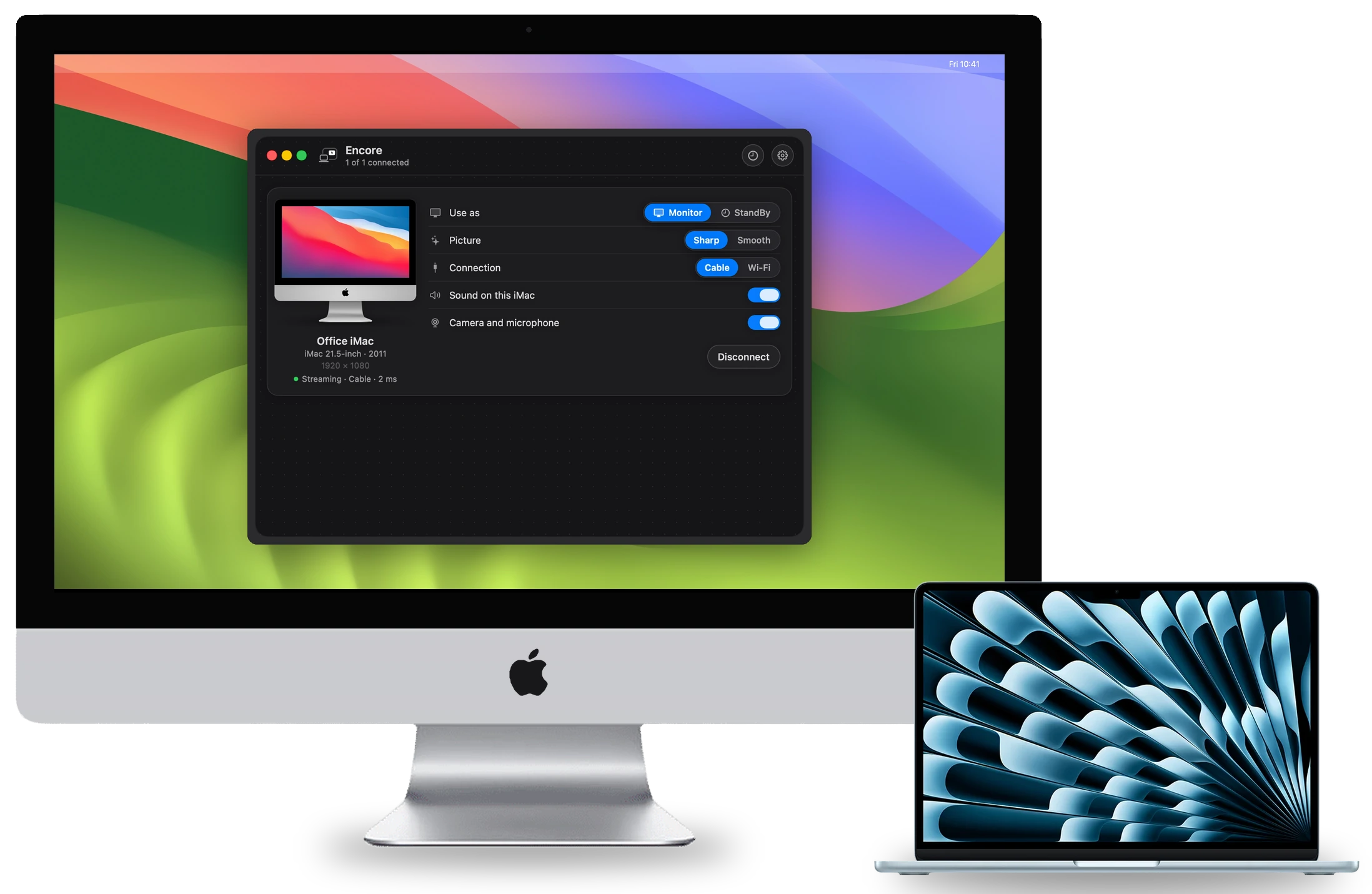
This post is for people who want the mechanics. Every number below comes from Encore's internal decision log (entries D14 to D35) or its research notes (encode.md, hybrid.md, prores.md). Each figure names its source. Most were measured on a base M4 Mac with synthetic desktops, in loopback. None is a glass-to-glass measurement on a real iMac yet.
How does a second screen app work on a Mac?
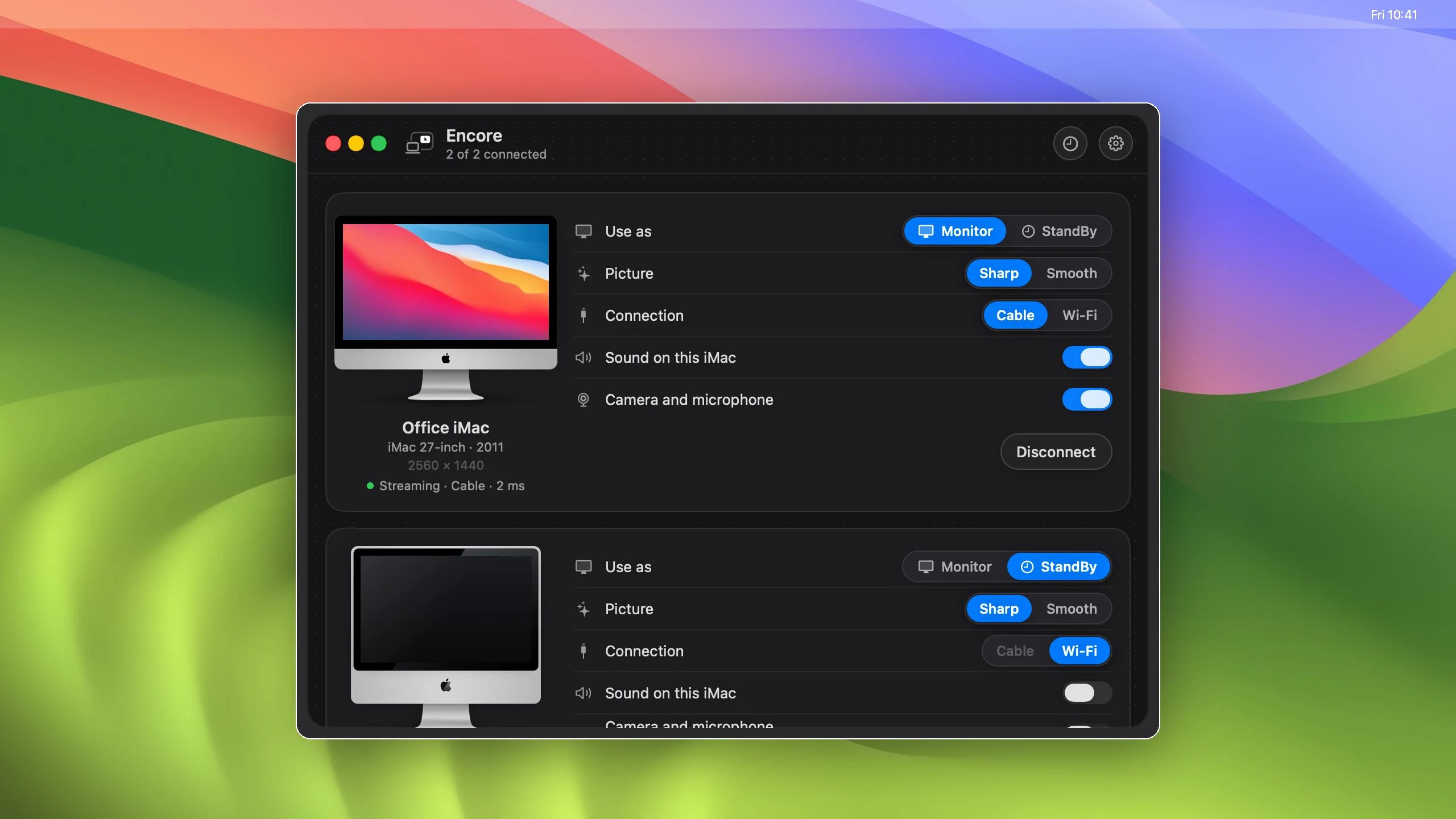
Encore is two apps. Encore runs on the Mac, on macOS 14 or later. Encore Receiver runs on the iMac, on macOS 10.13 or later. The pipeline has five steps.
- A virtual display.The Mac gets an extra display that the system treats like any monitor. You drag windows onto it.
- Capture.ScreenCaptureKit hands Encore each new frame of that display.
- Encode.VideoToolbox's hardware encoder turns moving content into H.264. Still content goes out as lossless tiles instead.
- Transport.Encore's own protocol carries the frames over Wi-Fi, Ethernet or Thunderbolt, encrypted.
- Decode and present.The iMac decodes the frame and shows it on its next refresh.
Encode time depends on pixel count, not content. On the M4, H.264 in low-latency mode took 6.25 ms per frame at 1080p and 8.71 ms at 1440p (p50, encode.md §1). Low-latency rate control did not make it faster. Its value is steady frame sizes.
Why does text look blurry on a second screen?
Hardware H.264 and HEVC carry colour at half resolution: 4:2:0. That limit applies before the encoder even starts. Converting a frame to 4:2:0 and back, with no codec at all, caps glyph sharpness at 27.3 dB PSNR (RGB, glyph pixels, hybrid.md). Every H.264 or HEVC run at 10 Mbit/s or more landed at 27.2 dB.
Black text survives this. Coloured text does not: links, syntax highlighting and red warnings get fringes. No bitrate fixes it, and the M4 has no 4:4:4 hardware encoder. We wrote this up as the 27 dB problem behind soft second-screen text.
What are lossless text tiles?
Encore splits the screen into 64 × 64 tiles. When a tile stops changing, it is sent again as exact pixels, compressed without loss with Apple's Compression library (hybrid.md). Video carries the motion; tiles make the still result exact.
Over Wi-Fi this is on by default (D19). A change that fits half the video bitrate goes out as exact tiles in the same frame. Typing and menus cost 2–7 kB a frame. A scroll or a dragged window rides the video, then turns exact once it stops. In loopback, a 720p drag with 5 % packet loss used 19 Mbit/s. All 240 tiles were exact 281 ms after the screen stopped.
Not every tile idea worked. A full desktop tile codec on the cable shipped on by default (D30). It scrolled at 3.7 kB a frame, exact. Then lag over a cable showed up in 0.8.3 (D35). A dragged 1080p window cost it about 50 Mbit/s, against about 4 Mbit/s for H.264. A 100 Mbit adapter cannot carry that. The codec is now off by default, until desk tests show it is better.
How does the protocol work?
Encore does not use VNC, RDP or AirPlay. It has its own protocol over UDP. Each datagram is at most 1200 bytes, with a 20-byte header (D14). The header carries a display ID, so one Mac can drive several iMacs, and the size of the forward error correction group.
- Loss. Lost packets are asked for again within a fixed budget, and the Mac adds forward error correction over radio links. Long-term reference frames repair loss instead of keyframes. A later keyframe is 10–15× larger than a P-frame: 370 kB at 1440p (
encode.md). - Encryption. ChaCha20-Poly1305, with keys agreed with X25519. We picked ChaCha20 over AES-GCM because the Core 2 Duo iMacs of 2009 and 2010 lack AES-NI (D17). There is no unencrypted fallback.
- Pairing. The iMac shows a four-digit code. The pairing allows five tries (D16), and the result is kept in the Keychain on both Macs.
- Wi-Fi. Bonjour's peer-to-peer browsing keeps AWDL, the AirDrop radio, awake. AWDL caused 50–100 ms round-trip spikes about once a second. So Encore turns it off once a session starts (D18).
- 2.4 GHz. If either side is on 2.4 GHz, a Wi-Fi stream starts at 12 Mbit/s instead of 30 (D28). The app also says which radio is the weak one (D21).
Everything stays between the two Macs: no account, no Encore server. Wi-Fi or cable for a second screen covers what each link changes in practice.
How do you sync frames to a display's refresh?
A frame that arrives just after the iMac's refresh waits for the next one. At 60 Hz that wait is 0–16.7 ms, 8.3 ms on average. No monitor can shorten it. A sender that knows the refresh phase can.
So the iMac measures its own refresh (D23). Every refresh time feeds a least-squares line over the last second: phase, period and jitter. The iMac sends that line to the Mac, in the Mac's clock. On the Mac, a step called PhaseLock picks among several captures per refresh. It chooses the one predicted to land last before the iMac scans out, with a 5 ms margin by default.
The capture rate matters too (D24). On Apple silicon, Encore captures at 120 Hz for streams up to 2560 × 1440. In simulation, the leftover wait drops from 12.0 ms with one capture per refresh to 5 + 4.2 ms with two. In loopback, decoded-to-presented time fell from 6.3 ms to 1.8–2.8 ms (p50, D23).
What is ProRes 4444 mode, and when does it fall back to H.264?
Ultra is an opt-in picture mode for a cable (D22). Every frame goes out as Apple ProRes 4444 from the Mac's hardware engine: full 4:4:4 colour, each frame a keyframe. The iMac decodes it in software.
Measured on an M4 (prores.md) | 1080p | 1440p |
|---|---|---|
| Glyph PSNR, coloured text | 50.8 dB | 51.1 dB |
| Encode time per frame (p50) | 2.04 ms | 3.46 ms |
| Size per frame | 1357 kB | 2217 kB |
| Bitrate at 60 fps | 651 Mbit/s | 1064 Mbit/s |
H.264 reaches 27.2 dB on the same coloured text, at any bitrate.
The worst pixel was 3–4 codes off out of 255. That sharpness costs bandwidth. 1080p uses 69 % of Gigabit Ethernet, and 1440p does not fit at all. So Ultra has gates. It never runs on Wi-Fi. Gigabit allows panels up to 1920 × 1200. Larger panels need Thunderbolt Bridge or 2.5 Gbit/s Ethernet. The iMac must decode a test frame in 14 ms or less.
The fallback is automatic, once per session. If the iMac's decode p95 passes 14 ms, or it drops over 5 % of frames for 2 s, the Mac switches to H.264. It sends a keyframe first, on the same session. In loopback, the switch came 1.2 s after a 20 ms decode report, with no decode errors. Ultra is sharper, not faster. The cable guide says which cable each iMac takes.
What we have not measured yet
The open numbers are the ones only a real desk can give.
- Glass-to-glass latency. Not measured on real iMacs, so not published. The 5 ms PhaseLock margin is only visible that way.
- ProRes decode on old CPUs. We estimate 10–14 ms per 1080p frame on a 2015 iMac. That is an extrapolation from the M4. The gate reads the iMac's own measurement, not our model.
- Retina iMacs. Encore sends them at up to 2560 × 1440, scaled to the panel. In our bench, the M4's H.264 encoder refused 5120 × 2880 outright.
The plain-language tour is on how Encore works. Check your model on the compatibility page, then download the free public beta, version 0.9.1.
Questions
Does Encore use H.264 or HEVC?
H.264 from the Mac's hardware encoder carries motion. Still content is replaced by lossless tiles. In our text tests HEVC was not sharper than H.264.
Is the stream encrypted?
Yes. Encore encrypts everything with ChaCha20-Poly1305, with keys agreed with X25519. There is no unencrypted fallback, and a Mac pairs only with the code shown on the iMac.
Why ChaCha20-Poly1305 and not AES-GCM?
The Core 2 Duo iMacs from 2009 and 2010 have no AES-NI instructions. ChaCha20 is constant-time and fast on every CPU Encore supports.
Does Ultra lower latency?
No. Ultra is sharper, not faster. ProRes 4444 frames are far larger than H.264 frames, so Ultra needs a fast cable and an iMac that decodes quickly enough.
What is Encore's latency?
We have not published latency figures yet. Our numbers so far come from loopback tests on an M4 Mac, not from glass-to-glass measurements on real iMacs.