
How Encore works.
Your old iMac, a second screen.
Encore on your Mac sends an extra screen to the iMac, straight over your own network or a cable. When you stop, the iMac becomes a smart display.
Two small apps.
One on each side. Your Mac does the work; the iMac shows the picture.
Encore, on your Mac
It finds the iMac, sends the picture and holds every switch. Any Mac on macOS 14 Sonoma or later: MacBook Air, MacBook Pro, Mac mini, Mac Studio or a newer iMac.
Encore Receiver, on the iMac
It shows your Mac's picture, or StandBy when you stop. Every Intel iMac from Late 2009 to 2020 on macOS 10.13 or later. Older iMacs use Encore Receiver Legacy.
At work,
it's a monitor.
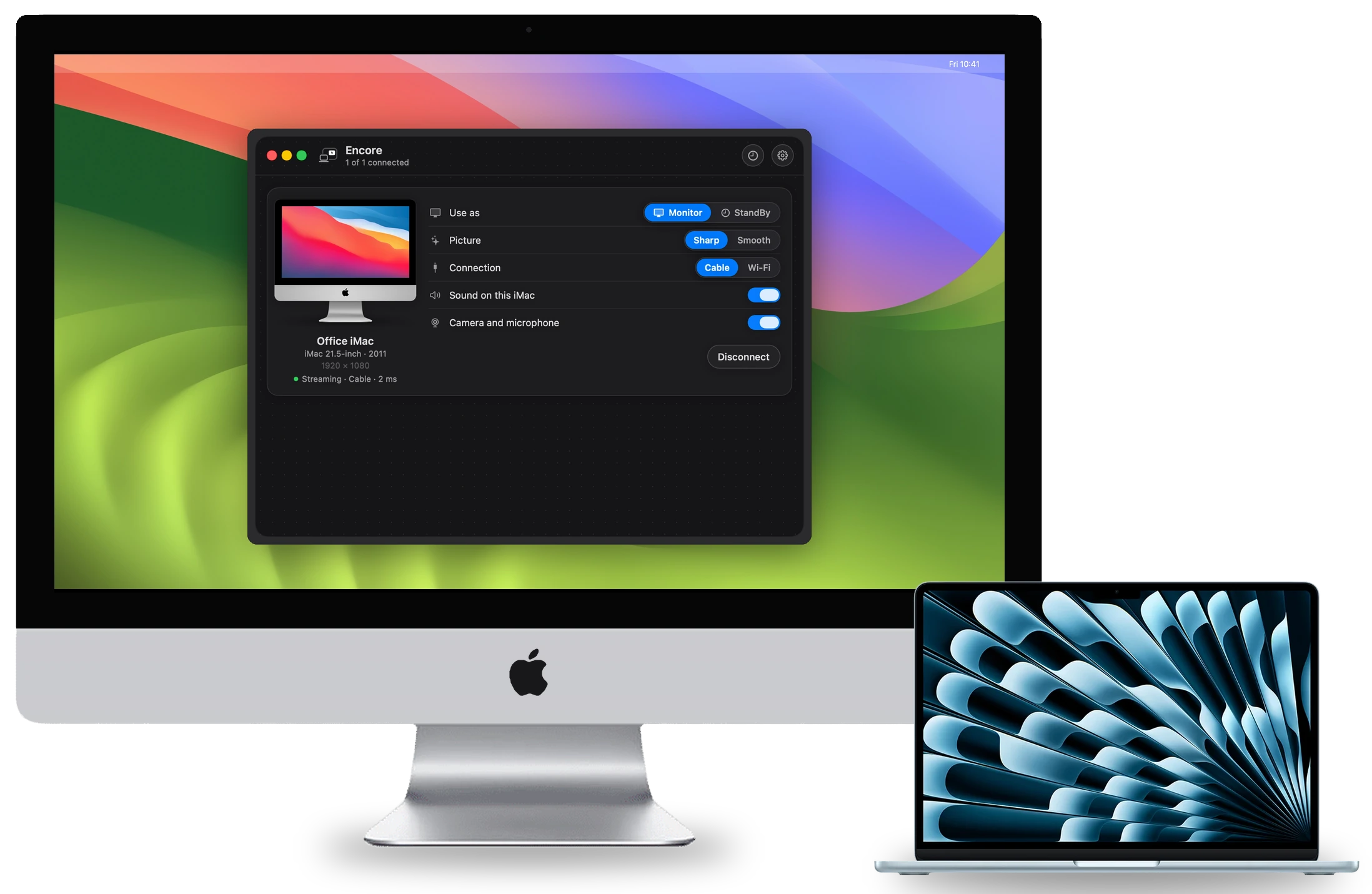
Your Mac sees the iMac as one more display. Drag windows onto it and arrange it in Displays, like any screen.
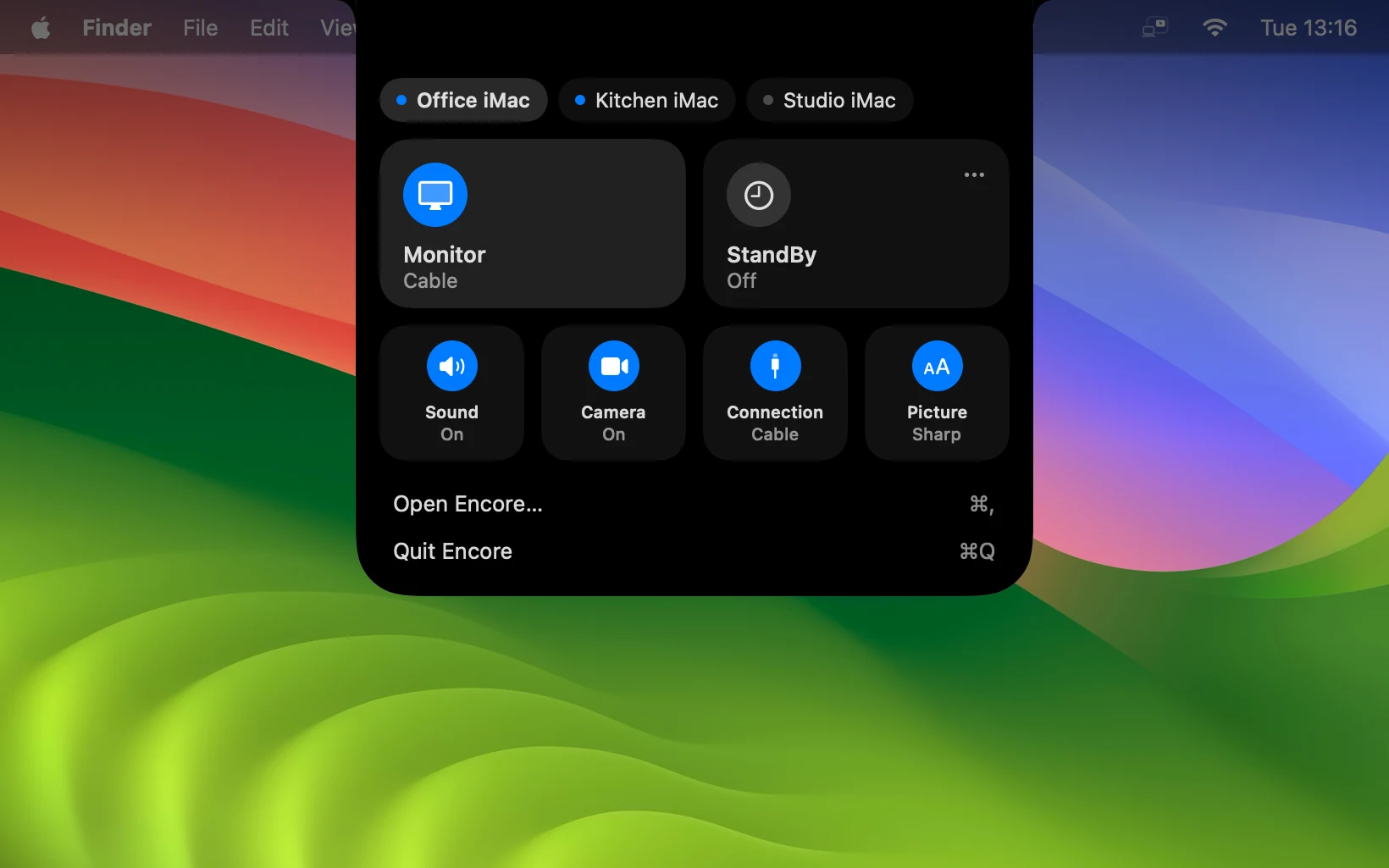
- Sharp or Smooth. Sharp keeps text pixel-exact. Smooth is made for video and motion. Pick per iMac.
- Cable or Wi-Fi. Wi-Fi works with nothing to plug in. With Ethernet or Thunderbolt, Encore uses the cable first. Which cable
- The whole iMac. Its speakers, and over a cable its keyboard and mouse.
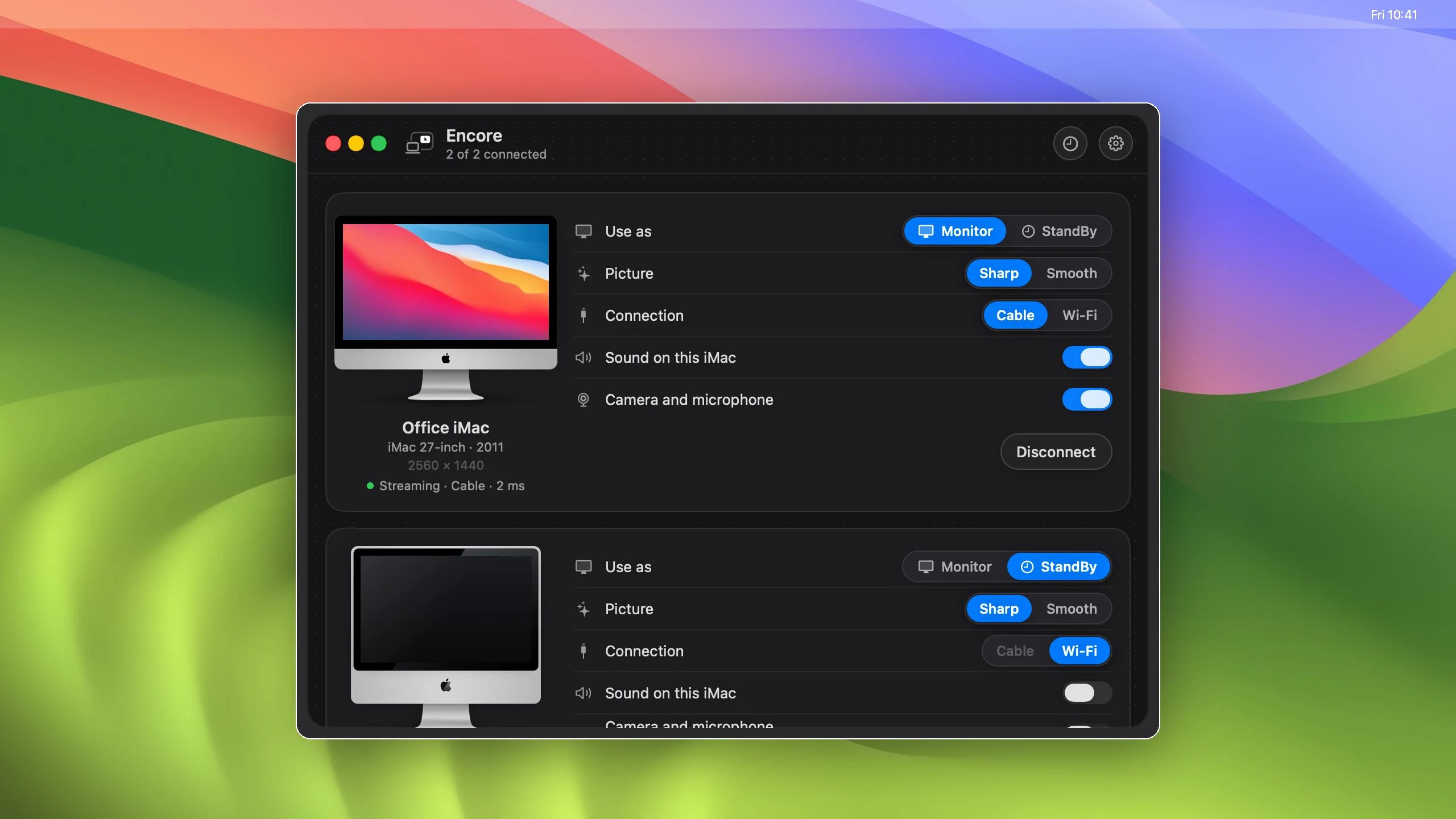
- Several iMacs. Each one gets its own row: Monitor or StandBy.
It stays
connected.
- Open your MacBook and the iMac reconnects by itself.
- Wi-Fi drops? The last picture stays until it's back.
- The iMac keeps listening for your Mac, so it is there right away. Its screen can still go dark.
- Every switch sits in a panel that drops down from the notch. On a Mac without a notch: ⌃⌥E.
When you stop,
it's a smart display.
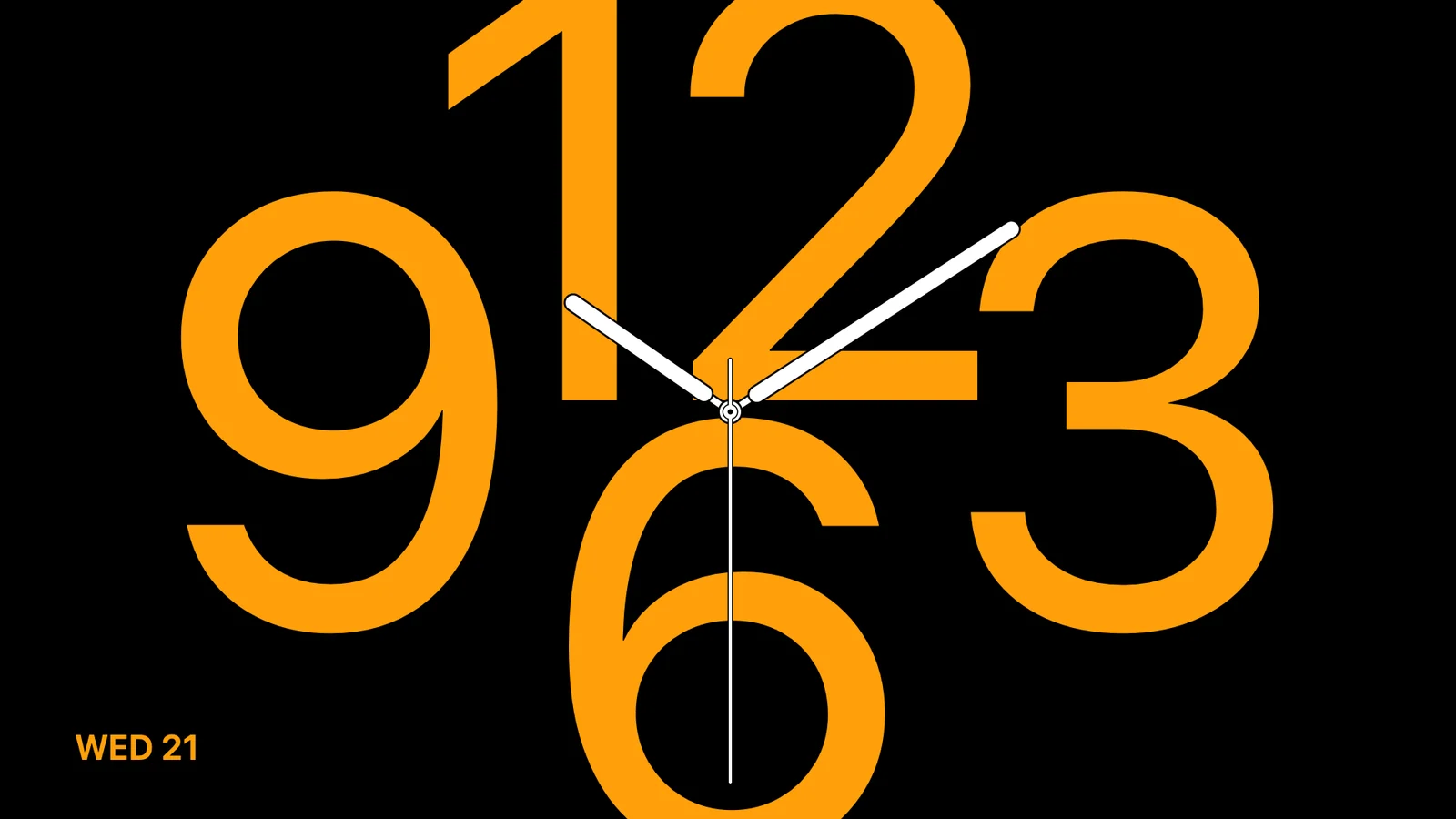
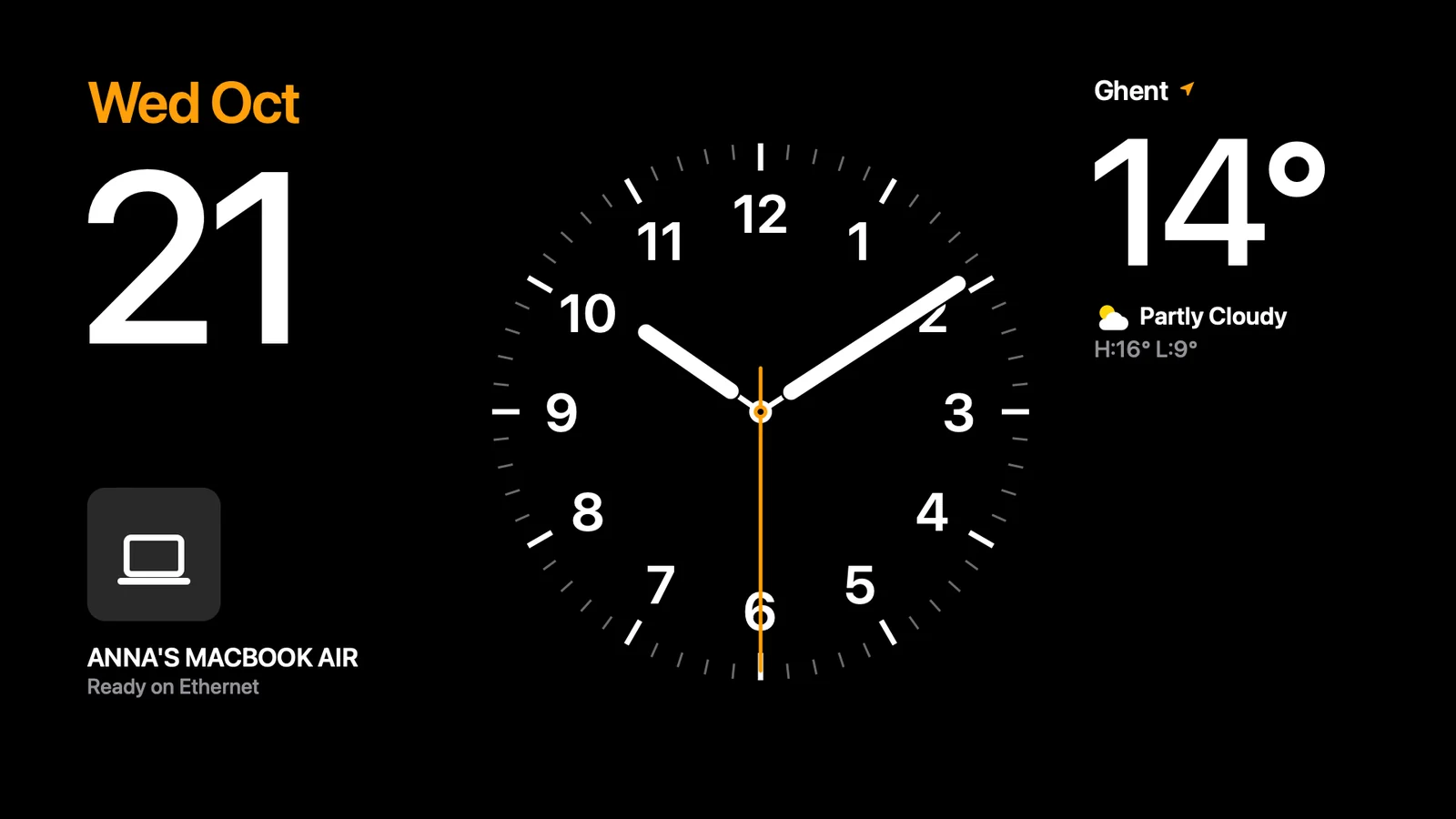
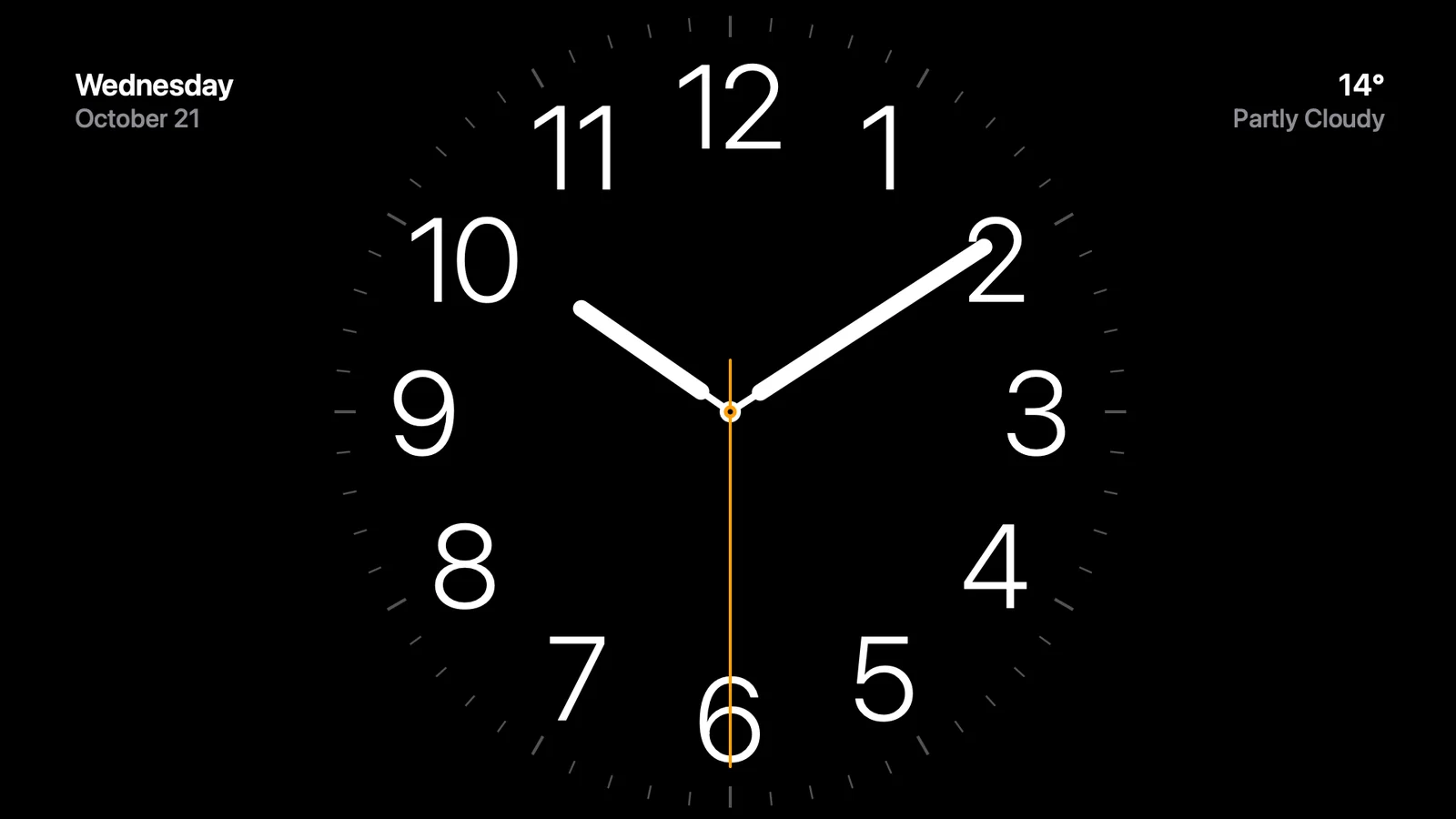
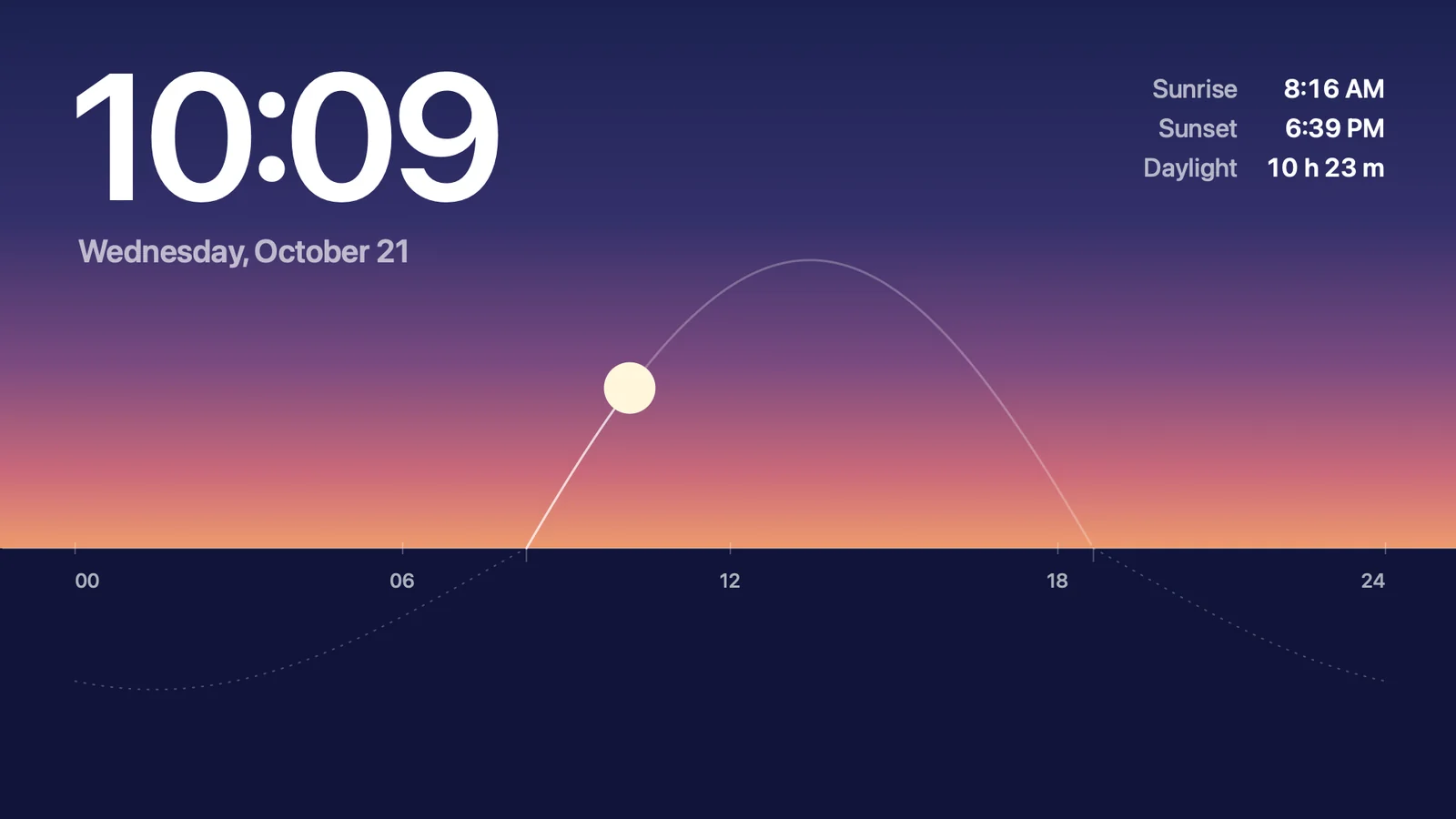
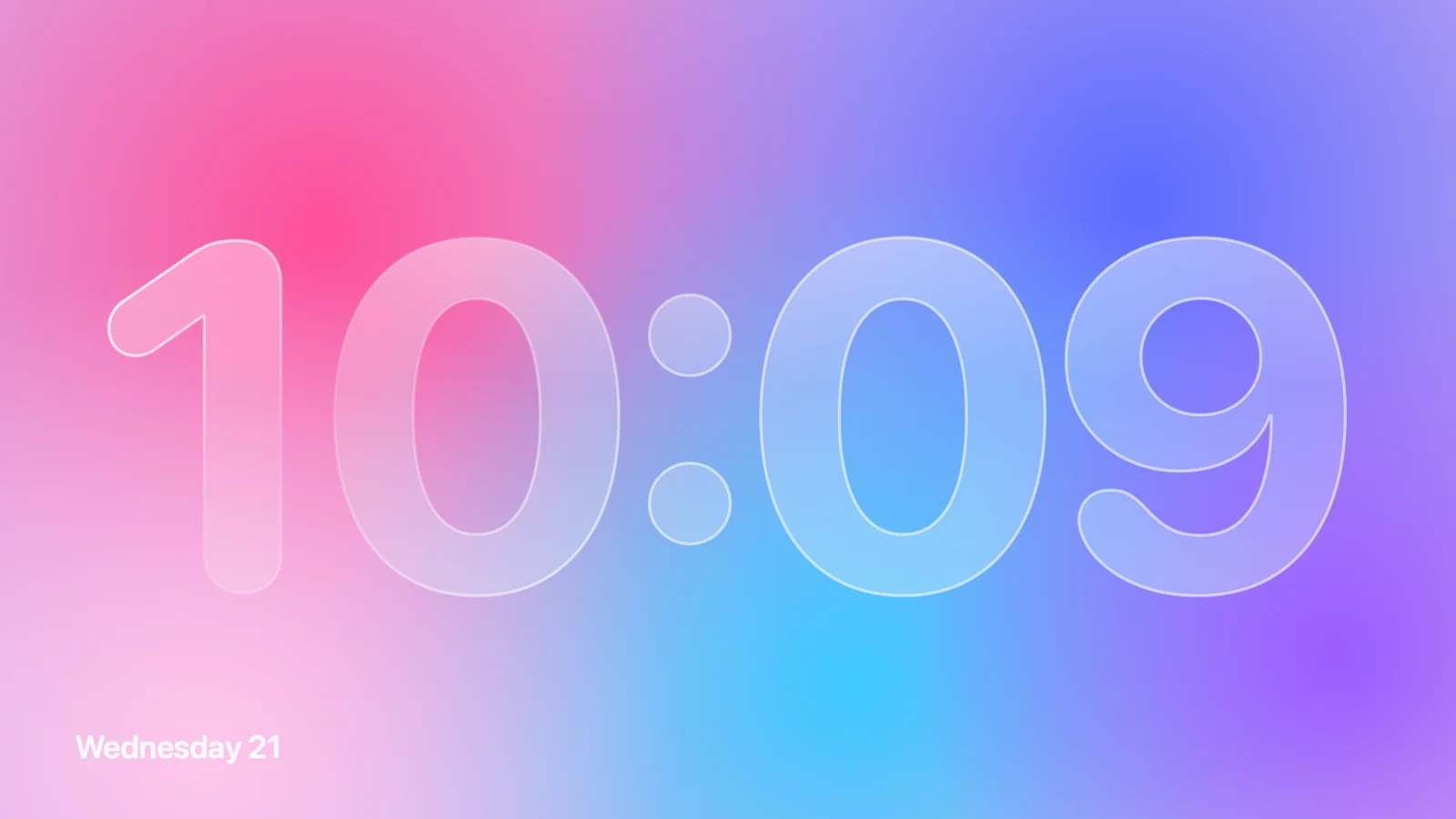
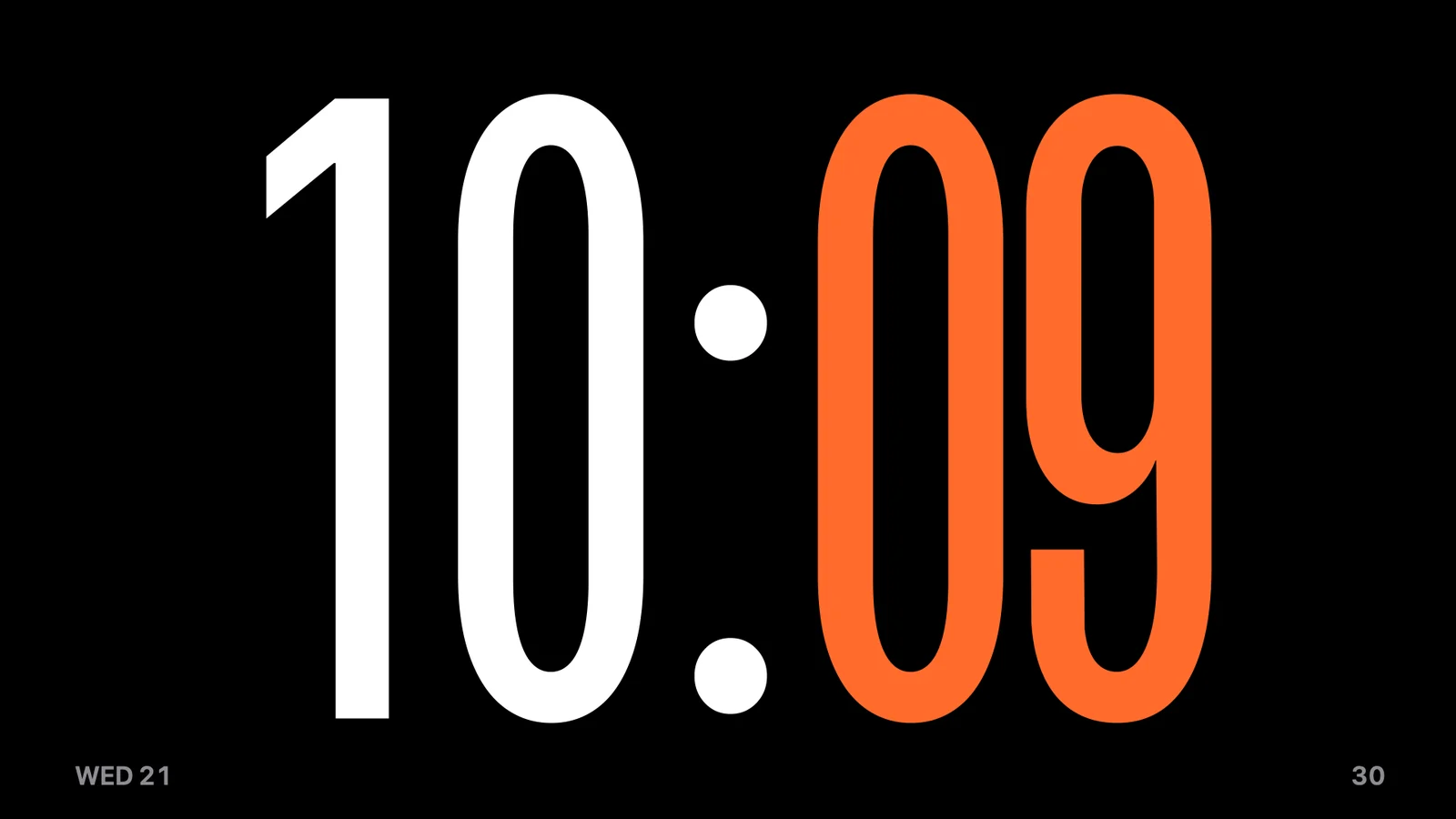
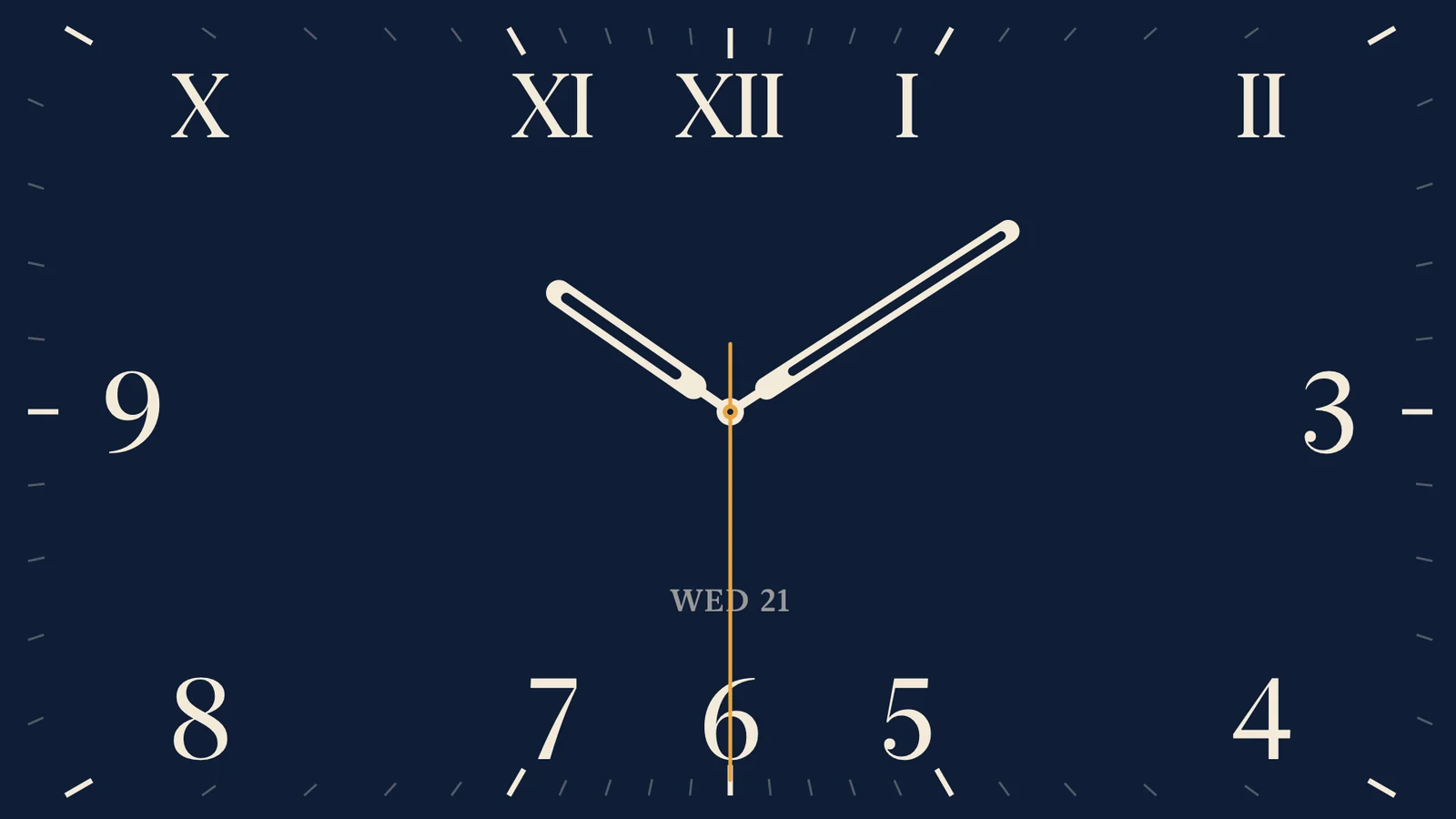
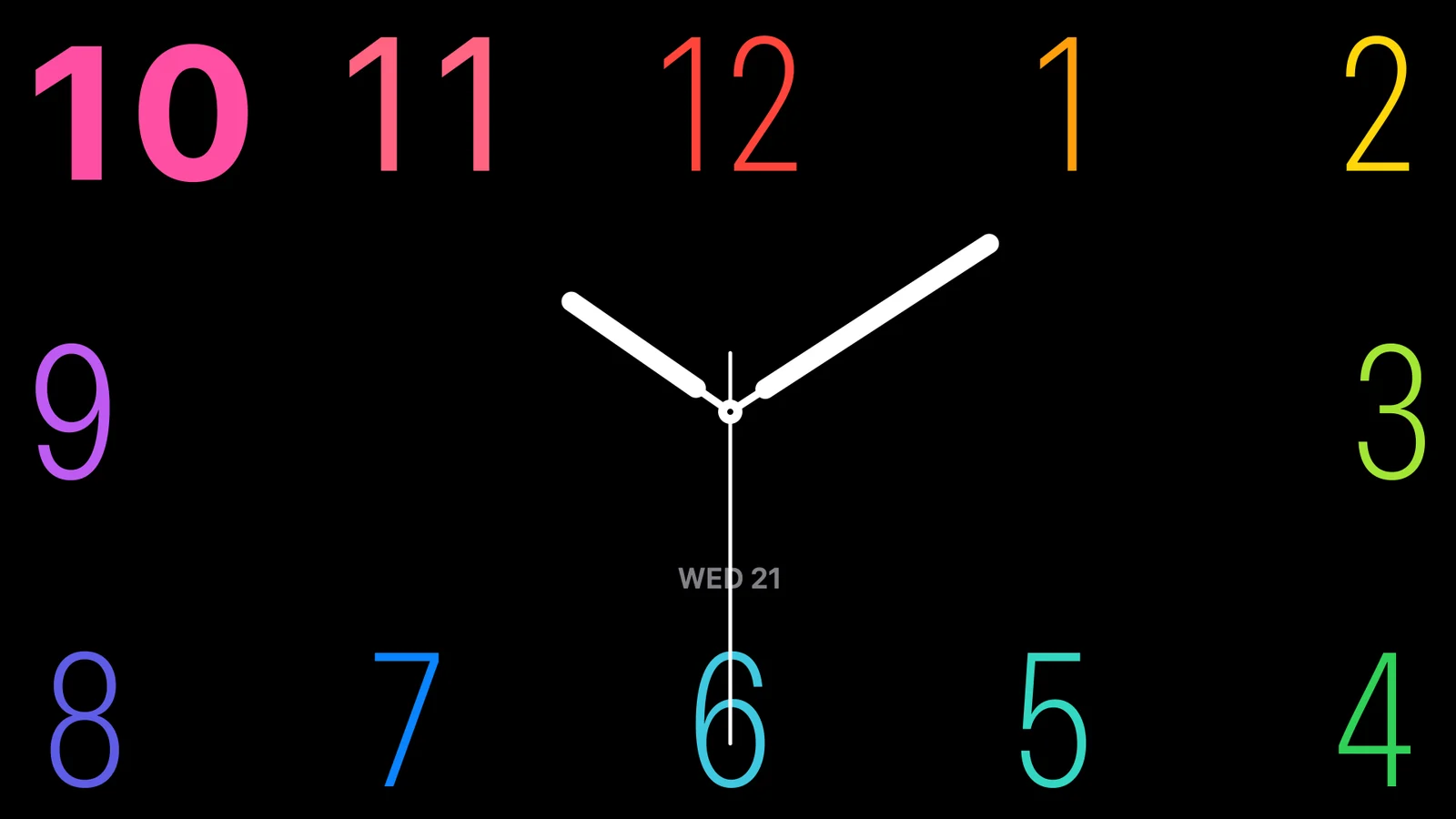
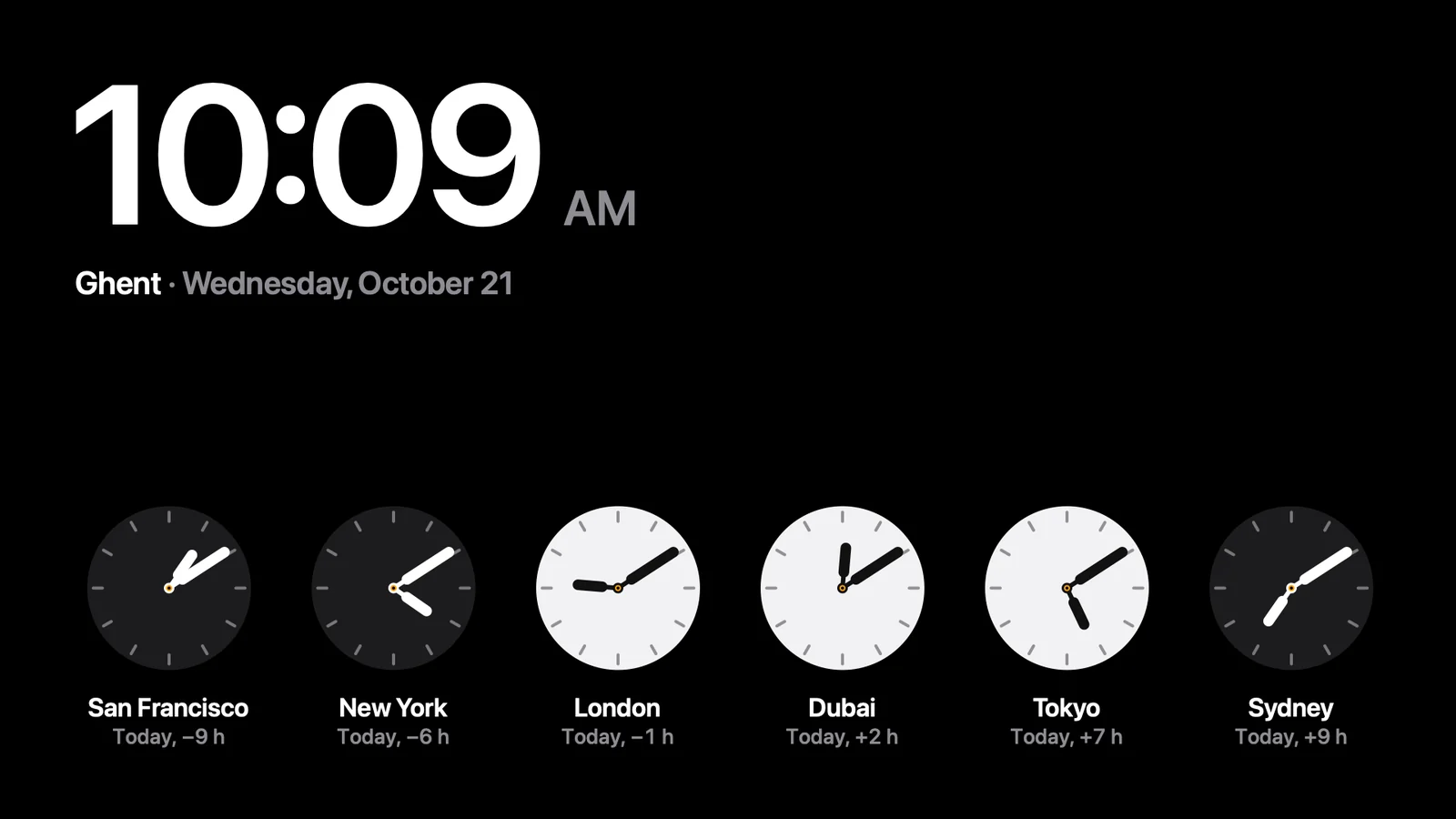
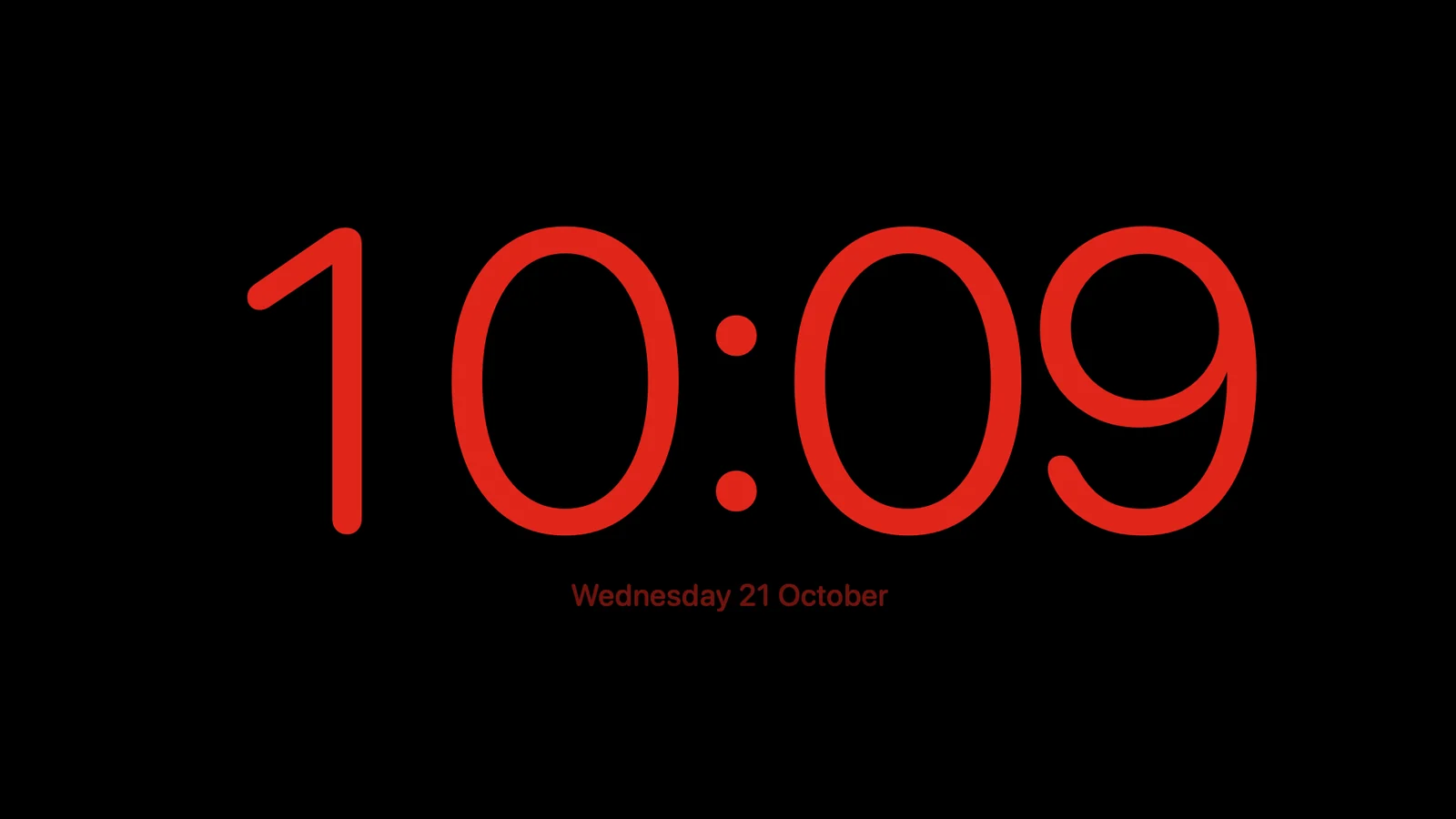
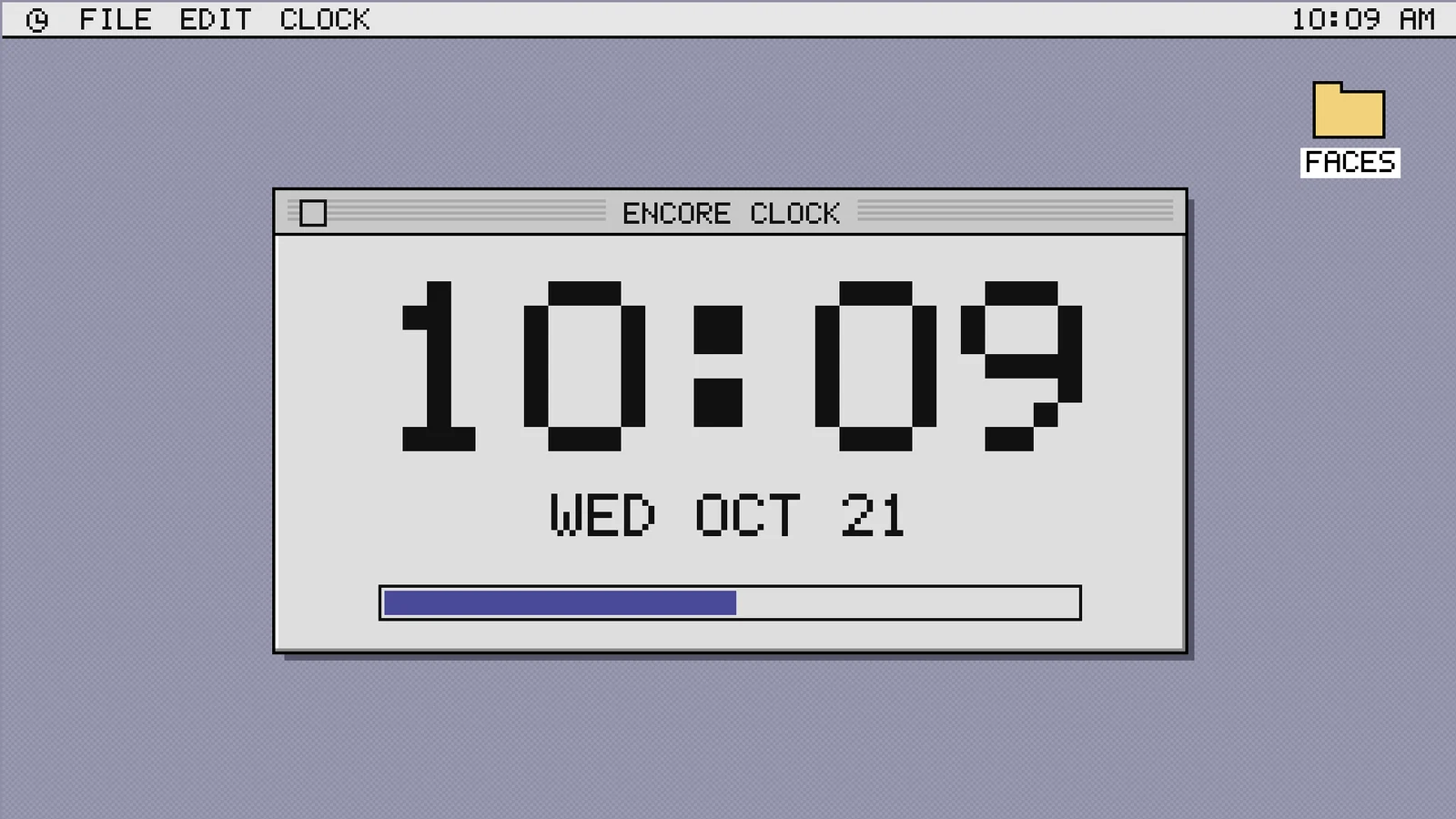
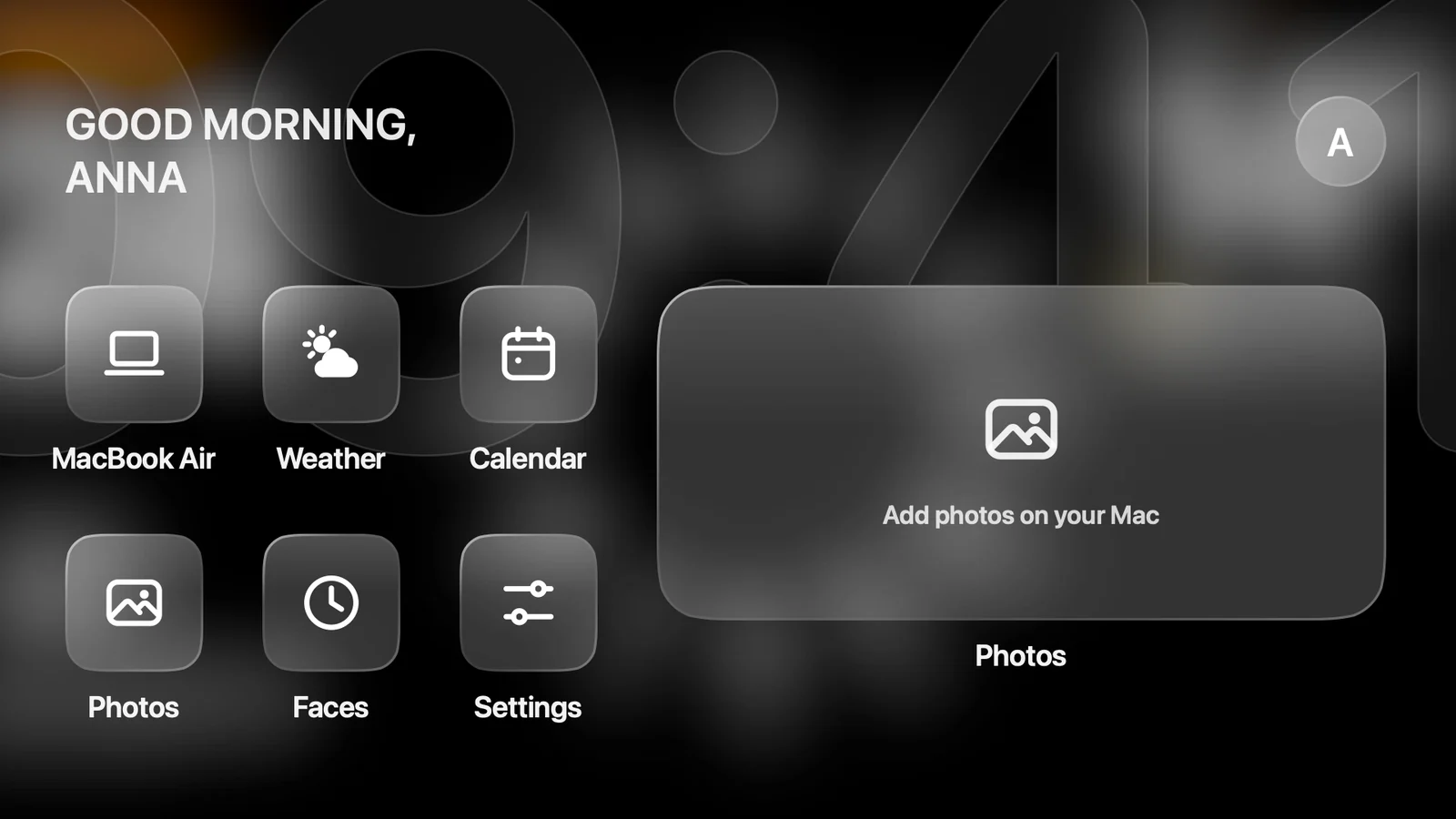
Your windows go back to the Mac and no video is sent anymore. The iMac shows StandBy: a clock, weather, calendar and HomeView. Pick the face on your Mac.
AirPlay, on vinyl
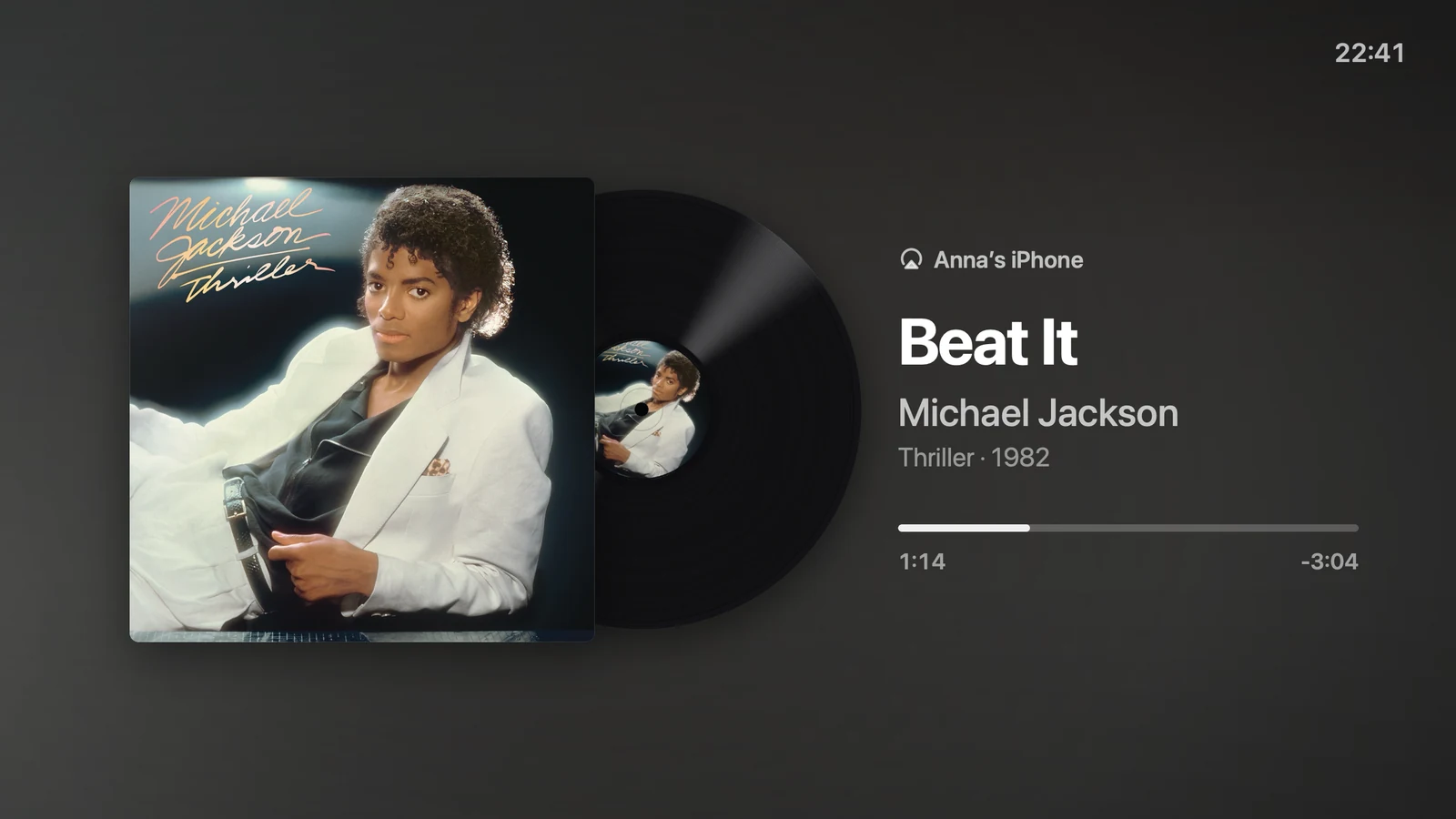
While no Mac uses it, the iMac is an AirPlay speaker. The cover spins on a record, with the lyrics in time when they exist.

Hey Mac
Ask a question out loud. The answer appears in large type and is spoken. Listening is off until you turn it on.
Pair once.
Then it just connects.
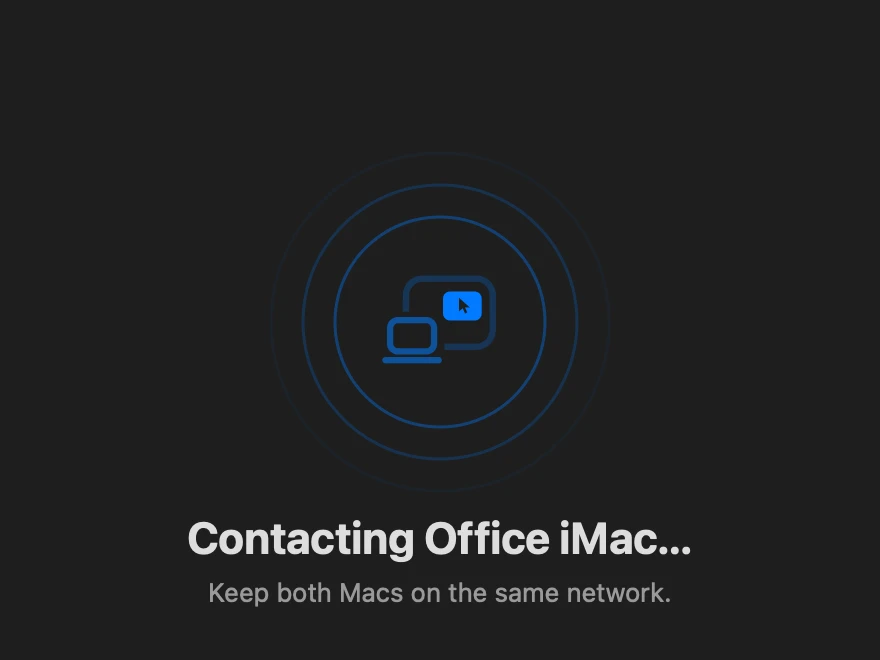 Open both appsEncore on your Mac, Encore Receiver on the iMac. The Mac finds the iMac by itself.
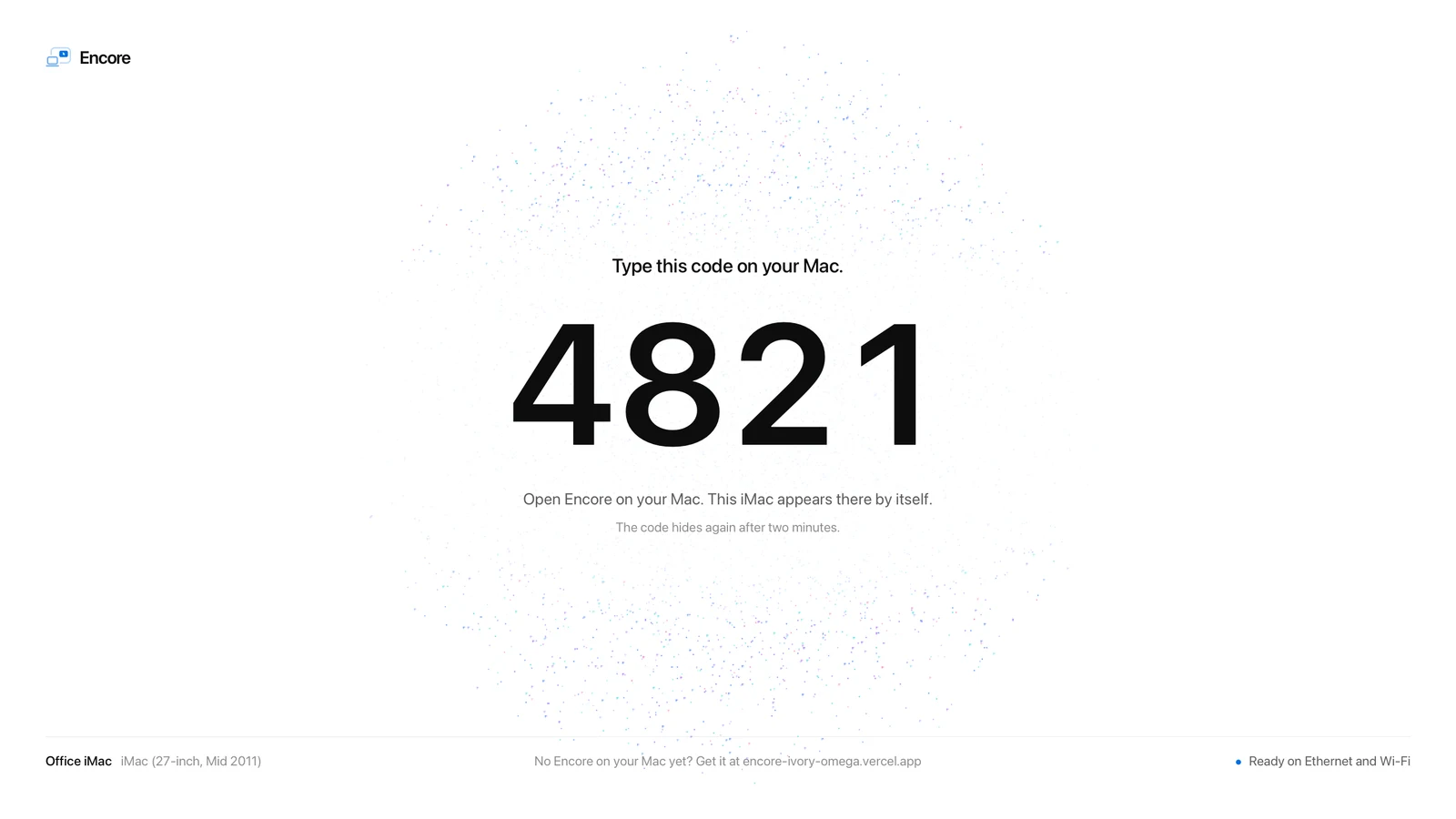 Type the iMac's codeThe iMac shows four digits. Type them on your Mac. Nothing to click on the iMac.
 RememberedThe pairing is kept on both Macs. From now on the iMac connects by itself.
The step-by-step clicks, including the one-time macOS warning, are in the install guide.
Built from scratch.
For a picture you can read.
No screen-sharing tricks. Encore has its own protocol, uses your Mac's hardware encoders and times every frame to the iMac's screen.
Lossless text tiles
Encore splits the screen into 64 × 64 tiles. Once a tile stops changing, it is sent again as exact pixels, compressed without loss. Still text and interface end up pixel-exact on the iMac, on a cable and on Wi-Fi.
In sync
Every frame lands on the iMac's refresh. On Apple silicon, at 120 Hz, the pointer feels close.
Ultra, with ProRes 4444
Ordinary H.264 or HEVC video halves the colour resolution, which leaves coloured text soft at any bitrate. Over a cable, Ultra sends the screen as ProRes 4444 instead: full colour, also while things move. It needs a fast link: about 650 Mbps at 1080p, so Gigabit for a 1080p iMac and Thunderbolt for larger screens. Read the measurements
Encrypted
Everything travels encrypted, straight from your Mac to the iMac. There is no unencrypted fallback, and pairing without the code is refused.
Hey Mac, on the iMac
The wake word and your question are recognised on the iMac itself. Your voice never leaves it; only the text of the question goes to your own AI key.
Stays on your network
The picture goes straight from your Mac to the iMac. No account, no Encore server, nothing uploaded.
Fits each iMac
The iMac measures how much video it can decode, and your Mac sends a picture that fits. The bitrate follows what your cable can carry.
Encore at a glance.
Encore turns an old Intel iMac into a second screen for any Mac on macOS 14 or later, over Wi‑Fi or a cable, and into a smart display when you stop. Two apps, no dongle, free during the public beta.
- iMacs
- Every Intel iMac from Late 2009 to 2020, on macOS 10.13 or later. iMacs from 2007 to Early 2009 work with Encore Receiver Legacy, at a smaller picture (about 1440 × 900).
- Your Mac
- Any Mac on macOS 14 Sonoma or later, Apple silicon or Intel.
- Connection
- Wi‑Fi, Gigabit Ethernet or Thunderbolt. With a cable plugged in, Encore uses the cable first.
- Picture
- Lossless 64 × 64 tiles make still text pixel-exact, on Wi‑Fi and on a cable. Every frame is timed to the iMac's refresh. Retina iMacs are sent at up to 2560 × 1440.
- Ultra
- Over a cable, ProRes 4444: 51 dB on coloured text against 27 dB for H.264, in our measurements. Sharper, not faster.
- The whole iMac
- Its speakers play your Mac's sound, and over a cable its keyboard and mouse work for your Mac. Several iMacs at once.
- Smart display
- StandBy with twelve clock faces, weather and your calendar; AirPlay music on a turning record; Hey Mac, with your voice recognised on the iMac itself.
- Security
- Its own protocol, encrypted with ChaCha20-Poly1305, keys agreed with X25519. No unencrypted fallback. A Mac pairs only with the code shown on the iMac. No account, no Encore server, nothing in the cloud.
- Speed
- Not yet published. We will publish measurements per iMac model.
- Price
- Free during the public beta. Every iMac you own, every update, no subscription.
Questions
Is Encore secure?
Encore uses its own protocol and encrypts everything it sends, with ChaCha20-Poly1305 and keys agreed with X25519. There is no unencrypted fallback, and keyboard and mouse only travel over an encrypted connection. A Mac pairs only with the code shown on the iMac, and the pairing is kept in the Keychain on both Macs. No account, no Encore server, nothing in the cloud.
How does Encore keep text sharp?
Encore splits the screen into 64 × 64 tiles. Once a tile stops changing, it is sent again as exact pixels, compressed without loss, so still text and interface end up pixel-exact on the iMac, on Wi‑Fi and on a cable. Over a cable, Ultra sends every frame as ProRes 4444, for full colour while things move.
How fast is Encore?
Encore has not published latency figures yet; we will publish measurements per iMac model. Every frame is timed to the iMac's refresh, the bitrate follows what the connection can carry, and the iMac measures how much video it can decode so the Mac sends a picture that fits.
Does my screen go through the internet?
No. The picture, sound and input travel only between your Mac and your iMac, encrypted, over your own network or a cable. There is no account and no Encore server. Hey Mac recognises your voice on the iMac; only the text of the question goes to the AI key you add.
Do I need a cable?
No. Wi‑Fi works with nothing to buy. A Gigabit Ethernet or Thunderbolt cable gives more room, and Ultra needs one. For the sharp, lossless picture, everything in between must carry at least 400 Mbit/s.
Every option side by side: Encore vs the alternatives.