
Wi-Fi or cable for a second screen.
What actually changes.
Use a cable if you can. With Encore, Wi-Fi always gives a lower-quality picture than a cable, especially off 5 GHz, and the iMac's keyboard and mouse only work over a cable. Every other maker says something similar. Wi-Fi is fine for a clock, a chat window or a reference document; for real work, plug in.
What the cable changes
Encore sends a sharp, lossless picture when the link can carry at least 400 Mbps between your Mac and the iMac. Gigabit Ethernet and Thunderbolt reach that. Wi-Fi does not reliably reach it. So on Wi-Fi, Encore compresses the picture more while things move, and text gets softer until the screen is still. The 27 dB problem explains why coloured text suffers most.
A cable also unlocks things Wi-Fi can't do with Encore at all:
- The iMac's keyboard and mouse controlling your Mac.
- Ultra, which sends ProRes 4444 for full-colour sharpness, up to 1080p over Gigabit Ethernet and up to 1440p over Thunderbolt.
What other makers say
Encore isn't alone in this. RetinaRelay says Wi-Fi is "slower and less steady" than its cable options. Second Display measures about 9 ms over Thunderbolt and about 29 ms over Wi-Fi in its own test. Astropad states 1 to 4 ms wired against 7 to 25 ms over Wi-Fi for Luna Display, and Astropad's iMac guide says "I strongly encourage you to use a cable connection when using the iMac as a display." These are the makers' own figures, not independent tests. Encore has not published latency numbers yet.
Why Wi-Fi is harder
The difference comes down to bandwidth and reliability.
- Bandwidth. The cable page puts realistic 5 GHz Wi-Fi at about 50 to 400 Mbps, against up to 1000 Mbps for Gigabit Ethernet and 10 Gbit/s or more for Thunderbolt.
- Older radios. iMacs from 2009 to 2012 use 802.11n Wi-Fi; Apple's specs list 802.11n on the Late 2012 iMac and 802.11ac from Late 2013. A 2.4 GHz link on either side is the first thing to fix; Encore tells you when it sees one.
- Shared air. Wi-Fi is shared with everything else on your network and with your neighbours, and a video stream needs steady timing. A cable doesn't share.
What each link gives you with Encore
' + tbl(["Link", "Realistic speed", "What Encore does"], [ ["Wi-Fi, 2.4 GHz", "Too slow for a sharp picture", "Works, at clearly lower quality. Encore tells you to switch."], ["Wi-Fi, 5 GHz", "About 50 to 400 Mbps", "Works, compressed while things move"], ["10/100 Ethernet adapter", "100 Mbps", "Below the 400 Mbps needed"], ["Gigabit Ethernet", "Up to 1000 Mbps", "The sharp, lossless picture, and Ultra on a 1080p iMac"], ["Thunderbolt", "10 Gbit/s or more", "The sharp, lossless picture at any size, and Ultra up to 1440p"], ]) + 'Speeds from our cable page; real Wi-Fi throughput depends on your router, distance and interference.
When Wi-Fi is enough
- A clock, weather or calendar when you stop working (smart display).
- A chat window, reference PDF or email sitting on the second screen.
- A desk where you truly can't run a cable, with the iMac on 5 GHz close to the router.
For text you read closely, for video you watch, or for anything you do all day, use a cable.
If you must use Wi-Fi
- Use 5 GHz on both Macs. Encore flags when either side is on 2.4 GHz, because 2.4 GHz doesn't carry a sharp 60 fps picture.
- Put the iMac close to the router, or use a wired backhaul to a nearby access point.
- Stay on the same network, and take anything competing off it during calls or large transfers.
- Don't use AirDrop or AirPlay at the same time if the picture stutters.
- Add a cable when you can. A Gigabit Ethernet cable costs little and fixes most of this. See the cable guide or which cable actually works.
Encore on Wi-Fi, in practice
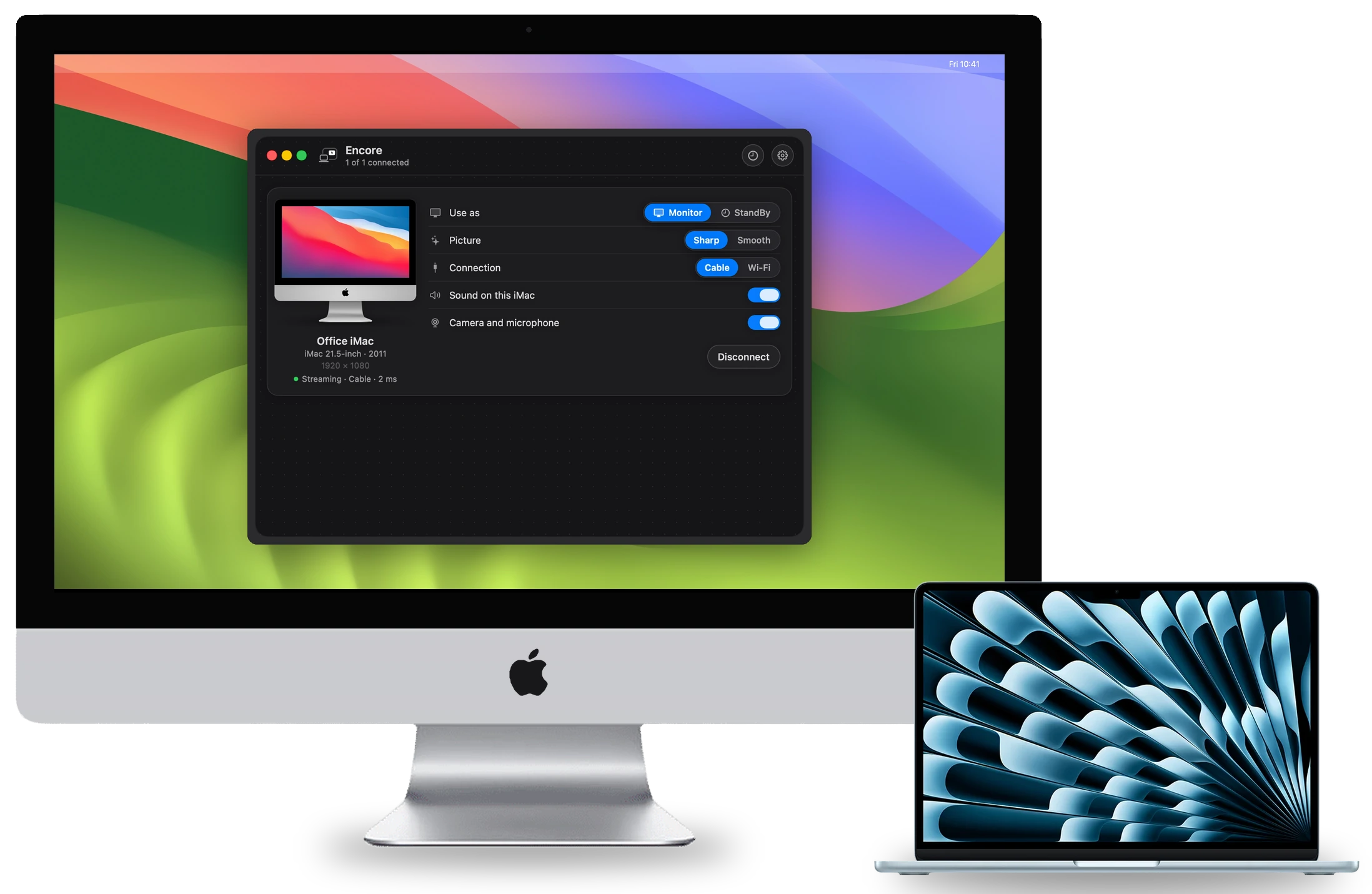
Encore works on Wi-Fi with nothing to buy, and its card for each iMac shows Wireless or Cable. When a cable appears, Encore moves to it. If you pick Wi-Fi by hand, it stays on Wi-Fi until you disconnect. For everything else, the help center covers Wi-Fi trouble step by step.
Questions
Is Wi-Fi good enough for an iMac second screen?
For a clock, chat window or reference document, yes. For text you read all day or for video, a cable is better. Encore over Wi-Fi is always lower quality than over a cable.
Do I need a cable for Encore?
No, but we recommend one for monitor use. The picture is lower quality on Wi-Fi, and the iMac's keyboard and mouse only work over a cable.
How fast must the connection be?
At least 400 Mbps between your Mac and the iMac for the sharp, lossless picture. The slowest part of the chain counts.
Does 5 GHz Wi-Fi make a difference?
Yes. 2.4 GHz can't carry a sharp 60 fps picture, and Encore flags when either side is on it. Move both Macs to 5 GHz and keep the iMac close to the router.