
Yes, a 2012 iMac can be a second screen.
The 21.5-inch and the 27-inch.
Yes. Both Late 2012 iMacs can be a second screen for any Mac on macOS 14 or later, through an app such as Encore. Target Display Mode works too, but only with a Mac from 2019 or earlier and an iMac still on High Sierra. For a sharp picture, connect with Thunderbolt or Gigabit Ethernet.
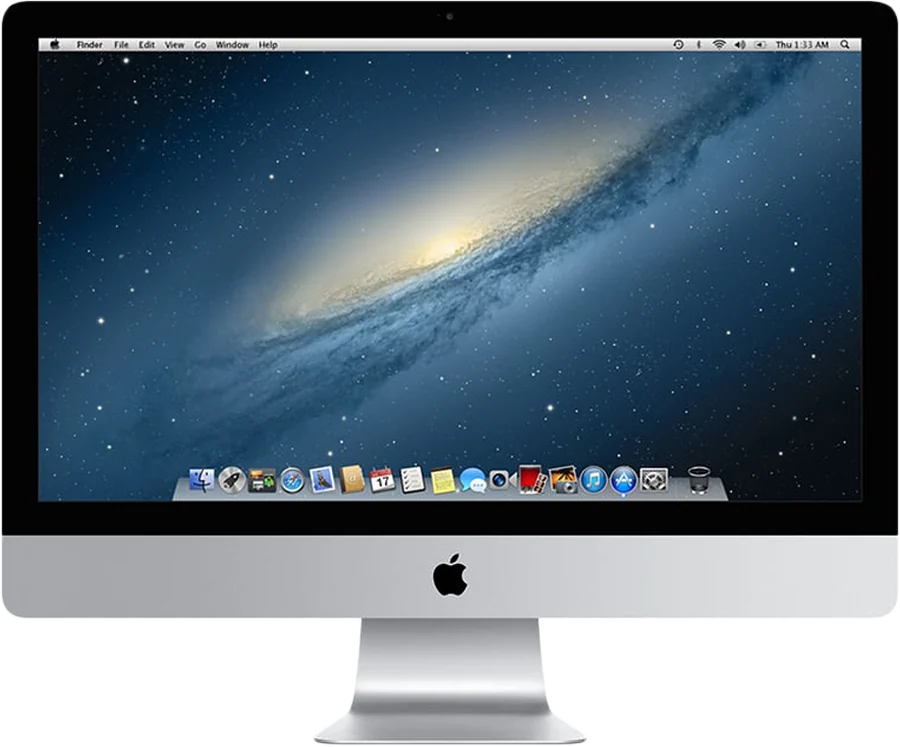
Which 2012 iMac do you have?
Apple made two iMacs in Late 2012, and both work as a second screen. They share the same ports but not the same panel. On the iMac, open the Apple menu and choose About This Mac.
| Model | Panel | Ports for a cable | Newest macOS |
|---|---|---|---|
| iMac (21.5-inch, Late 2012) | 1920 x 1080 | Two Thunderbolt, Gigabit Ethernet | 10.15 Catalina |
| iMac (27-inch, Late 2012) | 2560 x 1440 | Two Thunderbolt, Gigabit Ethernet | 10.15 Catalina |
Panels and ports from Apple's tech specs, linked in the first column. Newest macOS from the 2012 iMac page.
Both models also have four USB 3 ports and no HDMI input. The photo above shows the 21.5-inch model.
Does the 2012 iMac have Target Display Mode?
Yes, over a Thunderbolt cable. But Apple's support page adds two conditions.
- The iMac must still run High Sierra 10.13.6 or earlier. A 2012 iMac updated to Mojave or Catalina has lost it, on the same hardware.
- The other Mac must be introduced in 2019 or earlier, on macOS Catalina 10.15.8 or earlier. That rules out every Mac with Apple silicon.
If Command-F2 does nothing on your 2012 iMac, one of these two is usually why. Target Display Mode not working? walks through each cause and how to check it.
One useful detail: Encore Receiver needs High Sierra or later. So a 2012 iMac kept on High Sierra 10.13.6 can do both. It keeps Target Display Mode for an older Intel Mac and works with Encore for a new one.
Can a 2012 iMac be a second screen for an M1, M2, M3 or M4 Mac?
Yes, through software. The newer Mac sends its picture over a cable or Wi-Fi, and an app on the iMac shows it. Command-F2 plays no part.
Encore works with any Mac on macOS 14 Sonoma or later, Apple silicon or Intel. The 2012 iMac can stay on any macOS from High Sierra to Catalina. You don't need to downgrade or patch anything.
Other apps also list the Late 2012 iMac. Luna Display, RetinaRelay, Second Display Connect and Yam Air Desk all list it. Each has its own price and rules. Encore vs Target Display Mode compares Apple's route with Encore, and the comparison pages cover the rest.
21.5-inch or 27-inch: what picture to expect
On both models, Encore aims for a picture up to the panel's size at 60 fps. That is our expectation for this model, not yet measured on every unit.
The two sizes differ in how much data that takes. The 27-inch panel has 2560 x 1440 pixels, about 1.8 times as many as the 21.5-inch. Gigabit Ethernet still gives the sharp, lossless picture on both.
Over a cable with at least 400 Mbps, still text arrives pixel-exact. Over Wi-Fi, text softens a little while things move and turns exact again once the screen is still.
Ultra is the mode that sends every frame as ProRes 4444. In our measurements, it scores 51 dB on colored text, against 27 dB for H.264. It is sharper, not faster, and it only runs over a cable.
- 21.5-inch: the 1920 x 1080 panel fits Ultra over Gigabit Ethernet or Thunderbolt.
- 27-inch: at 2560 x 1440, Ultra needs Thunderbolt. Gigabit Ethernet can't carry it at that size.
The iMac decodes Ultra on its own processor. Encore measures how fast the iMac decodes and only offers Ultra when it keeps up.
Which cable connects a Mac to a 2012 iMac?
The 2012 iMac has Thunderbolt and Gigabit Ethernet. It has no USB-C, so a Mac with USB-C needs an adapter for either route.
| Route | What to buy | What you get |
|---|---|---|
| Thunderbolt | Apple's Thunderbolt 3 (USB-C) to Thunderbolt 2 Adapter, and a Thunderbolt cable. Thunderbolt 2 cables fit the iMac's port. | Several Gbit/s: the sharp, lossless picture at any size, and Ultra up to 1440p |
| Gigabit Ethernet | A USB-C to Gigabit Ethernet adapter and a Cat6 cable. No adapter if your Mac has an Ethernet port. | Up to 1000 Mbit/s: the sharp, lossless picture |
| Wi-Fi | Nothing | Lower quality, especially off 5 GHz, and no keyboard or mouse sharing |
Thunderbolt is the best fit for the 27-inch, because of Ultra. On the 21.5-inch, Gigabit Ethernet is the cheaper choice and gives up little.
Watch for three traps. A 10/100 Ethernet adapter caps the link at 100 Mbps. A USB-C charging cable carries no Thunderbolt. And an HDMI cable has nowhere to go, because the iMac has no HDMI input. The cable guide has prices and every other trap.
You can see when the cable works. In Encore on your Mac, the iMac's card offers Cable and marks it Recommended once it finds the cable. If an adapter is too slow, the card says so.
How to set it up
- Check the iMac's macOS.Anything from High Sierra 10.13 to Catalina 10.15 works with Encore Receiver.
- Install both apps.Encore Receiver on the iMac and Encore on your Mac, from the download page.
- Plug in the cable.Thunderbolt or Gigabit Ethernet, from the table above.
- Pair once.Type the 4-digit code from the iMac's screen into Encore on your Mac. After that, it connects by itself.
- Arrange the display.The iMac shows up in System Settings, Displays. Drag windows onto it.
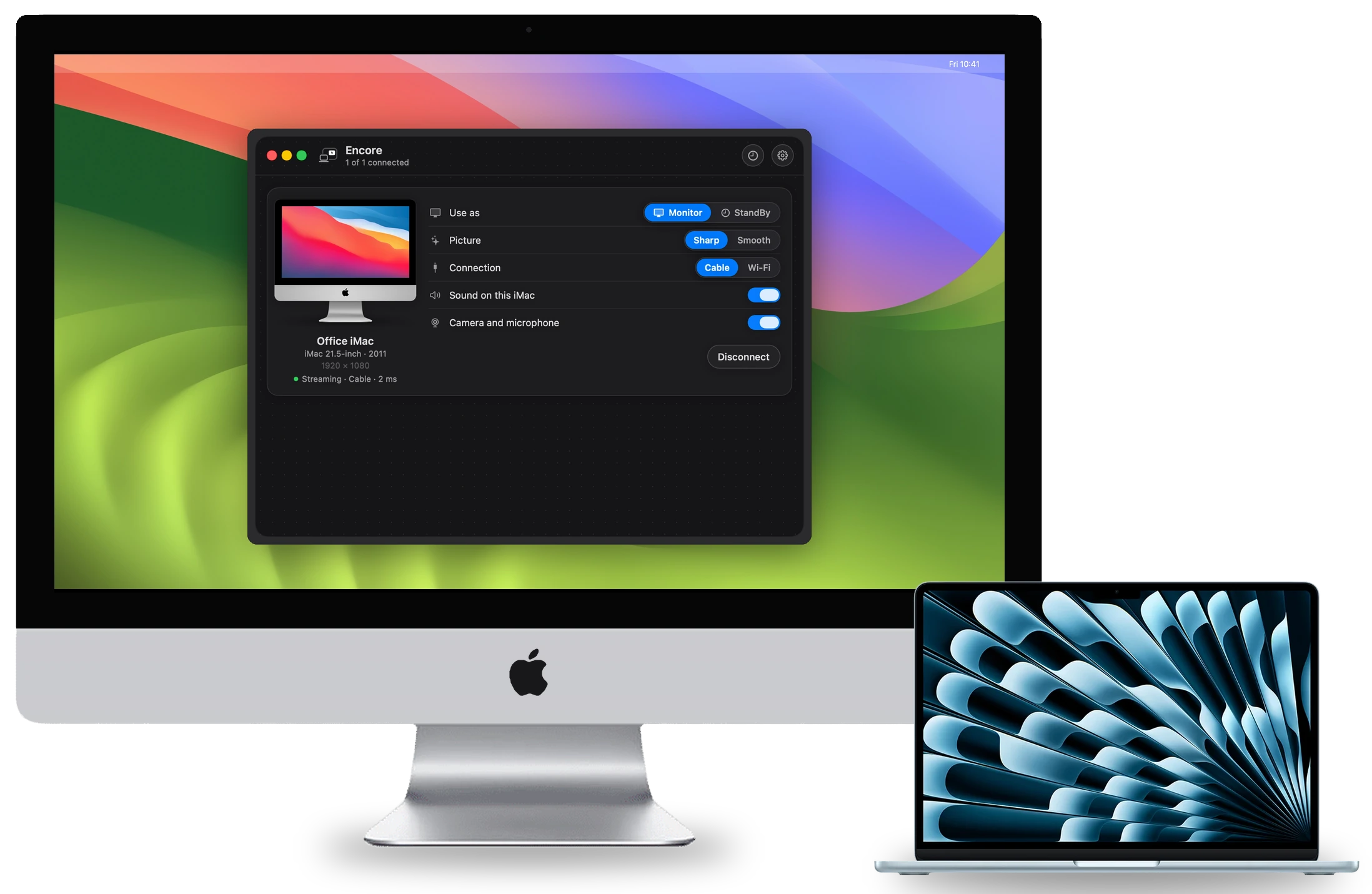
What else a 2012 iMac does with Encore
- Keyboard and mouse: over a cable, the iMac's own keyboard and mouse can control your Mac. Press Control-Option-Command-Esc on the iMac to switch back.
- Speakers: your Mac's sound can play on the iMac's speakers.
- Several iMacs: one Mac can drive more than one iMac at the same time.
- StandBy: when it isn't your screen, the iMac shows a clock, the weather and your calendar.
- Camera and microphone: using the iMac's camera and microphone from your Mac is coming soon, over a cable.
- Latency: Encore has not published latency figures yet.
Not sure your iMac is a Late 2012? The compatibility page lists every model from Late 2009 to 2020, with the best cable for each.
Questions
Can a 2012 iMac be a second screen for an M1, M2, M3 or M4 Mac?
Yes, with an app such as Encore, over Wi-Fi or a cable. Target Display Mode can't, because Apple requires the connecting Mac to be from 2019 or earlier on macOS Catalina or older.
Does the 2012 iMac support Target Display Mode?
Yes, over a Thunderbolt cable, but only while the iMac still runs High Sierra 10.13.6 or earlier, and only with a Mac from 2019 or earlier.
Which cable connects a Mac to a 2012 iMac?
Apple's Thunderbolt 3 (USB-C) to Thunderbolt 2 Adapter and a Thunderbolt cable, or Gigabit Ethernet. The link must carry at least 400 Mbit/s. Wi-Fi works without a cable, at lower quality.
Does a 2012 iMac have an HDMI input?
No. Apple lists two Thunderbolt ports, four USB 3 ports and Gigabit Ethernet on both 2012 models, and no HDMI. An HDMI source needs a capture card and an app.
What does Encore cost?
Encore is free during the public beta.